
 Halkali merkez neighborhood fatih st ozgur apt no 46 , Kucukcekmece , Istanbul , 34303 , TR
Eka AI Log Explainer scans your WordPress, PHP and WooCommerce logs with AI, explains errors in plain language and provides step-by-step solutions.
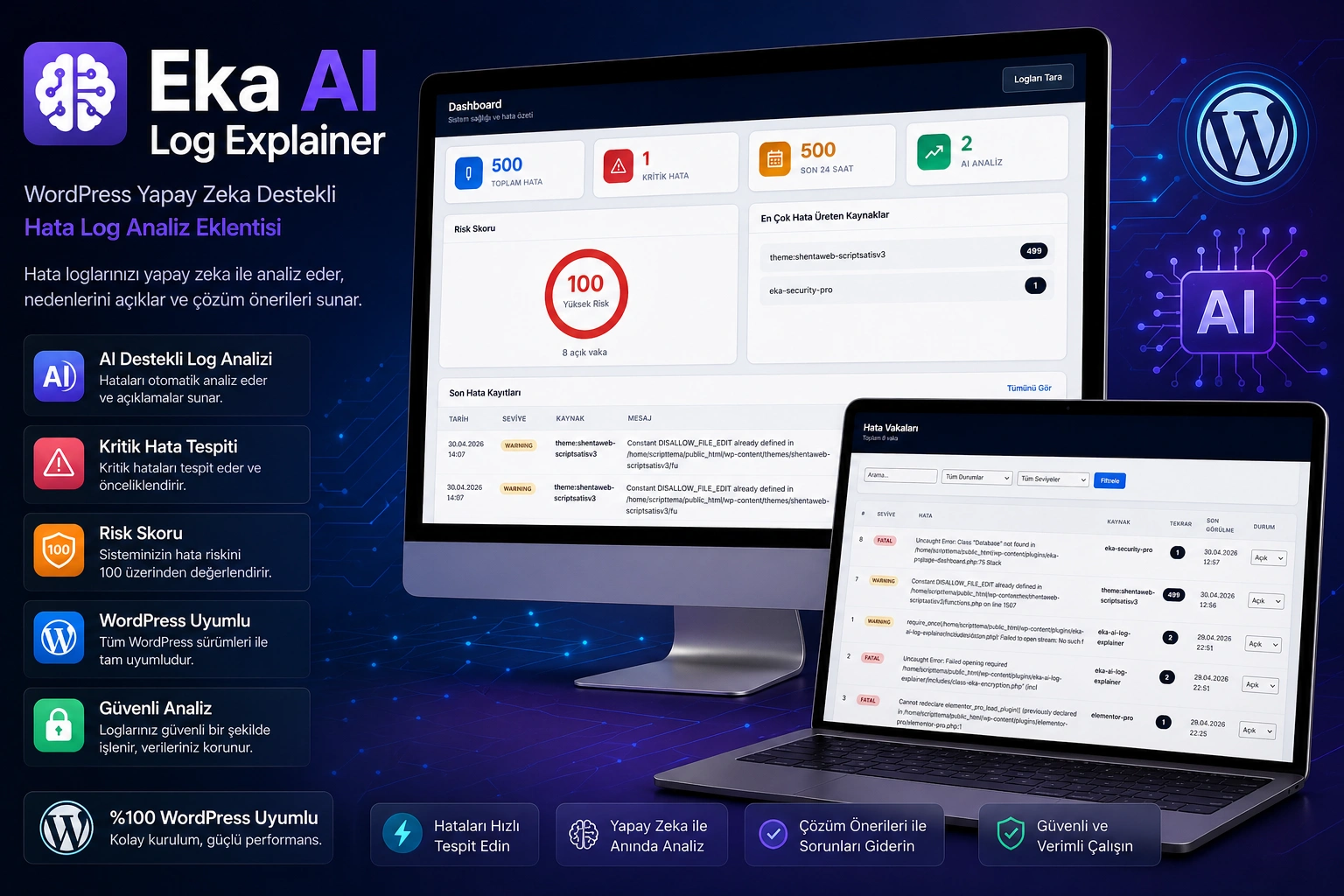
8+ Instant error description with AI provider
Email, Telegram, Discord, Slack
Dynamic site health calculation
Open → Under Review → Resolved tracking
Cause, risk, solution steps and preventive recommendations
OpenRouter, Gemini, Groq, NVIDIA, Cloudflare and more
WordPress debug.log, WooCommerce, PHP error log
API key, password, IP, email automatic masking
Email, Telegram, Discord, Slack
Dynamic site health score calculation
Open → Under Review → Resolved → Ignored
API keys are stored encrypted
Hourly scanning and daily data cleaning
Paste any error text and AI will analyze it
Turkish and English AI output support
Optional all data cleaning
Every log record In-depth analysis with artificial intelligence eder:
What the error is, its possible cause and the affected component
Low, Medium, High, Critical — color-coded indicator
Step by step solution and preventive suggestions
"Developer Note" for the technical team + "Clear Explanation" for the customer
If a provider does not respond automatic fallback Uninterrupted analysis with the system. Free AI models are also supported:
| Provider | Description |
|---|---|
| OpenRouter | 100+ model — free models available |
| Google Gemini | Gemini 2.0 Flash available for free |
| Groq | Ultra-fast, free tier available |
| Cloudflare AI | Edge computing AI |
| NVIDIA Build | GPU powered enterprise models |
| Hugging Face | Open source models, free tier |
| Z AI | Alternative AI gateway |
| Private Endpoint | Ollama, LocalAI, Open WebUI — your own server |
WordPress core error logs
wc-logs directory is scanned automatically
Server level PHP errors
Sensitive information in log data sent to AI automatically masked. Contributes to KVKK and GDPR compliance:
Critical error and daily summary report
Instant bot notification
Channel notification via webhook
Workspace notification via webhook
Each error group automatically "vaka" is made into . Repetitive errors are combined into the same case:
Newly detected error case
Under review by developer
Issue marked as resolved
Known error that does not require intervention
General health status of your site with dynamic risk score at a glance see:
Last 24 time and grand total
Number of analyzes performed and API call information
Identifying the plugin/theme/source that produces the most errors
Analyze errors on customer sites remotely
Manage multiple sites from one place
Detect WooCommerce errors instantly
Monitor server logs from WordPress panel
Find out what errors are without technical knowledge
Select Plugins → Add New → eka-ai-log-explainer.zip
Database tables are created automatically
Eka AI Log → AI Providers → Enter API key and test
Dashboard → Scan Logs → start initial scan
Current version recommended
cURL, JSON plugins required
Database support
Free providers are also supported
The most frequently asked questions about Eka AI Log Explainer.
8+ AI provider, 4 channel notification, case management, risk score, data masking — even works with free AI models.
Source code included · 6 months free support · Lifetime updates · No subscription
 Turkey (Turkish)
 Germany (German)
 Worldwide (English)

