Halkali merkez neighborhood fatih st ozgur apt no 46 , Kucukcekmece , Istanbul , 34303 , TR
Web shells are not limited to old family names. Modern incidents can involve dormant cookie-controlled loaders, backdoors embedded in legitimate files, cron-based recreation, database-injected SEO links and crawler-specific cloaking. This guide focuses on detection and defense rather than distributing attack code.
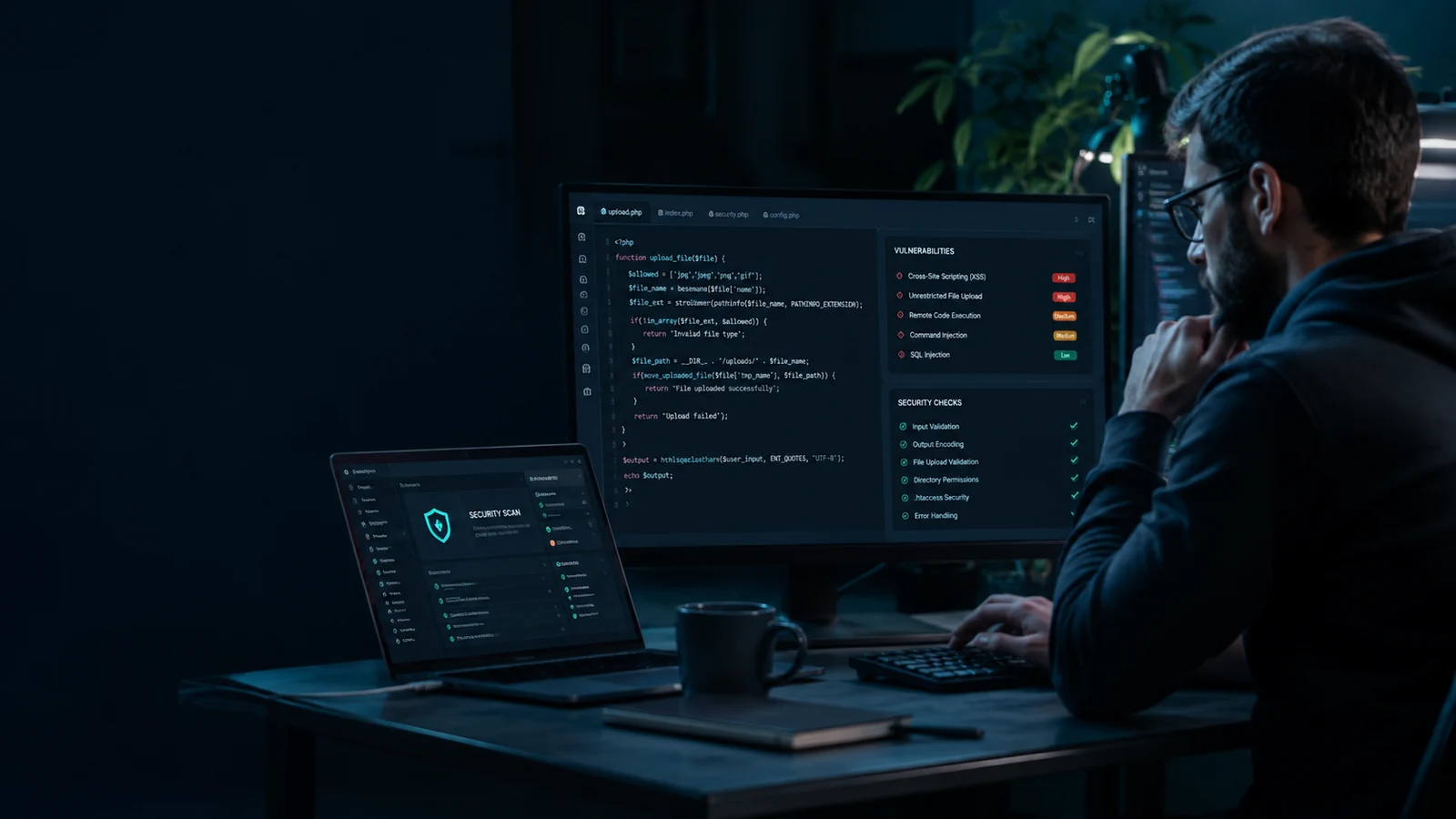
CISA and MITRE ATT&CK track web shells as T1505.003. Because the web server is already internet-facing, a malicious server-side component can blend into normal application traffic and preserve access after the initial compromise.
Do not identify a shell by filename alone. Attackers can use ordinary names or insert a few malicious lines into legitimate code. Compare file integrity, modification time, URL access and runtime behavior.
Microsoft Defender Security Research documented PHP webshells in Linux hosting environments that stayed dormant during routine traffic and activated only when specific cookie conditions were present. Some reconstructed sensitive function names at runtime.
Defenders should therefore combine file signatures with behavior: web processes spawning shells, scheduled jobs writing PHP into web directories, unusual control-panel tasks and request patterns.
base64_decode, gzinflate or dynamic calls are not malware by themselves. Risk rises when heavy concealment is paired with untrusted input, execution sinks, recent unexpected changes and unusual file paths.
Inspect hashes and data flow without executing unknown payloads on production. Trace which superglobals or external inputs reach file, include or process-execution operations.
sha256sum public_html/supheli.phpgrep -nE "\$_(GET|POST|COOKIE|REQUEST|SERVER)|eval|base64_decode|gzinflate|shell_exec|system|exec|passthru|proc_open" public_html/supheli.phpphp -l public_html/supheli.phpNo. A web shell provides server-side control; a hacked link is unauthorized SEO content or outbound linking. They can coexist in one compromise but require different remediation paths.
Hacked links may be stored in theme files, database options, injected JavaScript or cloaked HTML visible only to crawlers. Google treats hidden links and cloaking as spam/hacked-content patterns.
Google notes that hacked redirects can depend on referrer, user agent or device. A direct browser visit can look normal while a click from search redirects elsewhere.
Compare responses under controlled request contexts and consider CDN cache differences. The goal is to verify response consistency, not to reproduce harmful activity.
If the visible shell is removed but another mechanism survives, it can return. Review cron jobs, .user.ini auto_prepend_file, rewrite rules, plugins, bootstrap files and hosting-panel scheduled tasks.
Frequent jobs that write into webroot or invoke decoding/download utilities deserve review, but context matters because legitimate maintenance tasks can use the same tools.
crontab -lgrep -RIn "auto_prepend_file\|auto_append_file" /home /var/www 2>/dev/nullfind public_html -type f -mmin -60 -printCombine file, request, process and persistence signals. A suspicious function plus a related POST request, a web process spawning a shell and a new cron job in the same time window is far stronger evidence than one encoded string.
When possible, compare against official package checksums or a known-clean repository before declaring a file malicious.
Disable script execution in upload areas, store uploads outside webroot where possible, use least filesystem privilege, MFA for administrative access, current PHP/framework versions, WAF controls and secure upload validation.
OWASP recommends layered file-upload controls: allowlisted extensions, server-side file type/signature checks, generated filenames, size limits, authorization and safer storage.
The report can include suspicious files and hashes, modified files, persistence points, hacked-link/cloaking findings, log timelines, application risks and remediation guidance.
Unknown payloads are not executed on production. Dynamic validation, when needed, is limited to an explicitly authorized isolated copy and is used to verify defensive controls.
Paste a PHP fragment below to look for basic defensive indicators only in this browser tab. The code is not uploaded and the result is not a malware verdict.
Standard cases are usually scheduled for a 24–72 hour analysis window after pre-assessment. Timing varies with file count, log access, malware spread and application architecture.
Important note: Only test systems you own or are explicitly authorized to assess.
Historical names still appear, but custom loaders and embedded or conditionally activated backdoors can be more relevant today.
No. Verify context, origin, version and input-to-execution data flow first.
No. It may exist in root, plugin, theme, cache, vendor or inside a legitimate file.
Yes. Link sources can be files, databases, JavaScript or cloaking, and search-index cleanup is separate.
Yes. The file exists but malicious behavior may require a trigger, so behavior and logs matter.
A scheduled task can recreate a deleted malicious file.
 Turkey (Turkish)
 Germany (German)
 Worldwide (English)