
 Halkali merkez neighborhood fatih st ozgur apt no 46 , Kucukcekmece , Istanbul , 34303 , TR
This guide isolates the Docker networking layer of our real Ubuntu 24.04.4 LTS n8n + Ollama + Open WebUI deployment. It explains the eka-ai user-defined bridge, container-name DNS, the difference between host 127.0.0.1 and container localhost, real n8n → Ollama and Open WebUI → Ollama connectivity tests, and localhost-only host bindings for ports 11434, 3000 and 5678.
Ubuntu 24.04 Docker Host
  ├─ n8n        ─┐
  ├─ Open WebUI ├─ eka-ai ─→ ollama:11434
  └─ Ollama     ─┘

Host → 127.0.0.1:11434
Container → http://ollama:11434In our real Ubuntu 24.04 test stack, Ollama, Open WebUI and n8n run as separate Docker containers. We created a user-defined bridge network named eka-ai so the services can reach one another by container name.
This allows private service-to-service communication without publishing every port. n8n and Open WebUI reach Ollama at http://ollama:11434, while host-side tests use http://127.0.0.1:11434.
n8n        → eka-ai → ollama:11434
Open WebUI → eka-ai → ollama:11434
Host       → 127.0.0.1:11434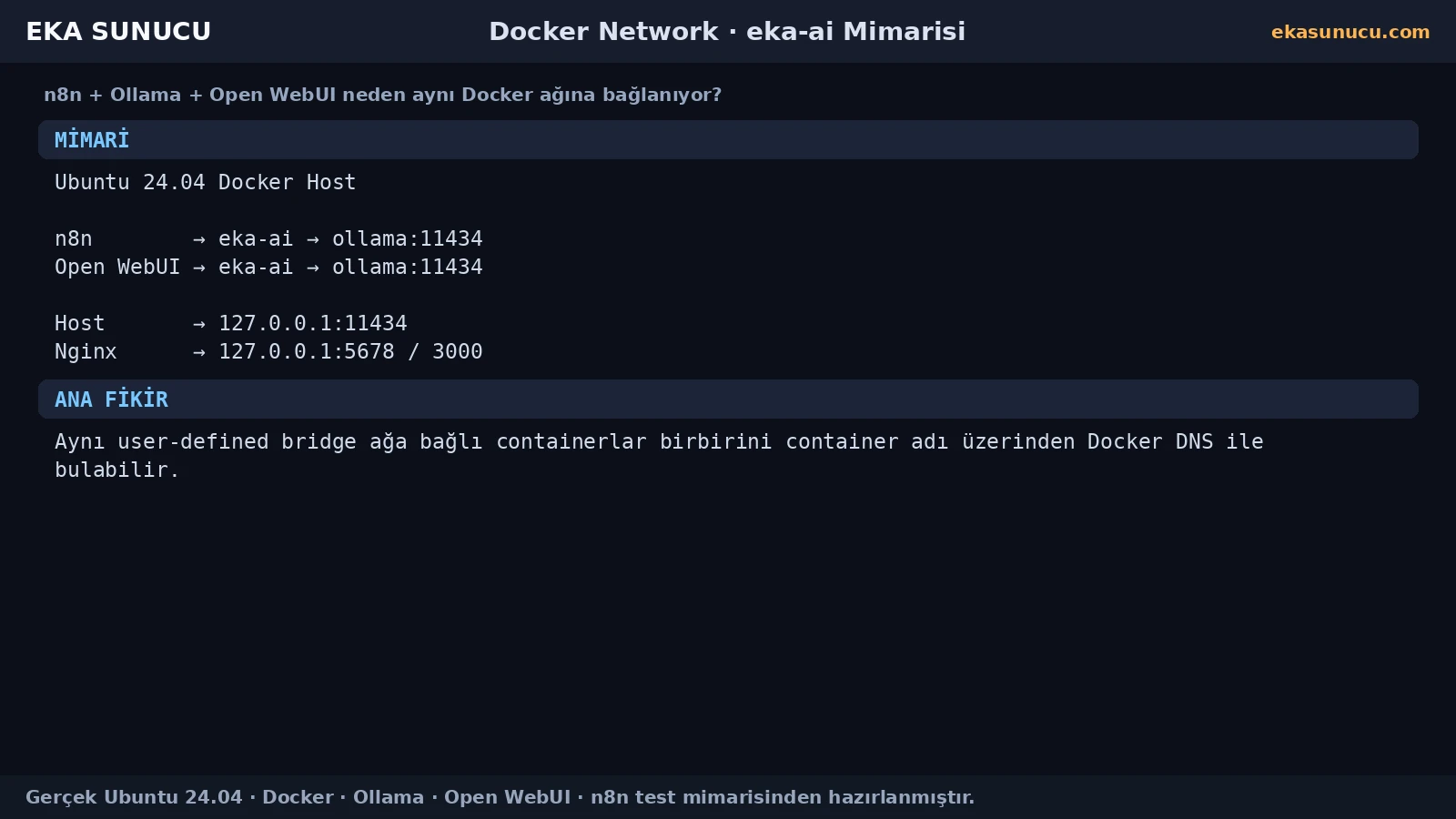
Docker user-defined bridge networks provide name-based container communication and better isolation for a project. Grouping the AI services under eka-ai gives the stack a clearer network boundary.
Create eka-ai when it does not exist. If the network already exists, inspect the current network instead of recreating it.
docker network create eka-aidocker network ls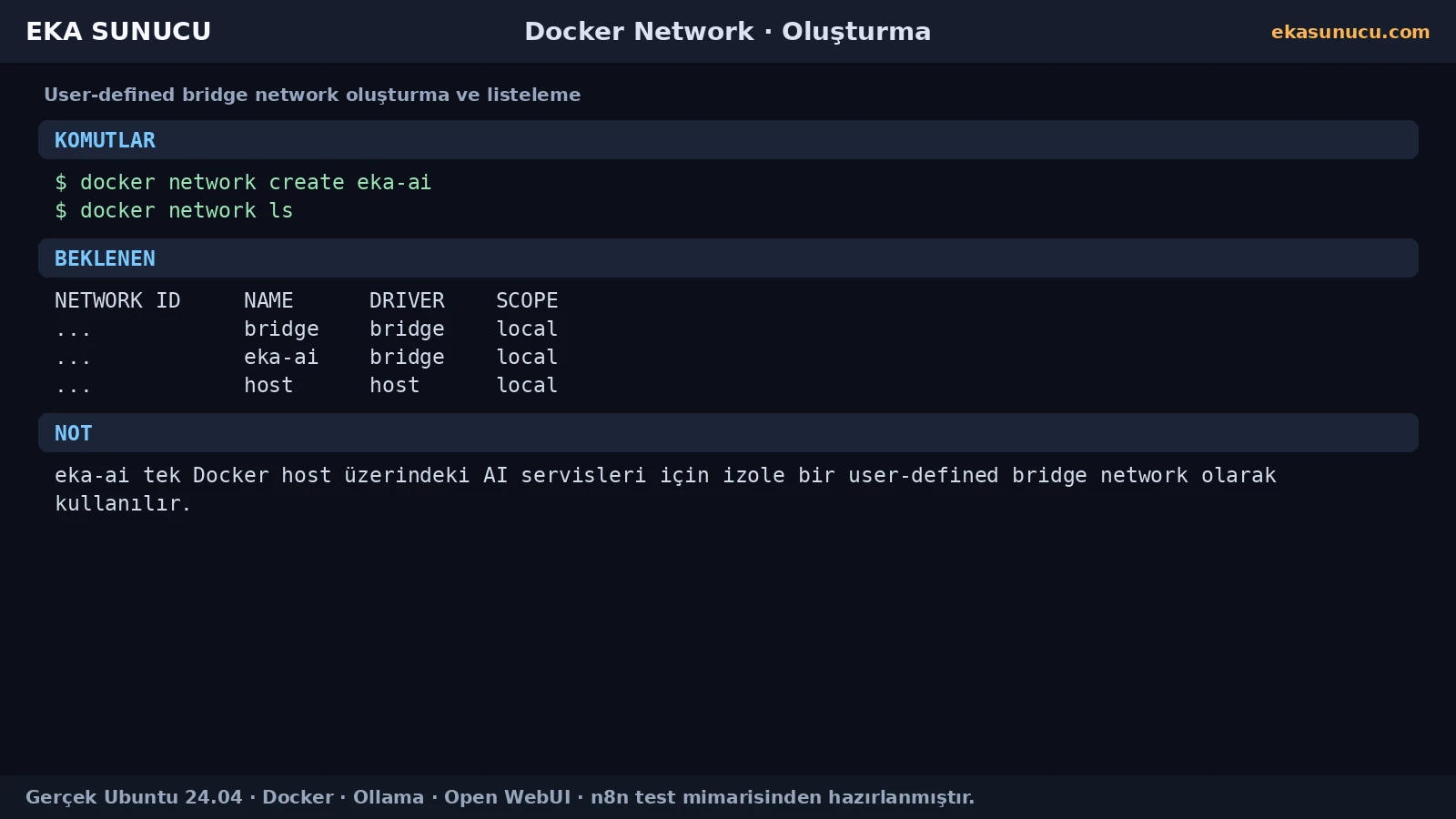
The network existing is not enough; the communicating containers must actually be attached to it. docker network inspect shows members and Docker-assigned addresses.
Container IPs can change, so use Docker DNS names such as ollama instead of hard-coding 172.x.x.x addresses in application settings.
docker network inspect eka-aidocker inspect ollama --format '{{json .NetworkSettings.Networks}}'
docker inspect n8n --format '{{json .NetworkSettings.Networks}}'
docker inspect open-webui --format '{{json .NetworkSettings.Networks}}'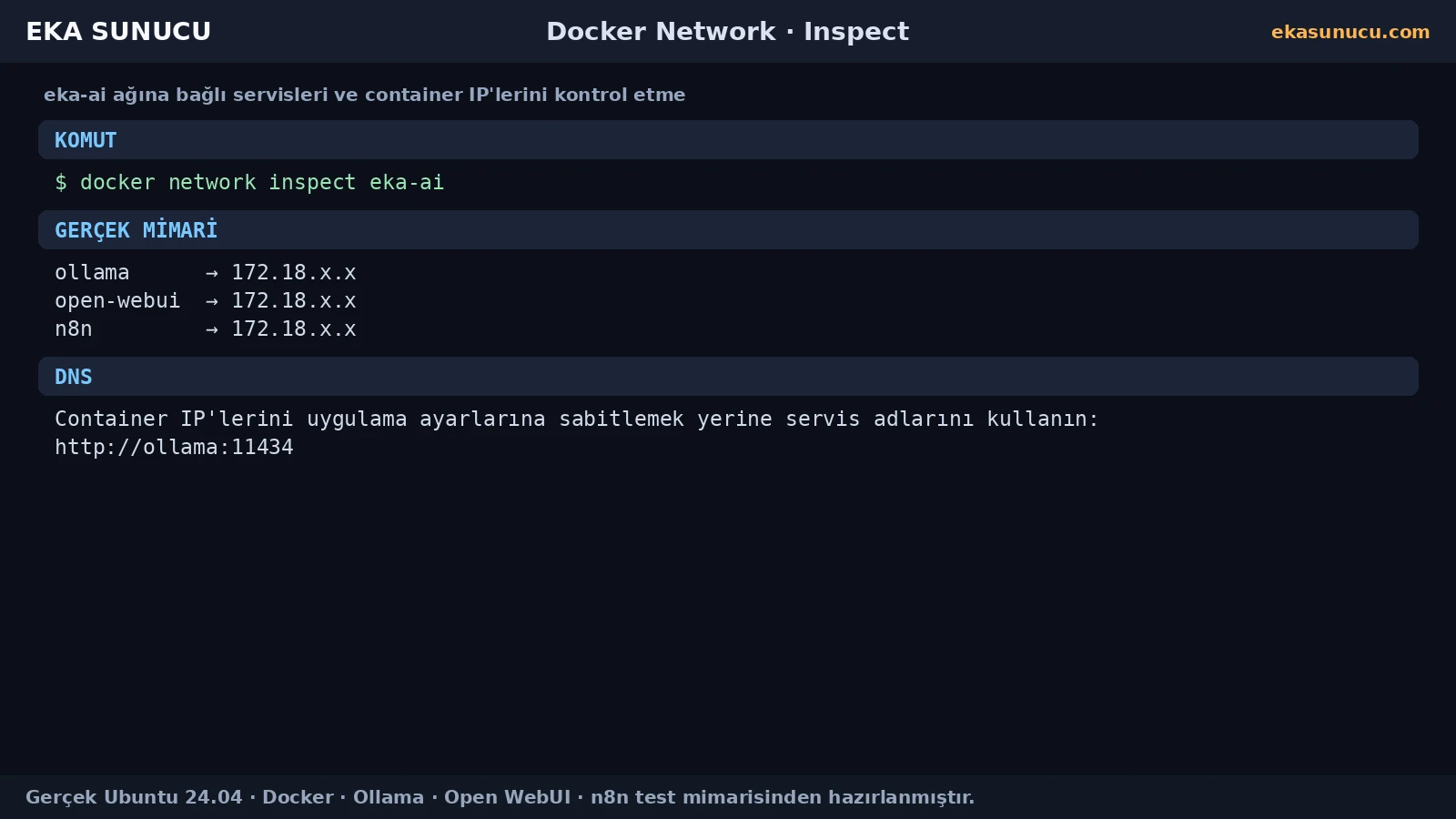
From inside the n8n container, http://localhost:11434 refers to the n8n container itself, not the Ollama container. Separate containers therefore cannot find each other through localhost just because they run on the same Docker host.
On a shared user-defined network, Docker DNS resolves container names. If the Ollama container is named ollama, the correct address from n8n or Open WebUI is http://ollama:11434.
Wrong: http://localhost:11434Correct: http://ollama:11434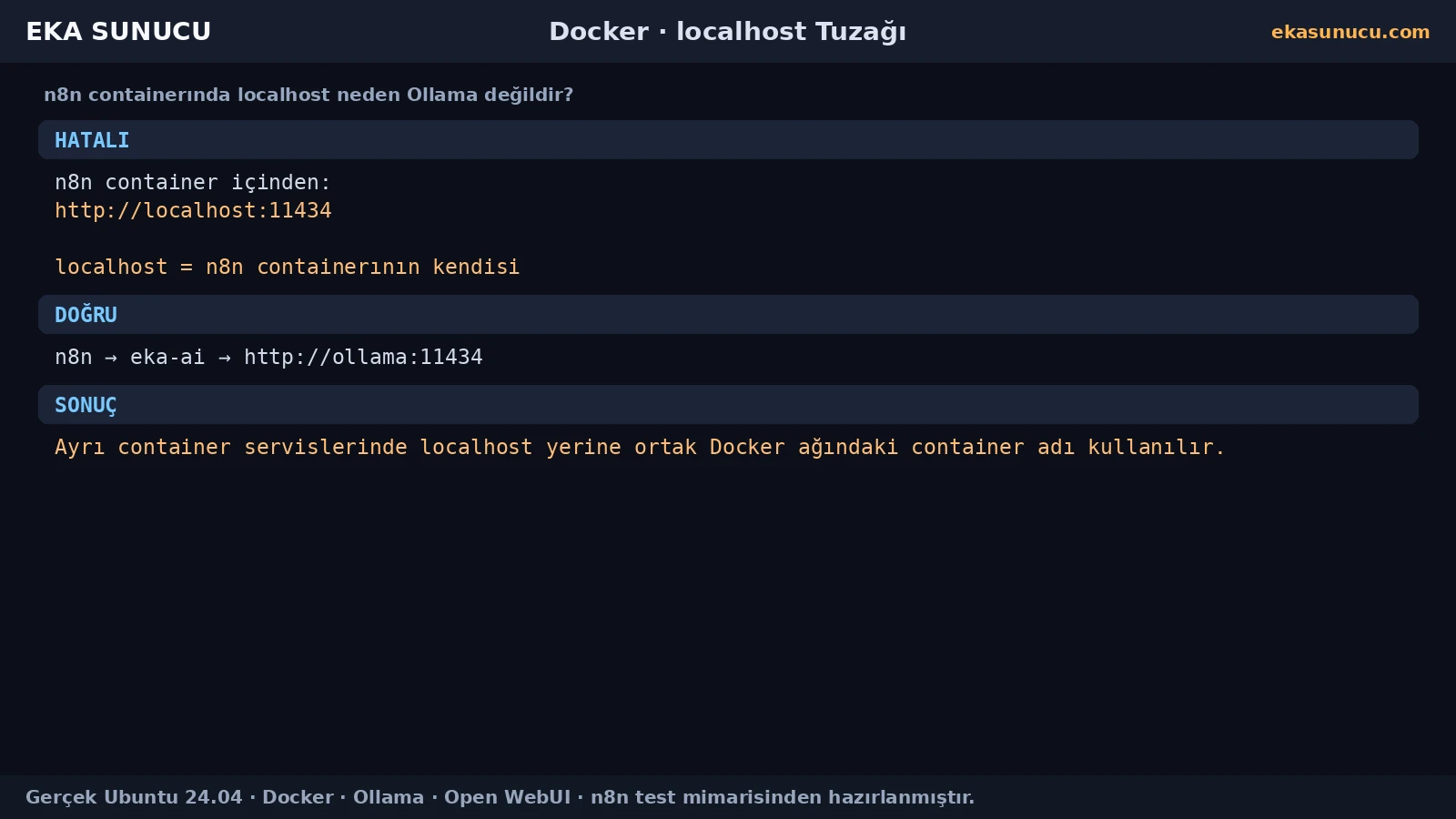
The correct address depends on where the client runs. In the SSH shell, localhost refers to the Docker host. Inside a container, localhost belongs to that container's own network namespace.
Our real setup used 127.0.0.1:11434 for host-side Ollama tests and ollama:11434 for n8n and Open WebUI integrations.
curl -sS http://127.0.0.1:11434/api/tagsdocker exec n8n node -e "fetch('http://ollama:11434/api/tags').then(r=>r.text()).then(console.log)"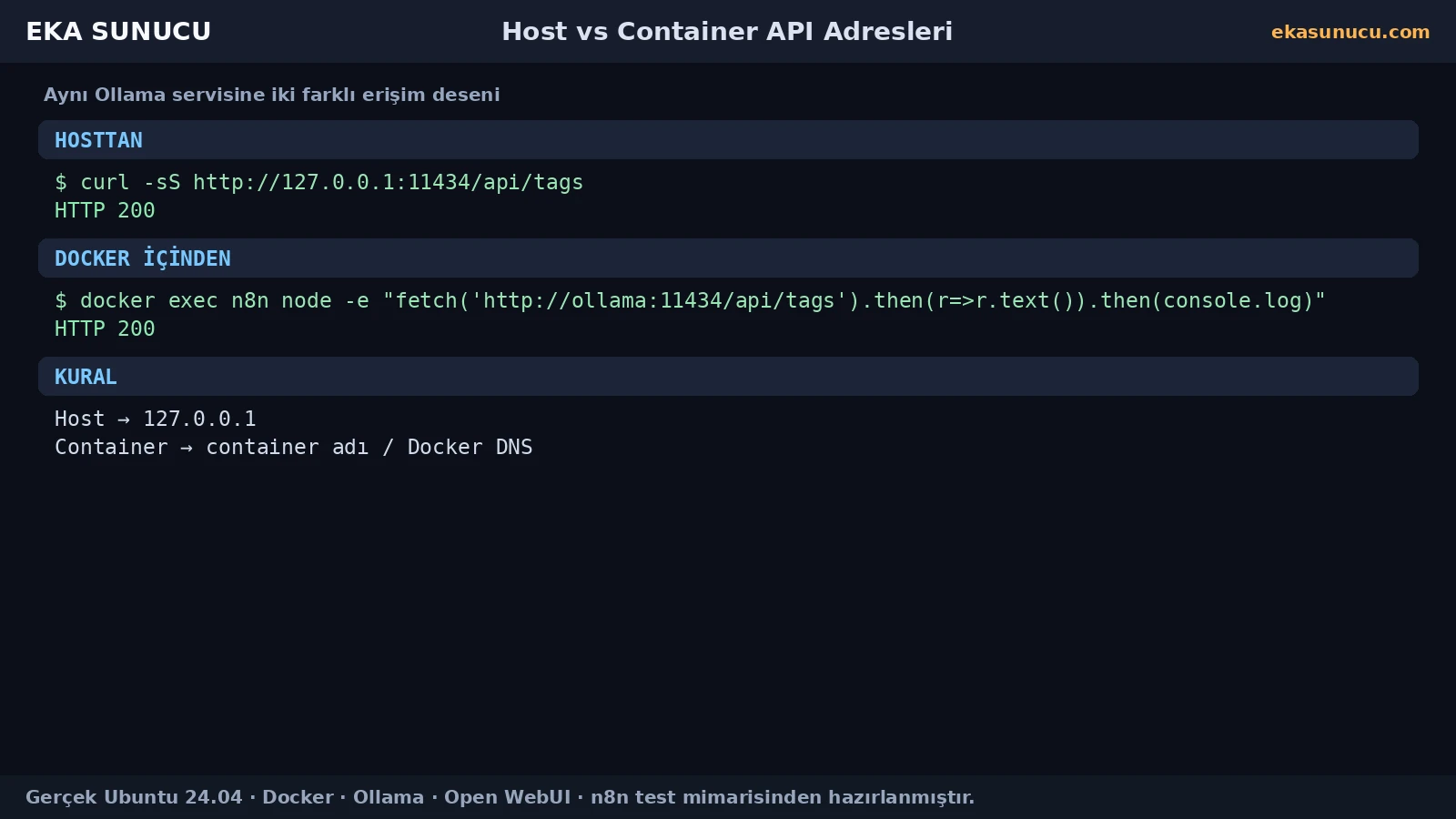
Testing the network directly from the n8n container before configuring AI nodes simplifies troubleshooting. In our real test n8n reached http://ollama:11434/api/tags with HTTP 200 and found qwen3:4b.
We then sent a real /api/chat request from the n8n container and received N8N-OLLAMA-BAGLANTISI-BASARILI. That proved later credential or node errors were not Docker-network failures.
docker exec n8n node -e "fetch('http://ollama:11434/api/tags').then(r=>r.json()).then(j=>console.log(JSON.stringify(j)))"docker exec n8n node -e "fetch('http://ollama:11434/api/chat',{method:'POST',headers:{'content-type':'application/json'},body:JSON.stringify({model:'qwen3:4b',messages:[{role:'user',content:'Write only N8N-OLLAMA-BAGLANTISI-BASARILI.'}],stream:false})}).then(r=>r.json()).then(j=>console.log(j.message.content))"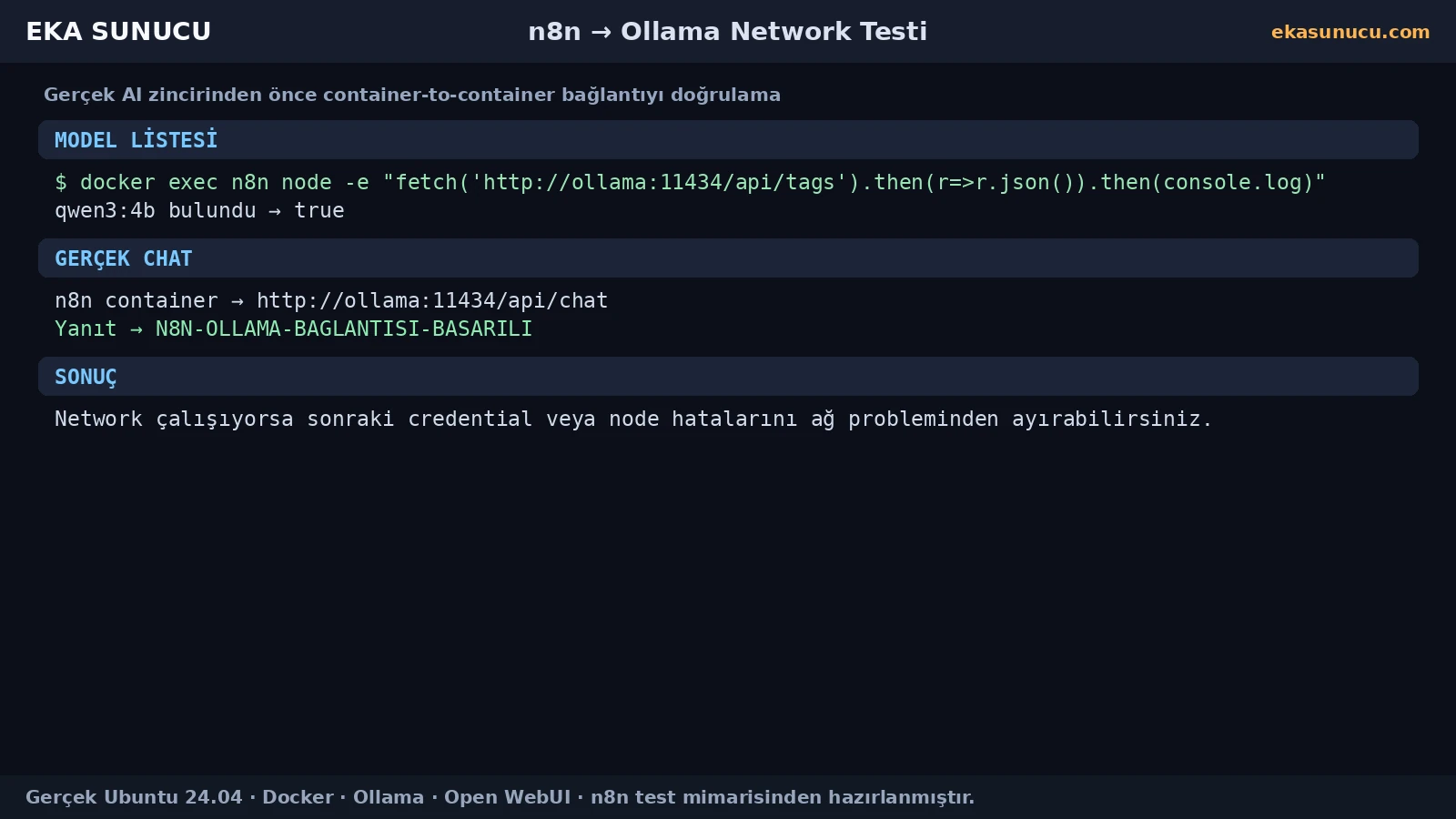
Open WebUI runs in a different container from Ollama, so it also uses the Docker network name rather than host localhost. Our deployment set OLLAMA_BASE_URL=http://ollama:11434.
That allowed Open WebUI to list qwen3:4b without exposing Ollama port 11434 publicly.
OLLAMA_BASE_URL=http://ollama:11434docker network connect eka-ai open-webui
docker network connect eka-ai ollama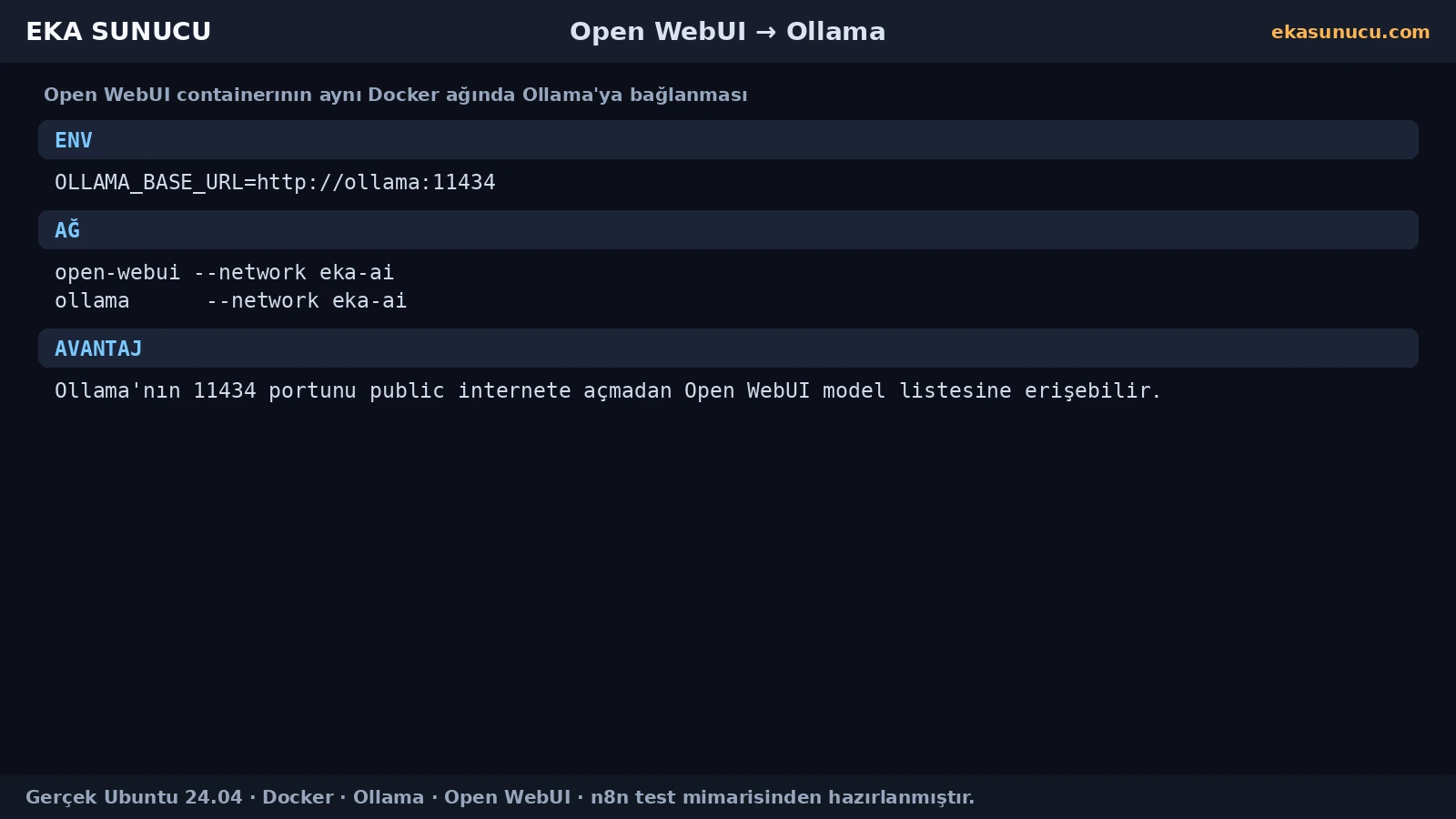
A user-defined network solves private container communication, while host port publishing is a separate security decision. We bound Ollama 11434, Open WebUI 3000 and n8n 5678 only to 127.0.0.1.
Public users reached Open WebUI and n8n through Nginx HTTPS. The Ollama API was not published publicly.
-p 127.0.0.1:11434:11434-p 127.0.0.1:3000:8080-p 127.0.0.1:5678:5678ss -lntp | grep -E ':11434|:3000|:5678'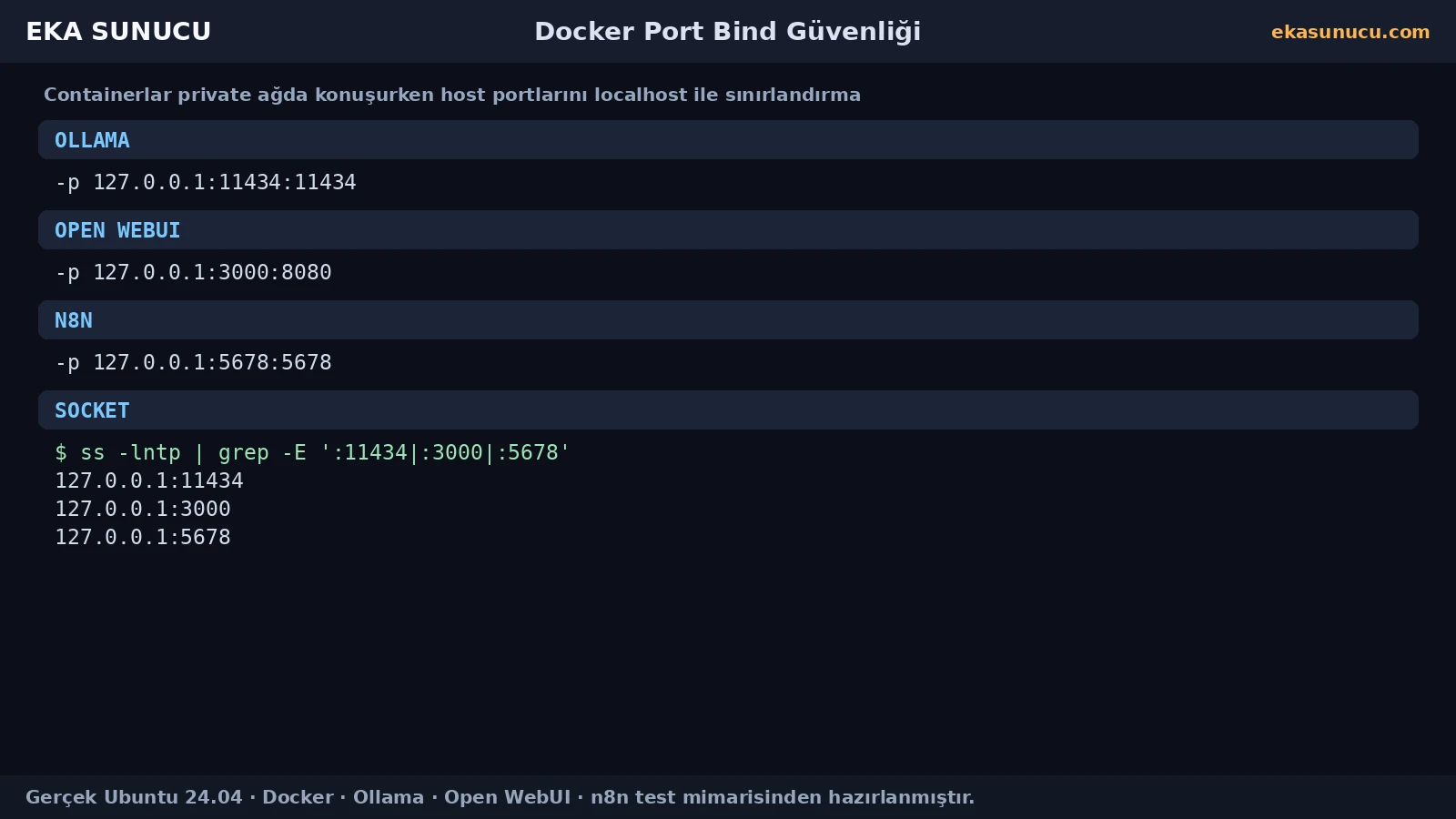
If you forgot --network eka-ai when starting a container, you do not necessarily need to recreate it. Docker supports attaching running containers to user-defined networks.
After connecting, inspect membership, test Docker DNS with getent hosts and finally perform a real HTTP request.
docker network connect eka-ai n8ndocker network connect eka-ai open-webuidocker network inspect eka-aidocker exec n8n getent hosts ollama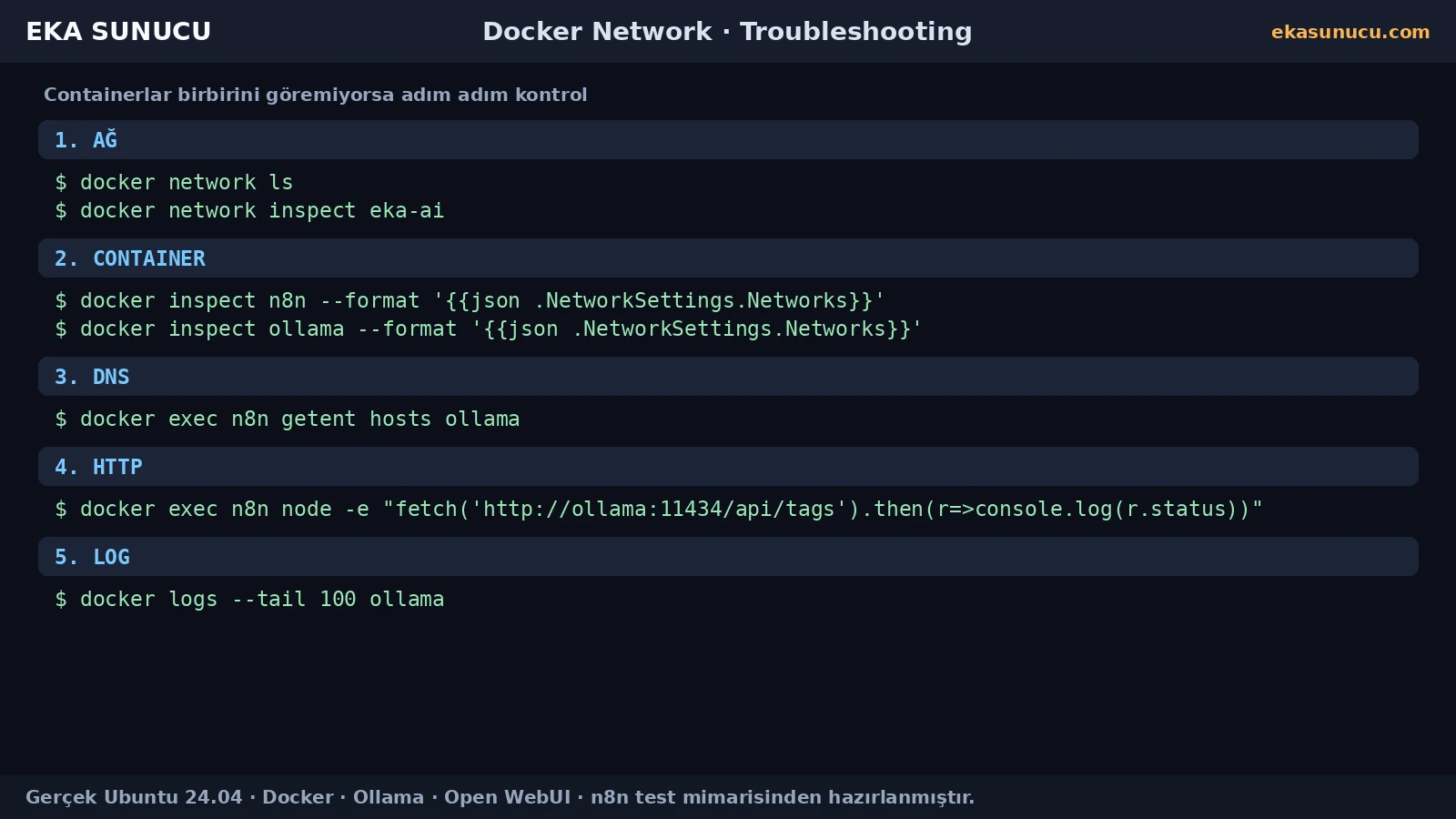
First verify both containers share the same user-defined network. Next test whether the hostname ollama resolves through Docker DNS. If DNS works but HTTP fails, inspect the target service port and logs.
If host-side 127.0.0.1:11434 works but n8n cannot reach ollama:11434, the likely problem is network membership or Docker DNS. If both fail, investigate the Ollama runtime.
docker network inspect eka-aidocker exec n8n getent hosts ollamadocker exec n8n node -e "fetch('http://ollama:11434/api/tags').then(r=>console.log(r.status)).catch(console.error)"docker logs --tail 100 ollamaA small set of commands covers most Docker-network problems: create or confirm the network, attach containers, inspect membership, test DNS and then make a real HTTP request.
These commands summarize the network model used by our n8n + Ollama + Open WebUI stack.
docker network create eka-aidocker network connect eka-ai n8n
docker network connect eka-ai open-webui
docker network connect eka-ai ollamadocker network inspect eka-aidocker exec n8n getent hosts ollamadocker exec n8n node -e "fetch('http://ollama:11434/api/tags').then(r=>r.text()).then(console.log)"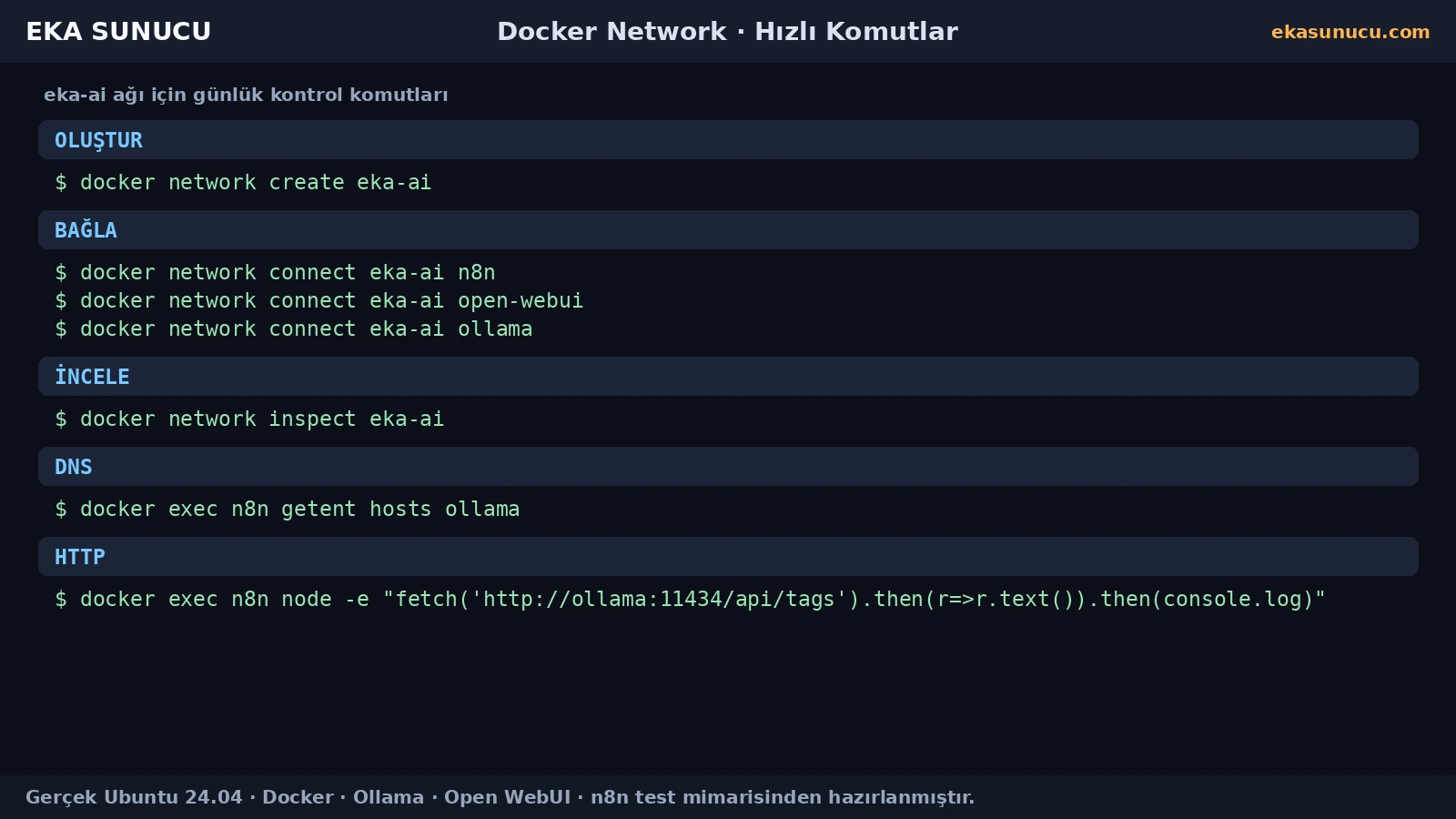
A recreated container can be healthy but unable to talk to the rest of the AI stack if its --network setting is missing. After upgrades, verify Docker-network membership instead of checking only container status.
Also verify that host ports were not accidentally republished on 0.0.0.0. Combining a private Docker network with localhost-only host bindings preserves service communication while reducing unnecessary public exposure.
docker network inspect eka-aidocker ps --format 'table {{.Names}}\t{{.Ports}}'ss -lntp | grep -E ':11434|:3000|:5678'It refers to that container's own network namespace, not another container.
On the same user-defined network, use http://ollama:11434 when the container name is ollama.
Our real host-side deployment used http://127.0.0.1:11434.
It provides name-based communication and better project isolation between attached containers.
Run docker network create eka-ai.
Yes. Use docker network connect eka-ai CONTAINER.
Usually no. Use container names through Docker DNS because container IPs can change.
Containers on custom user-defined networks can resolve one another by container name.
Verify network membership, hostname resolution and the real HTTP endpoint in that order.
Our working deployment used OLLAMA_BASE_URL=http://ollama:11434.
No. Containers on the same Docker network can reach it without a public host port.
They were bound only to 127.0.0.1 and public access was provided through Nginx HTTPS.
Network driver, subnet, gateway and attached-container information.
Re-check network membership, Docker DNS, a real HTTP request and host port bindings.
Run n8n, Ollama, Open WebUI and other self-hosted services with private Docker networking on EKA Sunucu Linux VPS.
Updated: 10.08.2026 Turkey (Turkish)
 Germany (German)
 Worldwide (English)

