 Turkey (Turkish)
 Germany (German)
 Worldwide (English)


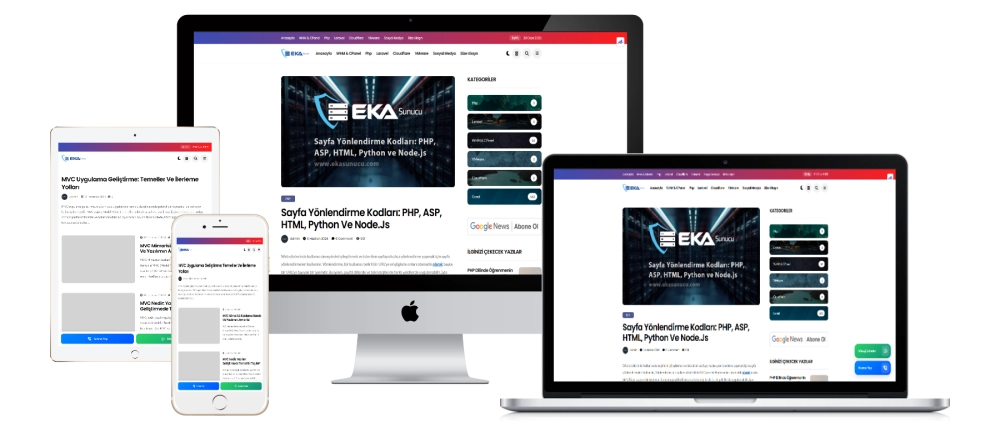
WhatsApp and Call Buttons Plugin
The most practical way to communicate with your visitors quickly, easily and professionally! Take the user experience to the next level by adding WhatsApp and phone call buttons to your site.
Why Should You Use This Plugin?
Instant Contact
-
Direct messaging via WhatsApp
-
One-click phone call opportunity
-
Effortless, fast communication with visitors
Modern and Stylish Design
-
Fixed positioning at the bottom on mobile, elegant positioning on the side on desktop
-
Eye-catching gradient effects
-
Buttons in line with current design trends
⚙️ Easy and Flexible Management
-
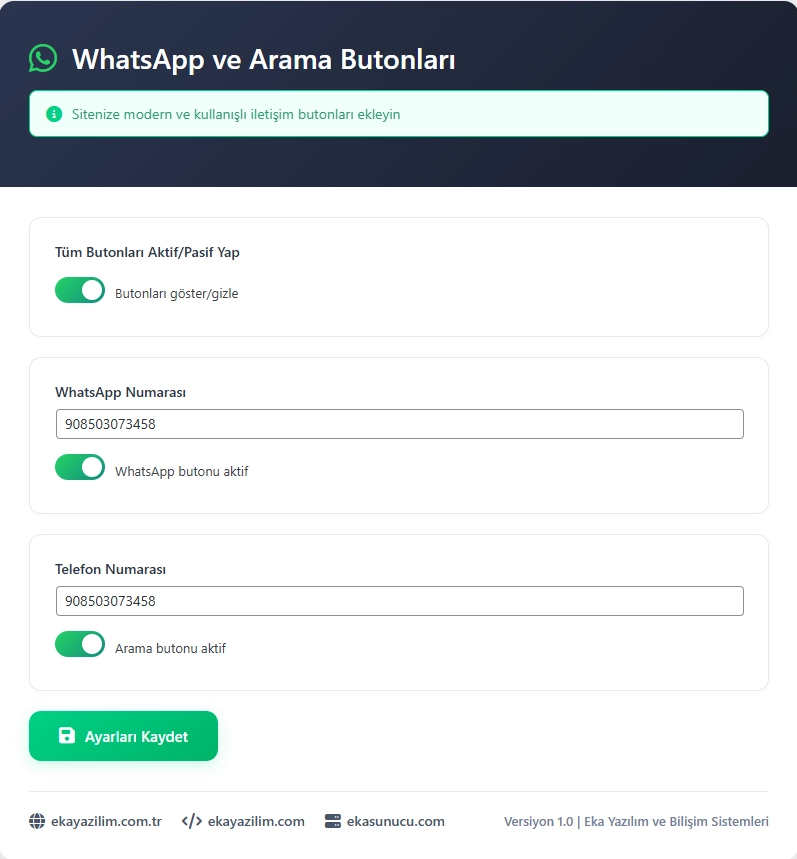
User-friendly admin panel
-
Ability to edit WhatsApp and phone numbers instantly
-
Activate/deactivate buttons with one click
-
Instant configuration options
Superior Technical Features
-
SEO compatible, light and fast coding
-
Full compatibility with all browsers and devices
-
Responsive (mobile compatible) structure
-
Performance solution that does not affect page speed
Who Should Use It?
E-Commerce Sites
-
Providing instant customer support
-
Easy information sharing about the product
-
Pre-order guidance
Corporate Websites
-
Direct contact with potential customers
-
Instant price quotes
-
Sharing information without filling out forms
Service Sector
-
Speeding up the appointment process
-
Direct answers to frequently asked questions
-
Quick support channel creation
Personal and Portfolio Sites
-
Receive job and project offers instantly
-
Direct access for collaborations
-
Professional networking
Ease of Installation and Use
-
Install and activate the plugin
-
Go to the “Contact Buttons” section in the administration panel
-
Enter your WhatsApp and phone number
-
Activate the buttons and save
-
That's all! The plugin becomes active on your site.
Security and Performance
-
Full compliance with WordPress security standards
-
Secure and optimized code infrastructure
-
Low resource usage, high speed
-
Does not conflict with other plugins
♻️ Completely Free and Up to Date
Our plugin is 100% free and is being improved regularly. For technical support and new features, you can visit us at Eka Server.
✅ With Eka Software Assurance
This plugin was developed by Eka Yazılım ve Bilişim Sistemleri. It offers you the best experience with professional support, reliable infrastructure and constant updates.


