Turkey (Turkish)
 Germany (German)
 Worldwide (English)


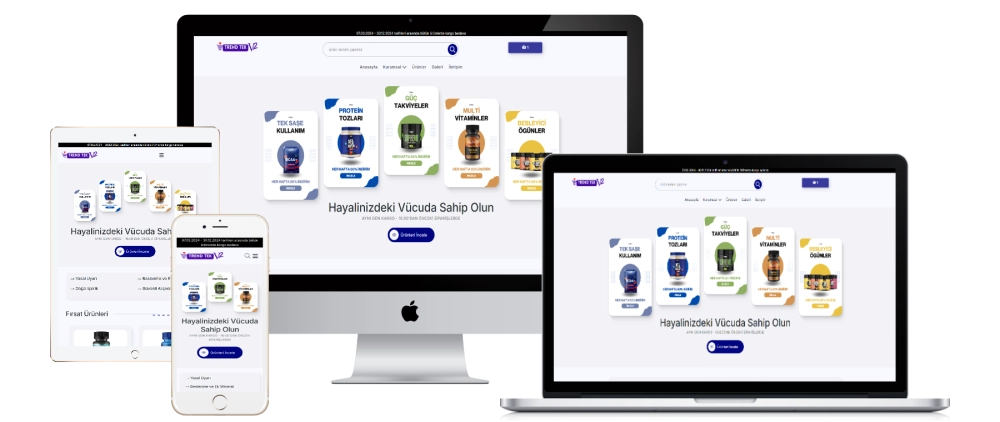
This multi-product sales script offers an advanced administration panel that allows users to manage a wide range of products. It allows you to manage e-commerce transactions efficiently with its user-friendly interface, customizable settings and various management modules.
Admin Panel Menu:
PANEL
- Provides access to the general control panel.
SETTINGS
- General Settings: Area where site general settings are managed.
- Contact Settings: Area where contact information and settings are managed.
- Pos Settings: Area where payment systems settings are made.
- Bank Settings: The area where bank accounts are managed.
- Cargo Settings: Shipping management and settings.
- Home Page Module: Management of home page modules.
- Social Media: Management of social media accounts.
MENU AREAS
- List Menu: The area where the available menus are listed.
- Add Menu: Area to add a new menu.
PAGE AREAS
- List Page: The area where the available pages are listed.
- Add Page: Field for adding a new page.
SLIDER AREAS
- List Slider: The area where the available sliders are listed.
- Add Slider: Area to add new slider.
INCOMING ORDERS
- The area where orders are listed and managed.
PRODUCTS
- List Product: The area where available products are listed.
- Add Product: Area to add a new product.
PRODUCT CATEGORY
- List Category: Field where the available categories are listed.
- Add Category: Area to add a new category.
VARIANTS
- List Variant: Field where available variants are listed.
- Add Variant: Field to add new variant.
- List Variant Category: Field where the available variant categories are listed.
- Add Variant Category: Field to add new variant category.
FEATURE SECTION
- The area where product features are managed.
COMMENT
- List Comment: Area where customer comments are listed.
- Add Comment: Area to add new customer comments.
FREQUENTLY ASKED QUESTIONS
- List FAQ: Area where frequently asked questions are listed.
- Add FAQ: Area to add a new question.
CONTACT BOX
- Incoming Communications: The area where incoming customer communications are listed.
BLOG
- List Blog: Area where blog posts are listed.
- Add Blog: Area to add new blog post.
This script contains all the necessary features for e-commerce sites and allows users to easily manage their products, categories, variants and all other sales elements.