Turkey (Turkish)
 Germany (German)
 Worldwide (English)



WordPress Image Optimization Plugin
This plugin automatically optimizes images on your WordPress site and converts them to WebP format.
Features
- Converting JPG, PNG and GIF format images to WebP
- Automatic image optimization
- Bulk image optimization
- Backup original files
- Automatic alt text creation
- Broken URL repair
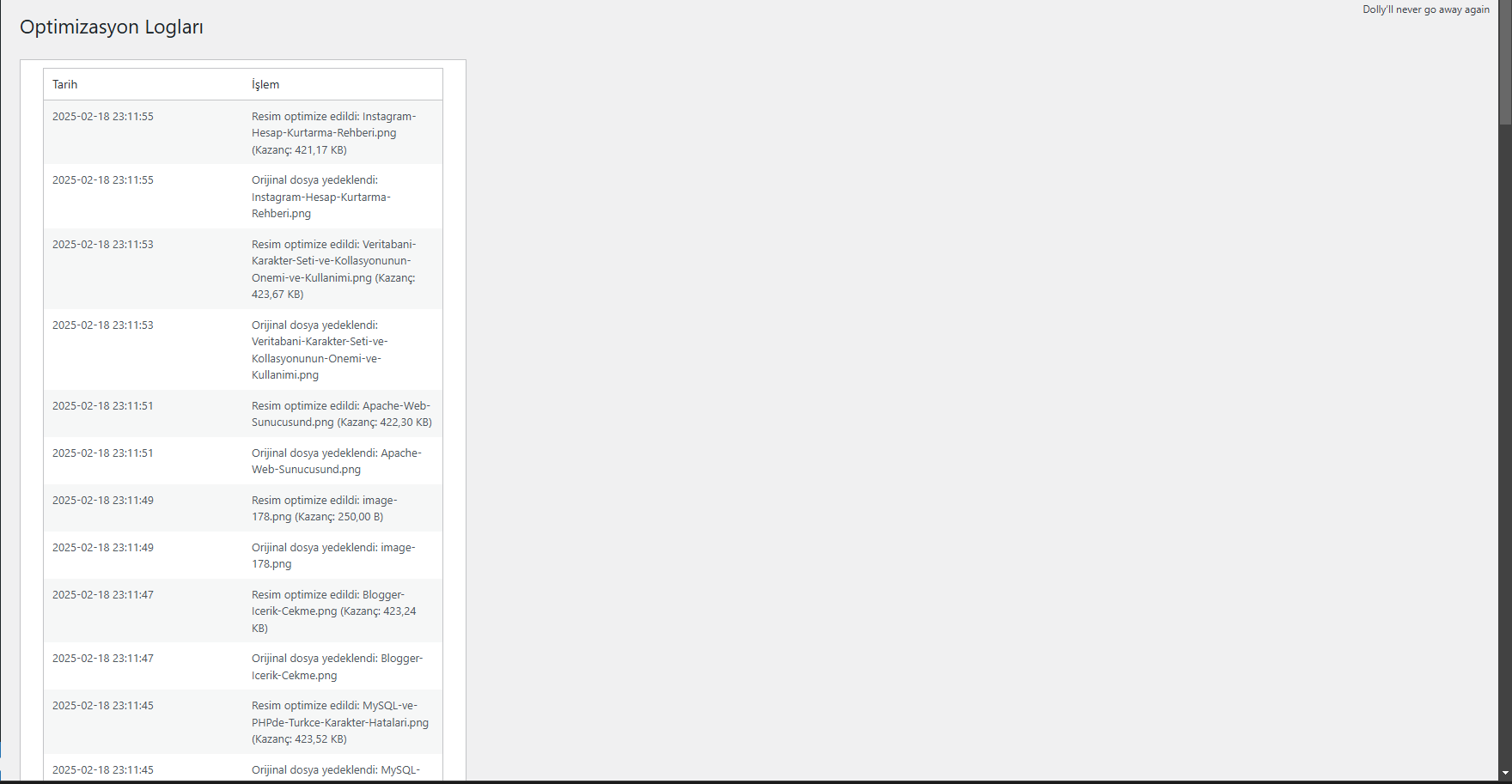
- Detailed logging system
Post-Installation Configuration
- Go to the "Image Optimization" menu in the WordPress admin panel
- In the "Settings" tab:
- Select optimization quality (recommended: 80%)
- Set the option to backup original files
- Enable/disable automatic optimization
- Set automatic alt text generation
Newly Uploaded Images
- If auto-optimization is on, newly uploaded images will be optimized automatically
- If the alt text creation option is on, the image title is added as alt text
Optimizing Existing Images
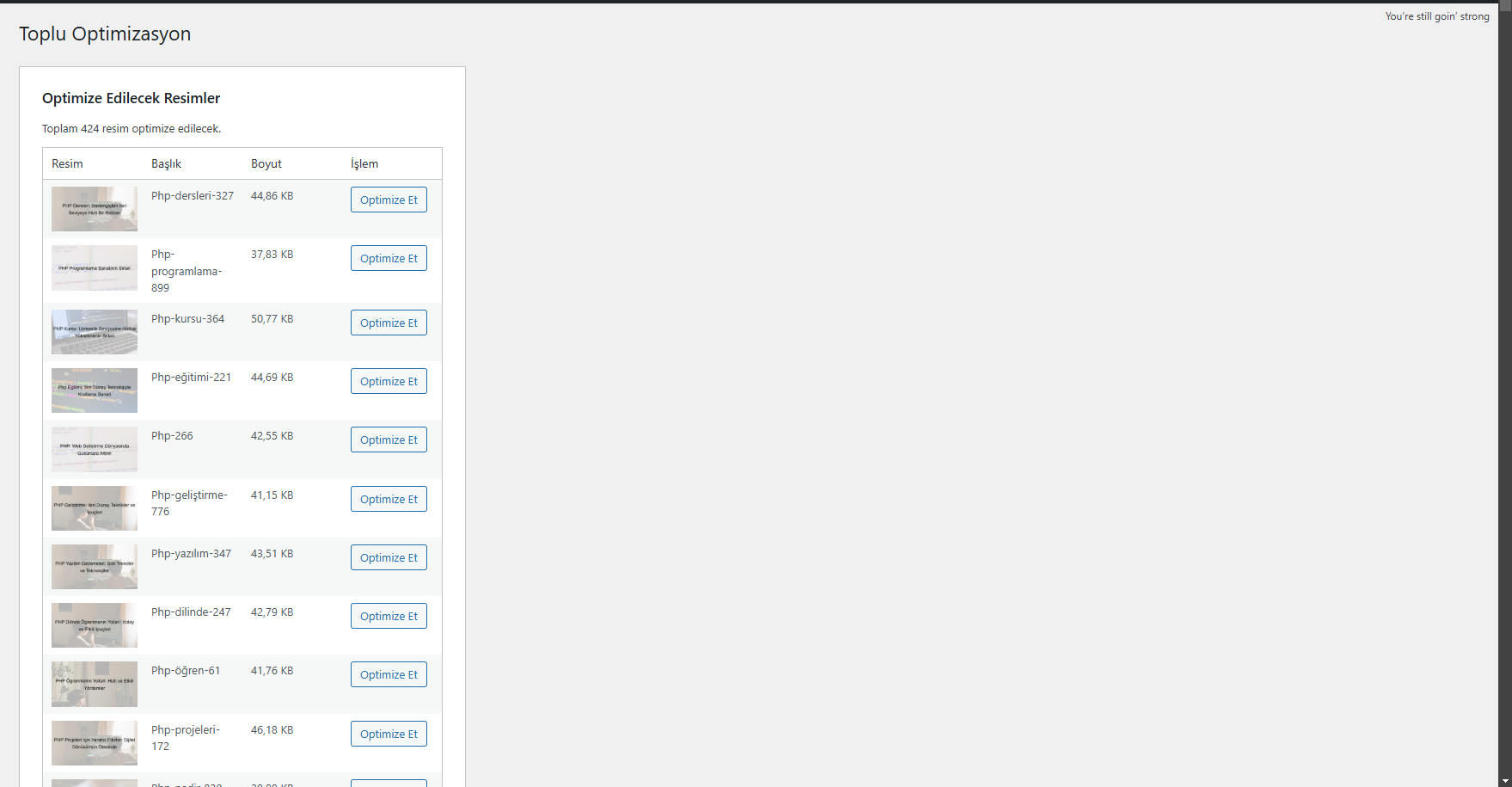
- Go to the "Bulk Optimization" tab
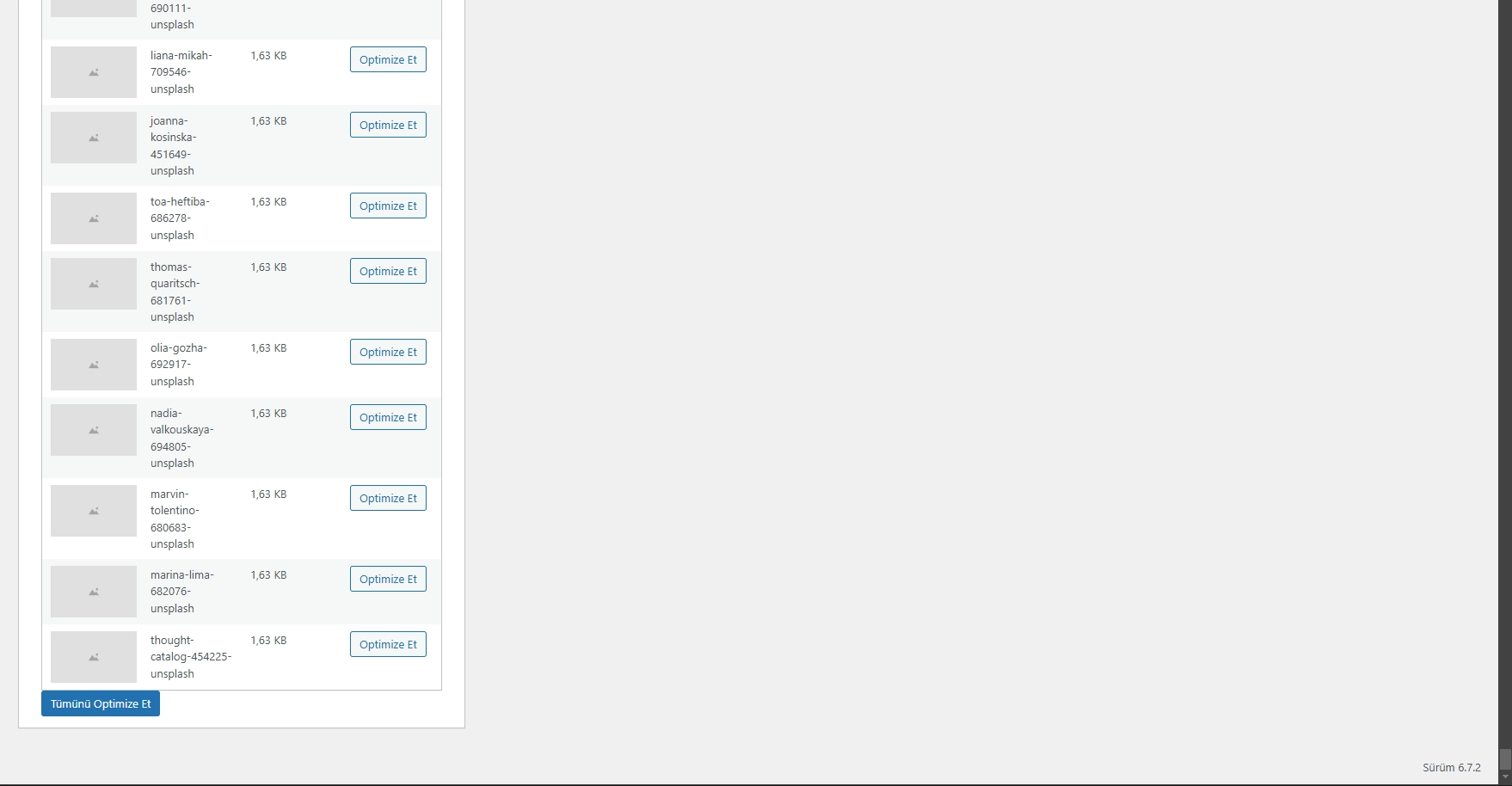
- View list of non-optimized images
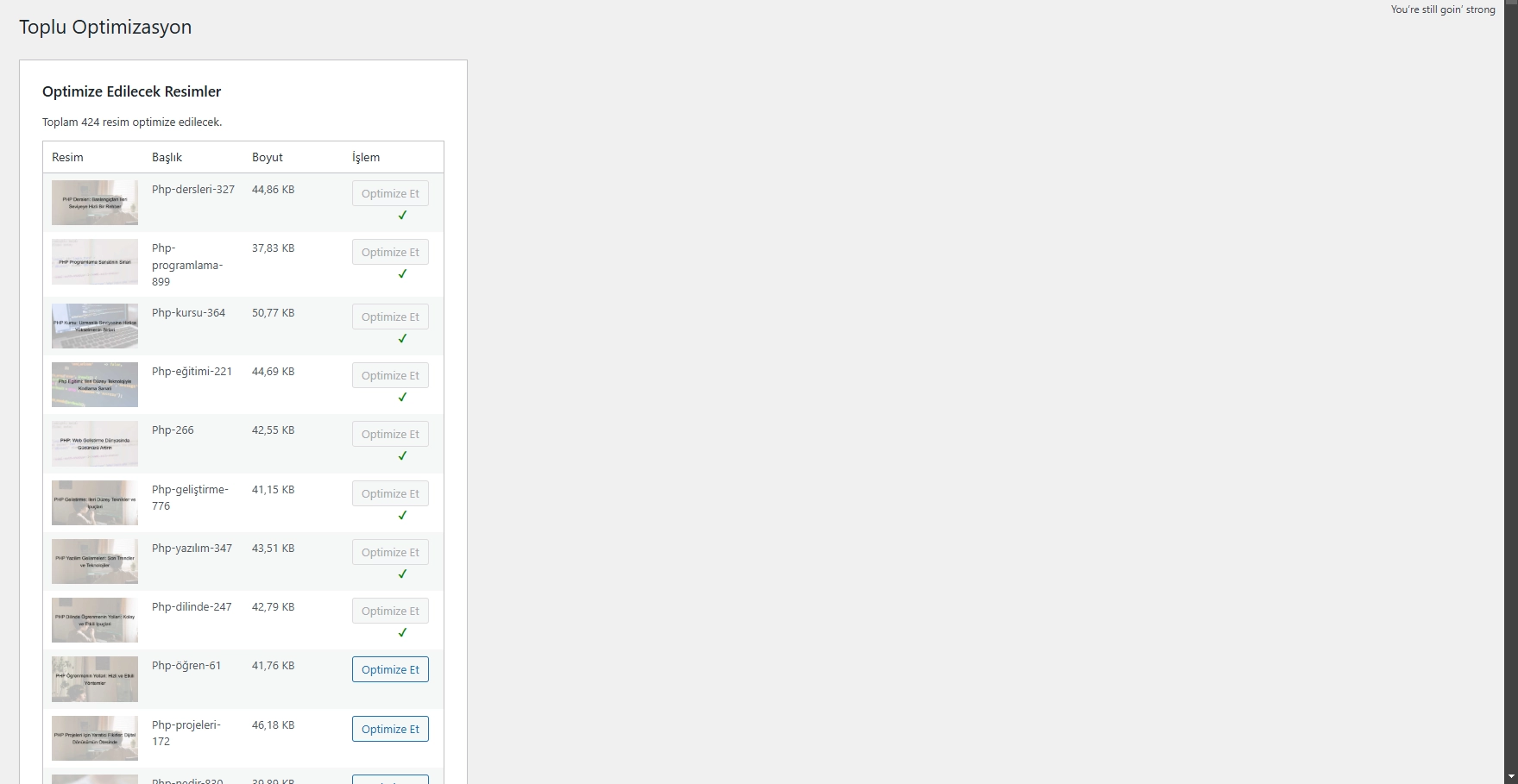
- Click the "Optimize All" button or optimize images one by one
URL Repair
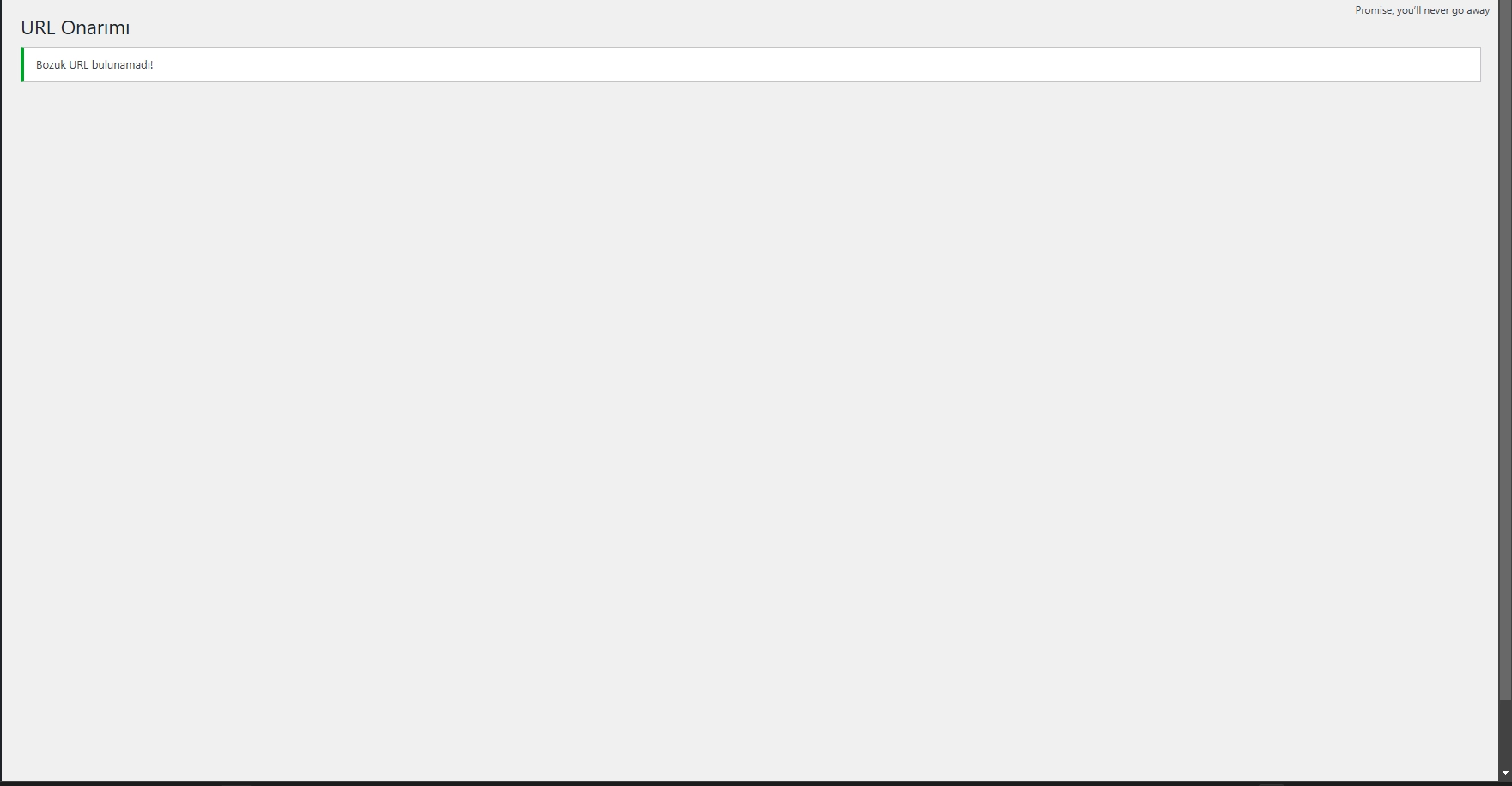
- Go to "URL Repair" tab
- View broken URLs
- Fix it by clicking the "Repair URLs" button
Viewing Logs
- You can view the records of optimization processes in the "Logs" tab
Frequently Asked Questions
Q: Why isn't the plugin optimizing my images? Make sure that the GD library and WebP support are enabled on your server.
Q: Will I lose my original images? No, if the "Backup Original Files" option is turned on, all original images will be retained.
Q: Does the WebP format work in all browsers? The plugin automatically shows the original image for browsers that do not support WebP.