Turkey (Turkish)
 Germany (German)
 Worldwide (English)


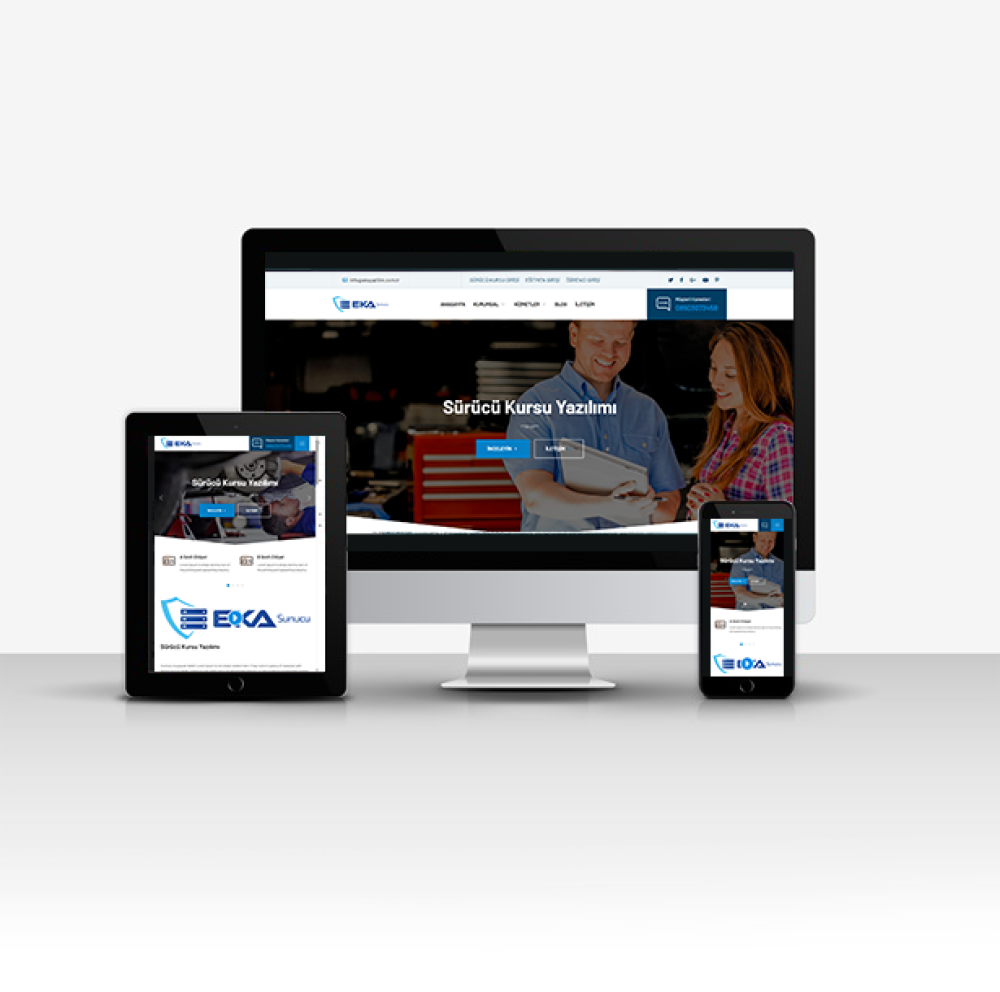
The management panel of this driving school software includes the following features:
Home Page: This is the general summary page of the administration panel. It shows the total number of records such as products, pages, services, news in the system.
Slider Management: This is the area where you can manage the homepage slider. You can add, edit or delete sliders from here.
Page Management: This is the section where you can manage various content pages related to the course. You can add new pages or edit existing pages.
Product Management: Provides management of course services, materials or other products. You can add and edit products and monitor the status of existing products.
News Management: This is the section where news about the course is managed. New news can be added and existing news can be edited.
Gallery Management: Allows you to manage visual content. You can create and manage course-related photo galleries.
Service Management: This is the area where you can manage the services offered. You can add, edit and view services.
Reference Management: This is a section where you can manage the references of the course. You can add and edit customer comments and course references.
Comment Management: Allows you to manage customer comments. New comments can be added, existing comments can be edited or deleted.
Administrator Management: This is the section where administrator accounts are managed. You can add new administrators or edit the permissions of existing administrators.
Contact Information: This is the area where the contact information of the course is managed. Contact information such as address, phone number, e-mail can be updated here.
Social Media Settings: This is the area where you can manage the links of the course's social media accounts.
Mail Settings: This is the section where necessary settings can be made for e-mail notifications and other e-mail operations.
Site Management: This is the area where general site settings are made and features such as meta tags, SEO information are adjusted.
Log Out: Allows you to log out safely from the administration panel.
This administration panel is designed to facilitate and efficiently manage course operations.