
 Halkali merkez neighborhood fatih st ozgur apt no 46 , Kucukcekmece , Istanbul , 34303 , TR
In our real Portainer installation, the initial administrator setup was not completed within the security window. Portainer's official documentation says a fresh install waits five minutes for initial setup and stops listening if it is not completed; restarting the container gives another five-minute window. We restarted the real container, returned to the setup screen and completed administrator initialization.
Fresh Portainer container
↓ setup not completed within 5 minutes
Timed out for security purposes
↓
docker restart portainer
↓
new setup window
↓
Create admin → Login → Local EnvironmentPortainer's official FAQ says a fresh install waits five minutes for the first administrator setup. If setup is not completed, the server stops listening to reduce takeover risk.
This is usually intentional first-install security behavior, not a random container crash.
We ran docker restart portainer in the real terminal. Seconds later the container was Up and local HTTPS on 9443 responded again.
Portainer's official resolution is to stop/start or restart the container and complete setup within the new window.
docker restart portainerdocker ps --filter name='^/portainer$'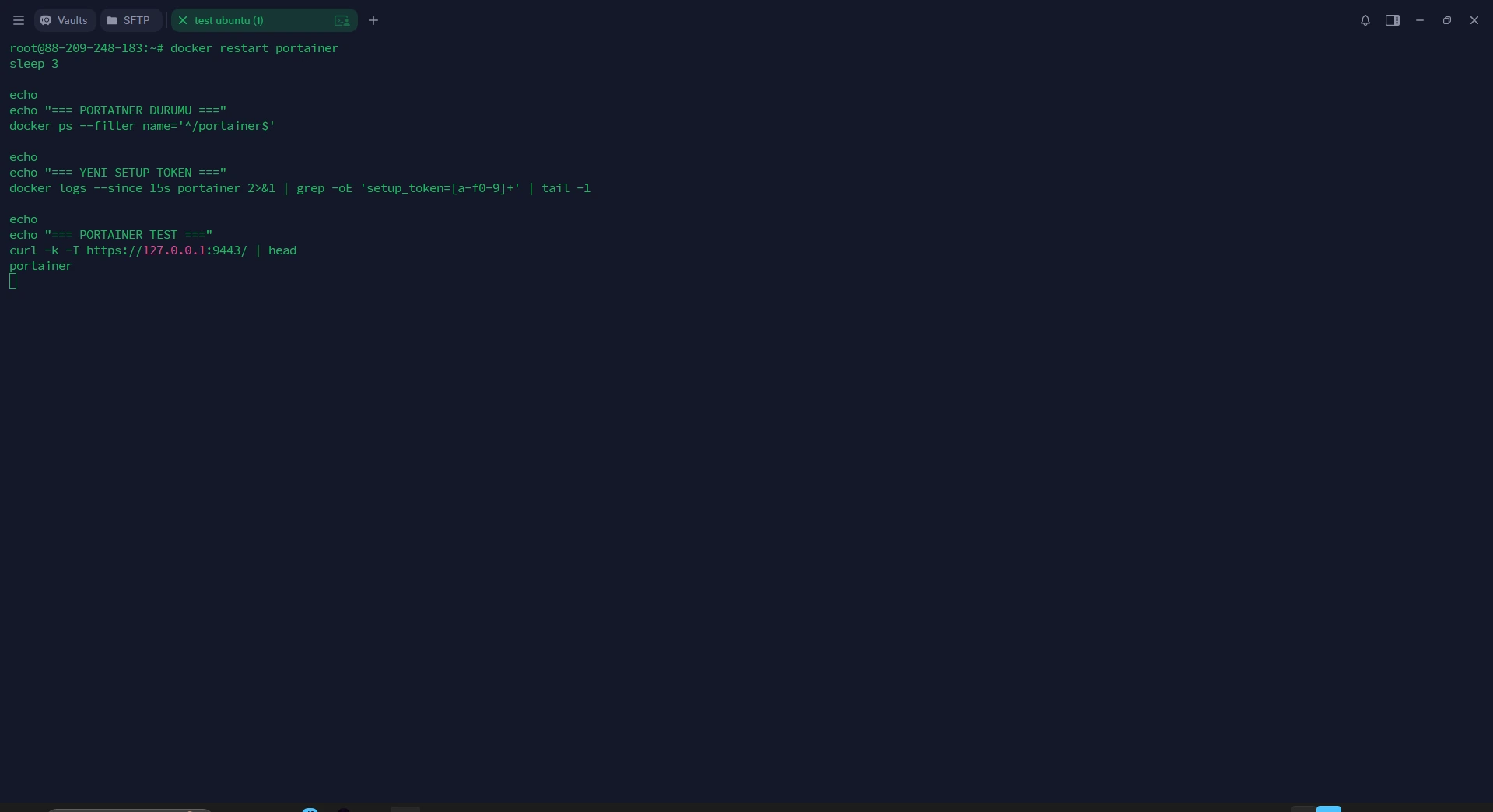
Our tested build logged a setup token for administrator initialization after restart. The real screenshot is preserved unchanged.
Treat setup tokens as sensitive and follow the behavior of your exact Portainer version.
docker logs --since 5m portainer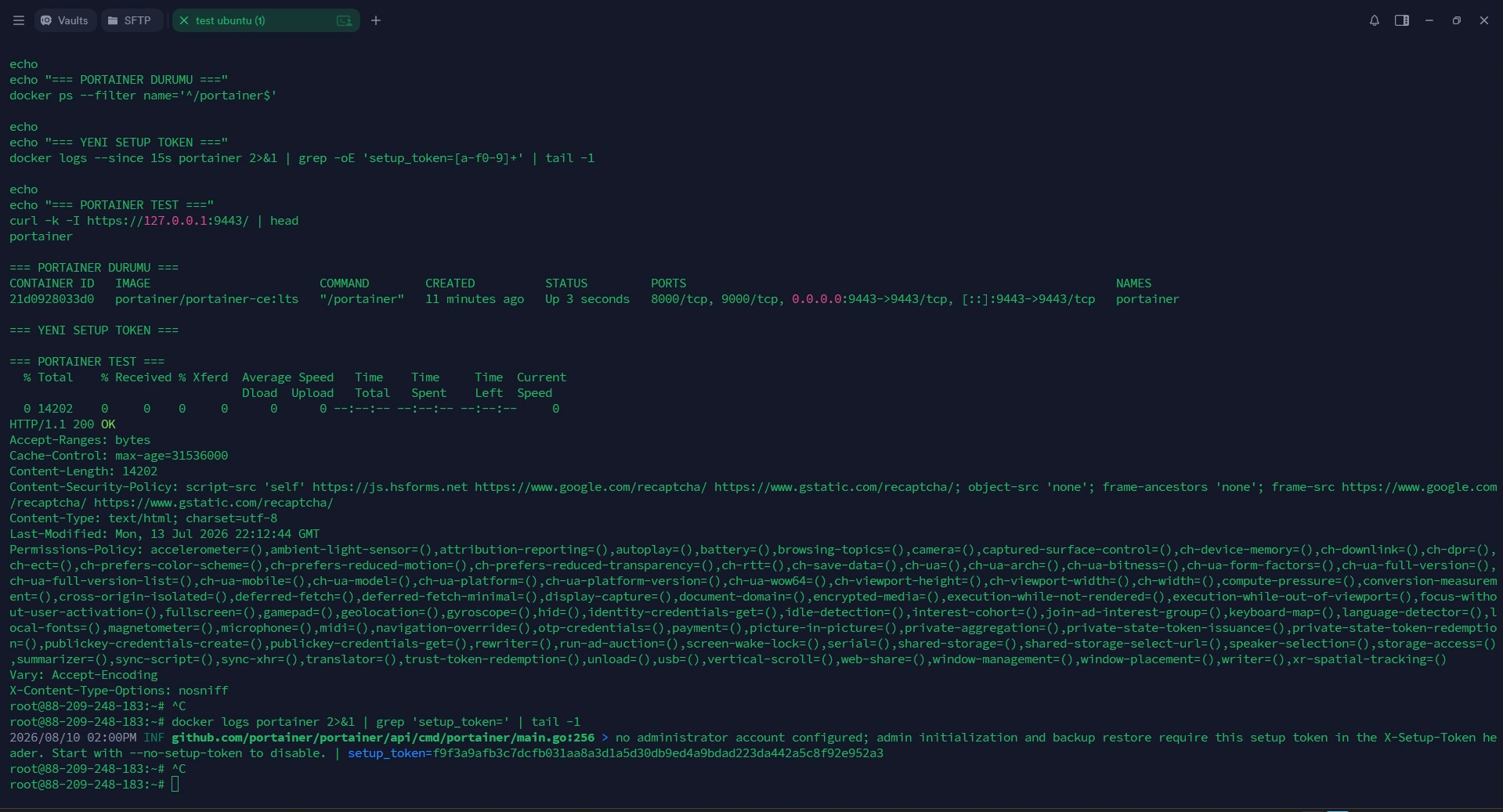
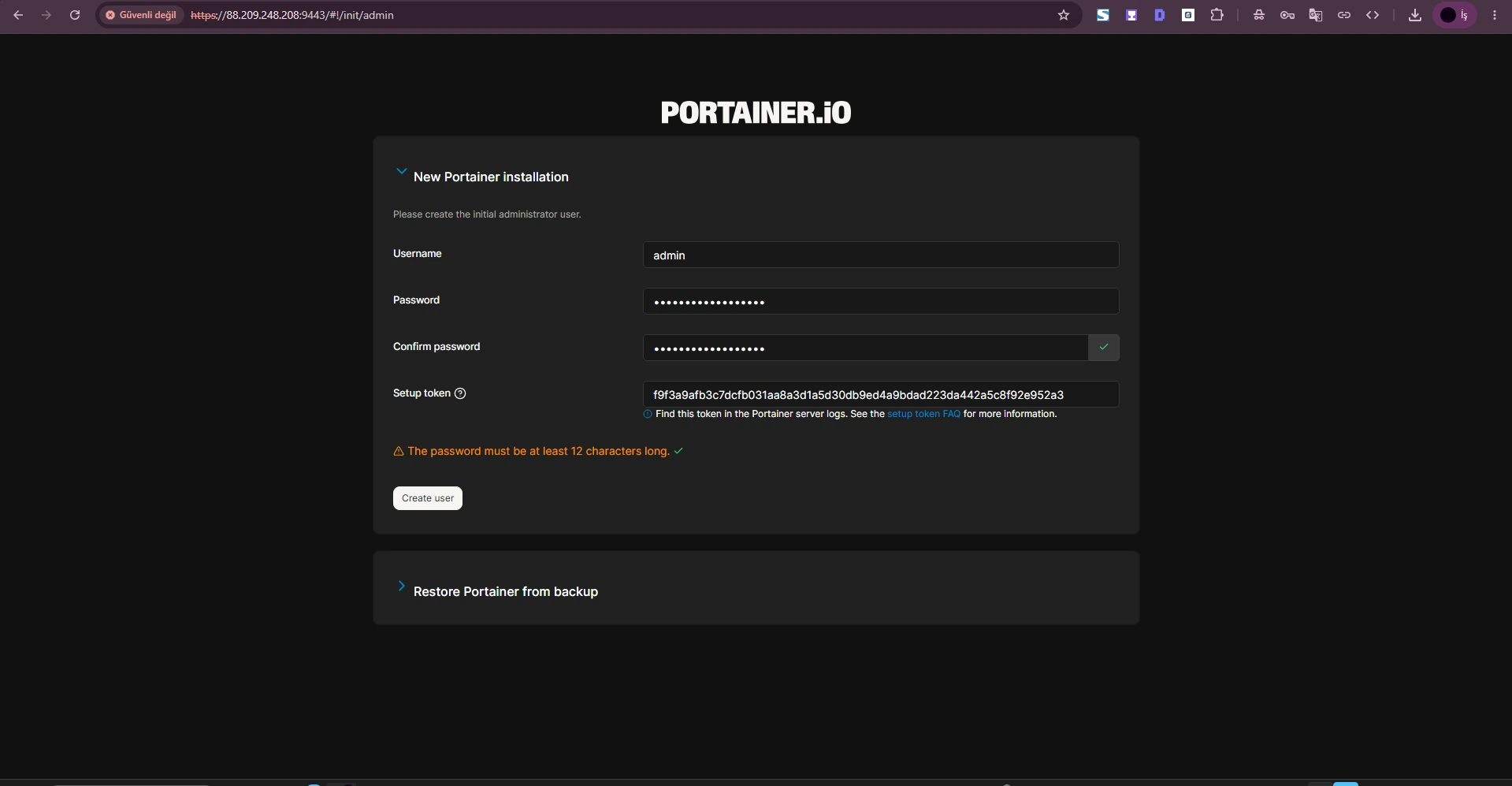
After restart we completed the real Portainer setup form with an administrator and strong password. Waiting again can trigger the same timeout cycle.
The first user is the administrator.
Portainer's FAQ says a previously working instance showing this message may have a missing or incorrectly mounted portainer_data volume.
Without its configuration, Portainer can behave like a fresh install.
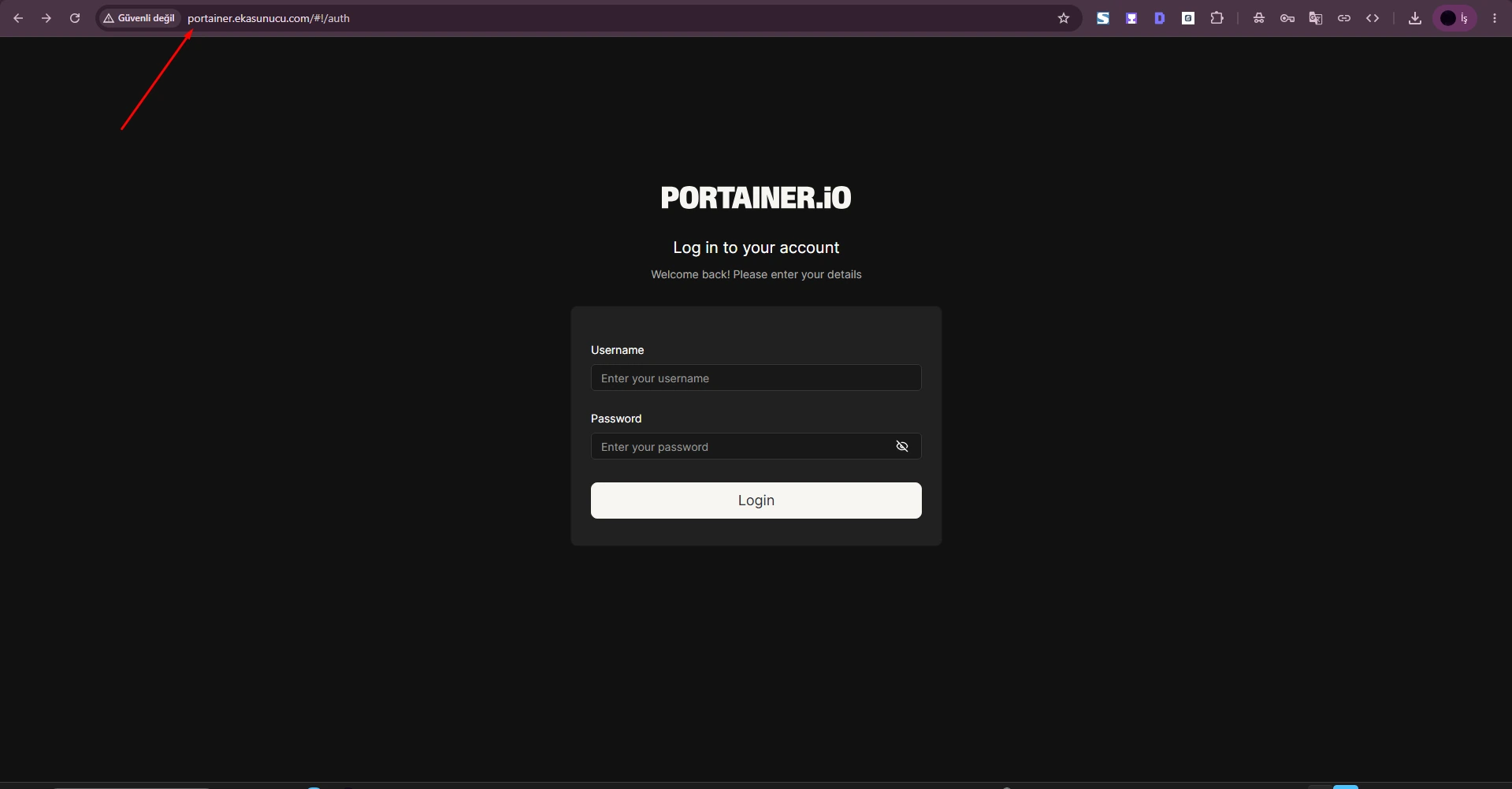
docker volume inspect portainer_datadocker inspect portainer --format '{{json .Mounts}}'After the real setup completed, the normal Portainer login screen appeared.
Treat later domain/Nginx/TLS issues separately from the initial security timeout.
The real final screen showed the Local Environment and Docker endpoint normally.
Open the dashboard rather than treating the login page alone as the final test.
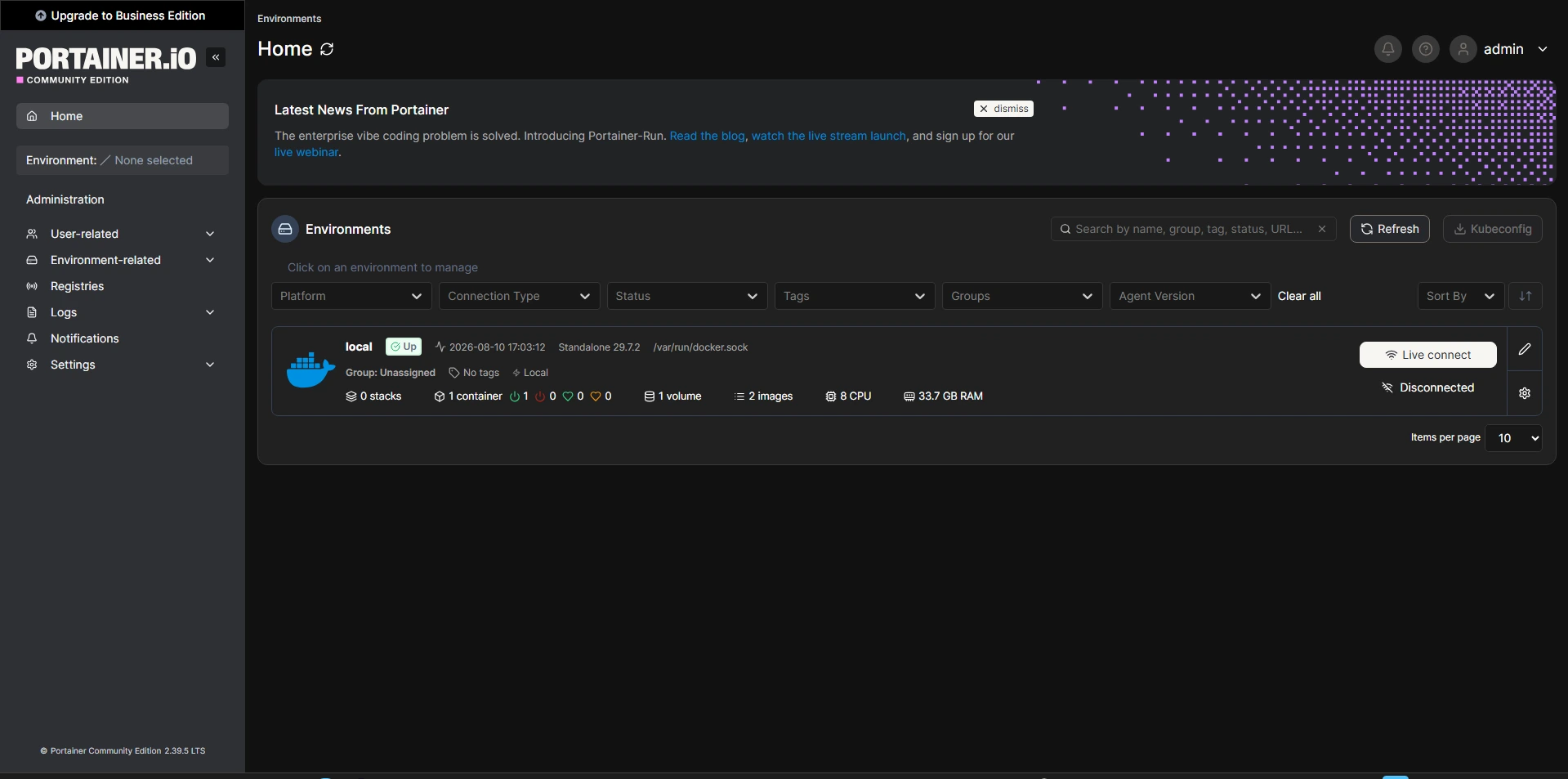
Check restart timing, portainer_data mounting, the administrator-initialization log, localhost 9443 and finally Nginx/domain behavior.
Do not mix fresh-install and previously configured-instance scenarios.
docker logs --tail 100 portainercurl -k -I https://127.0.0.1:9443docker inspect portainer --format '{{json .Mounts}}'Five minutes according to Portainer's official FAQ.
Restart the container and finish setup in the new five-minute window.
Usually restart is enough; Portainer notes some cases may need container recreation.
No; preserve it to avoid losing configuration.
A missing/incorrect data-volume mount can make configuration unavailable.
We kept it on 127.0.0.1 and used Nginx.
Our tested build logged a token for admin initialization; behavior is version-specific.
Treat it as sensitive and avoid unnecessary sharing.
The initial timeout is resolved; verify the environment dashboard too.
No; 521 is an origin-connectivity issue, this is Portainer initial-setup security.
No; a normal restart does not delete the correctly mounted volume.
Follow the current setup requirements; Portainer docs state at least 12 characters.
Check logs, local HTTPS on 9443, volume mounts and container status.
docker restart portainer, then inspect logs and 9443.
Run Docker and Portainer on EKA Sunucu Linux VPS.
Updated: 10.08.2026 Turkey (Turkish)
 Germany (German)
 Worldwide (English)

