
 Halkali merkez neighborhood fatih st ozgur apt no 46 , Kucukcekmece , Istanbul , 34303 , TR
On our real self-hosted n8n 2.33.7 instance, Community Edition was already running when we used the registration/activation flow under Settings → Usage and plan. The activation key arrived by email, was entered in the real activation dialog and the instance changed to Registered Community Edition. The screenshots are left uncensored at the user's explicit request, but the key is not repeated in the article text.
Self-hosted n8n Community Edition
↓
Settings → Usage and plan
↓
Activation / registration
↓
License key by email
↓
Enter activation key
↓
Registered Community EditionOur real instance already worked as self-hosted Community Edition. Usage and plan offered a Registered Community Edition activation flow.
The core Docker deployment did not depend on this optional registration.
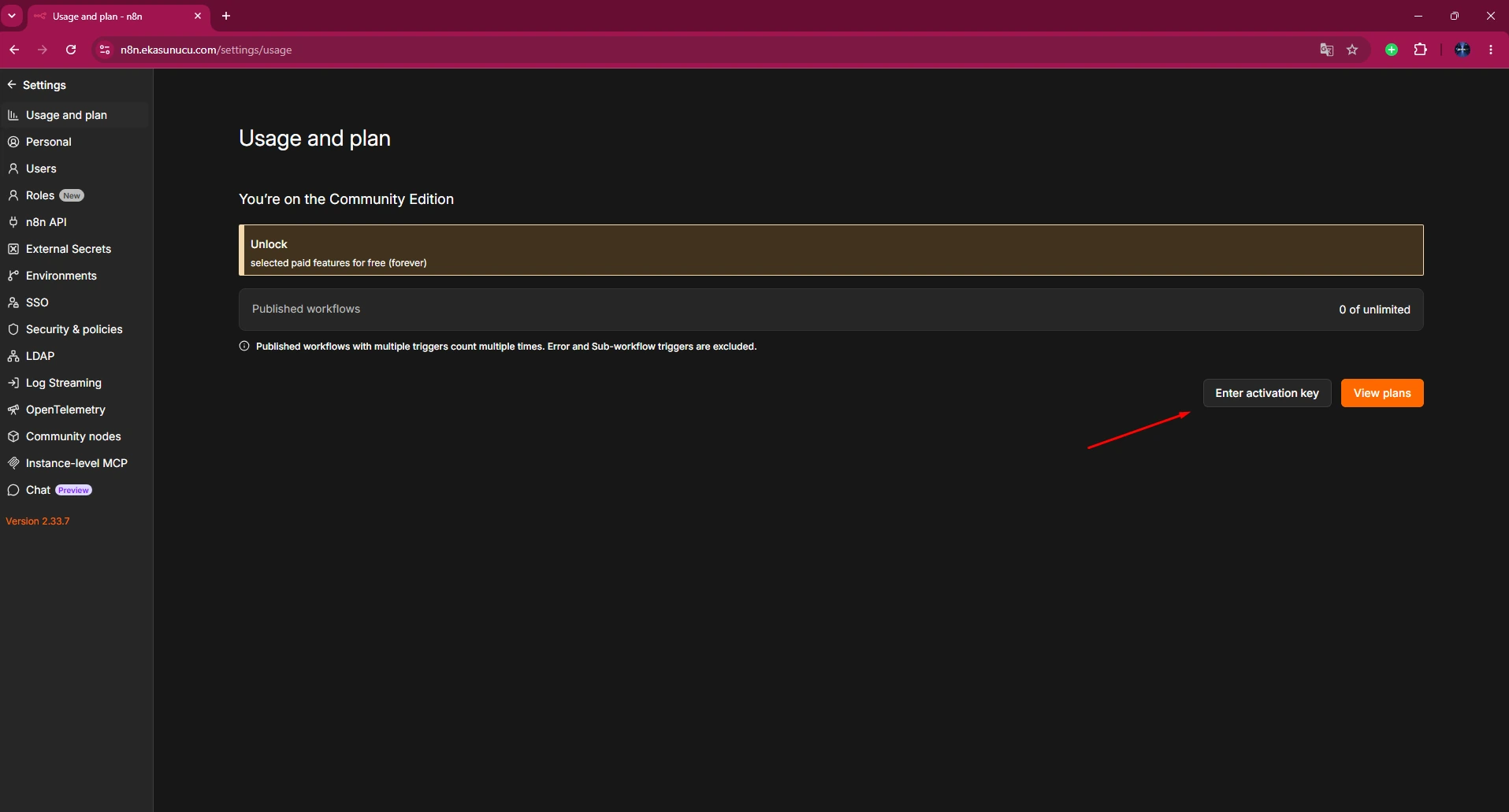
The real screen showed the current edition and an activation-key action. We started registration from here.
UI wording and available options can change, so follow your exact instance.
The registration flow sent an activation key to the email address in our test.
Eligibility and included features may change; this guide documents our tested flow.
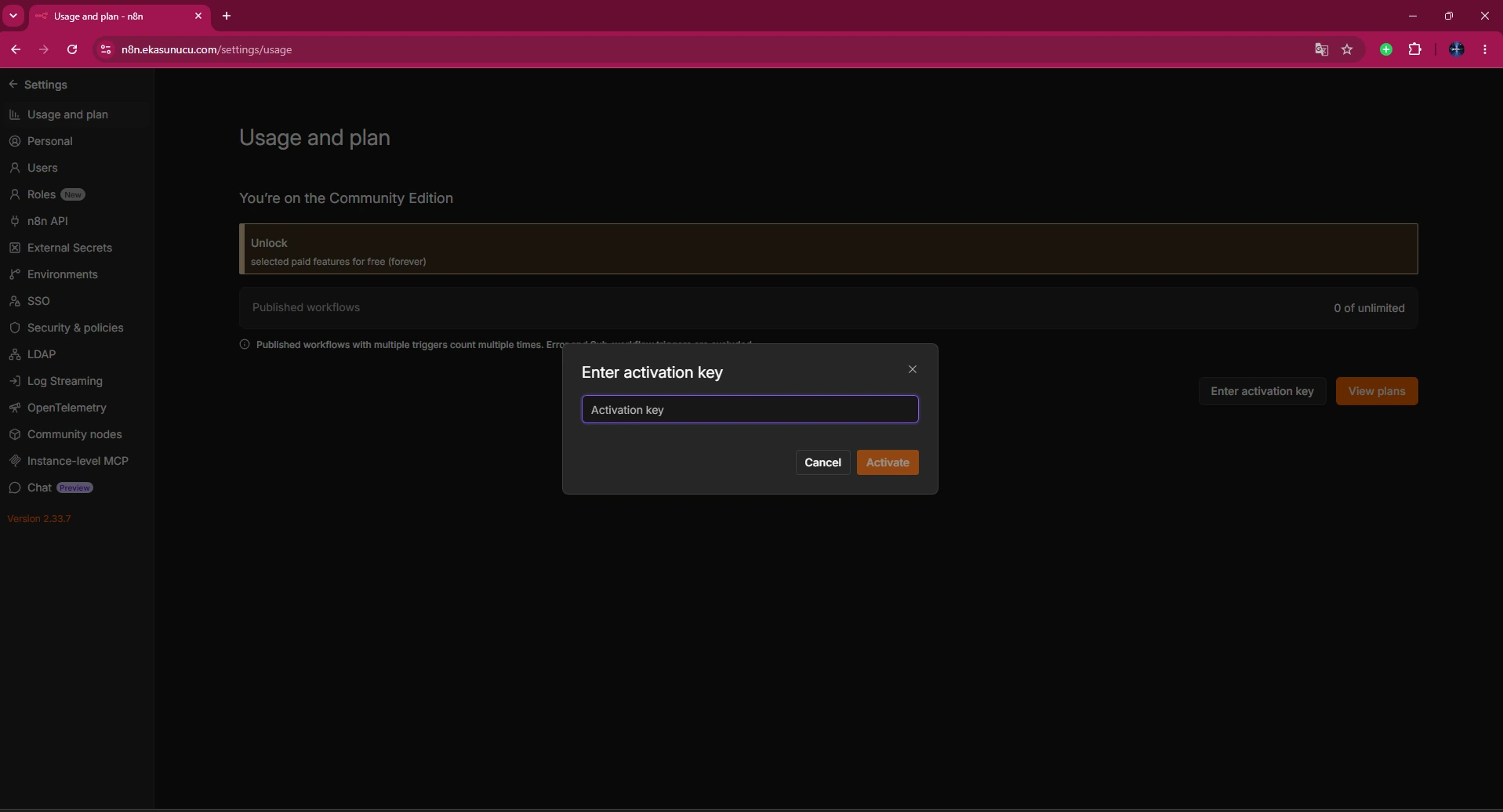
The real dialog contained the activation-key field and activation action. The emailed key was entered there.
Avoid leading/trailing whitespace and make sure you activate the intended instance.
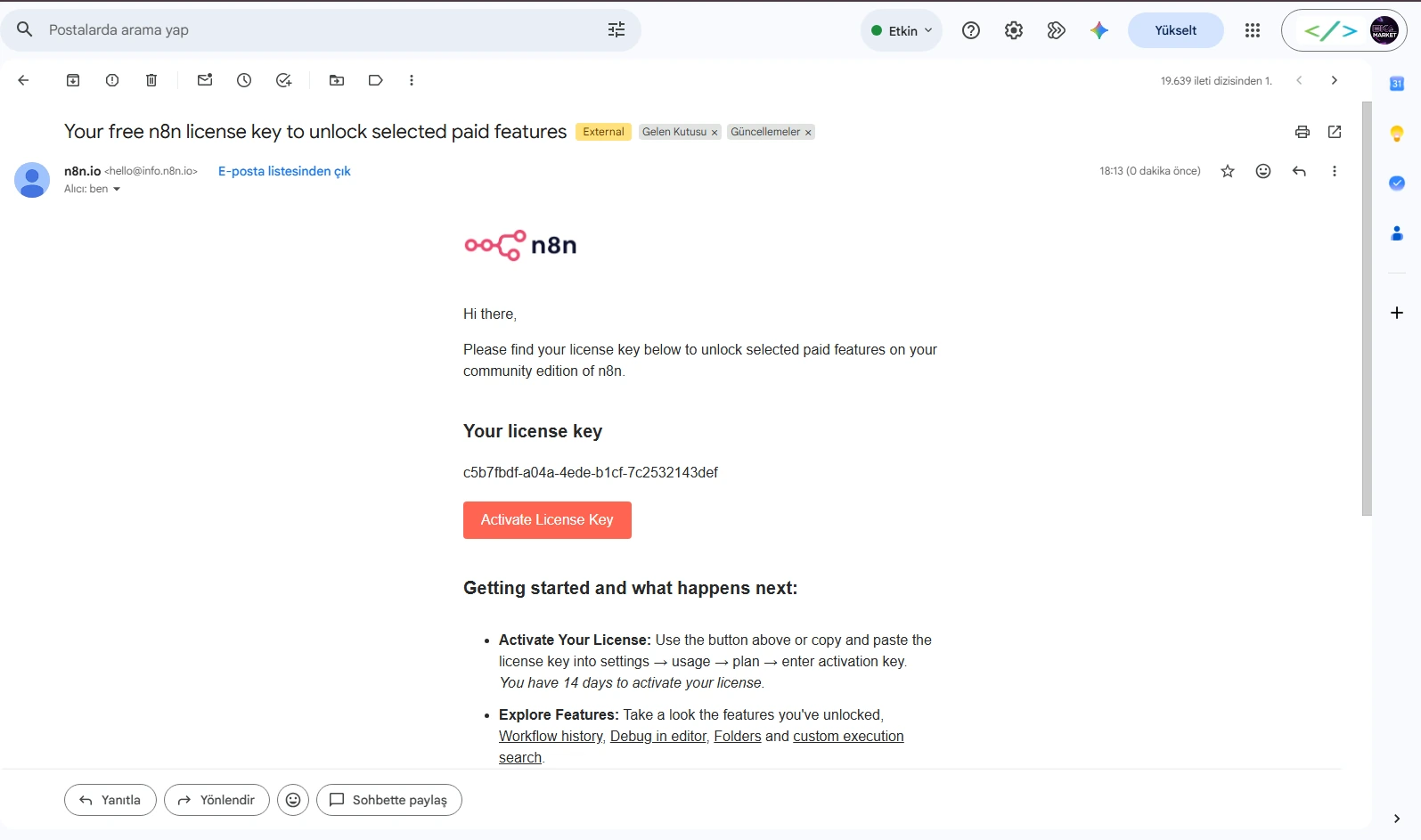
The real email contained the activation/license key and onboarding details. It is intentionally left uncensored in this package at the user's request.
In normal production documentation, treat license keys as secrets even if this test package preserves the screenshot.
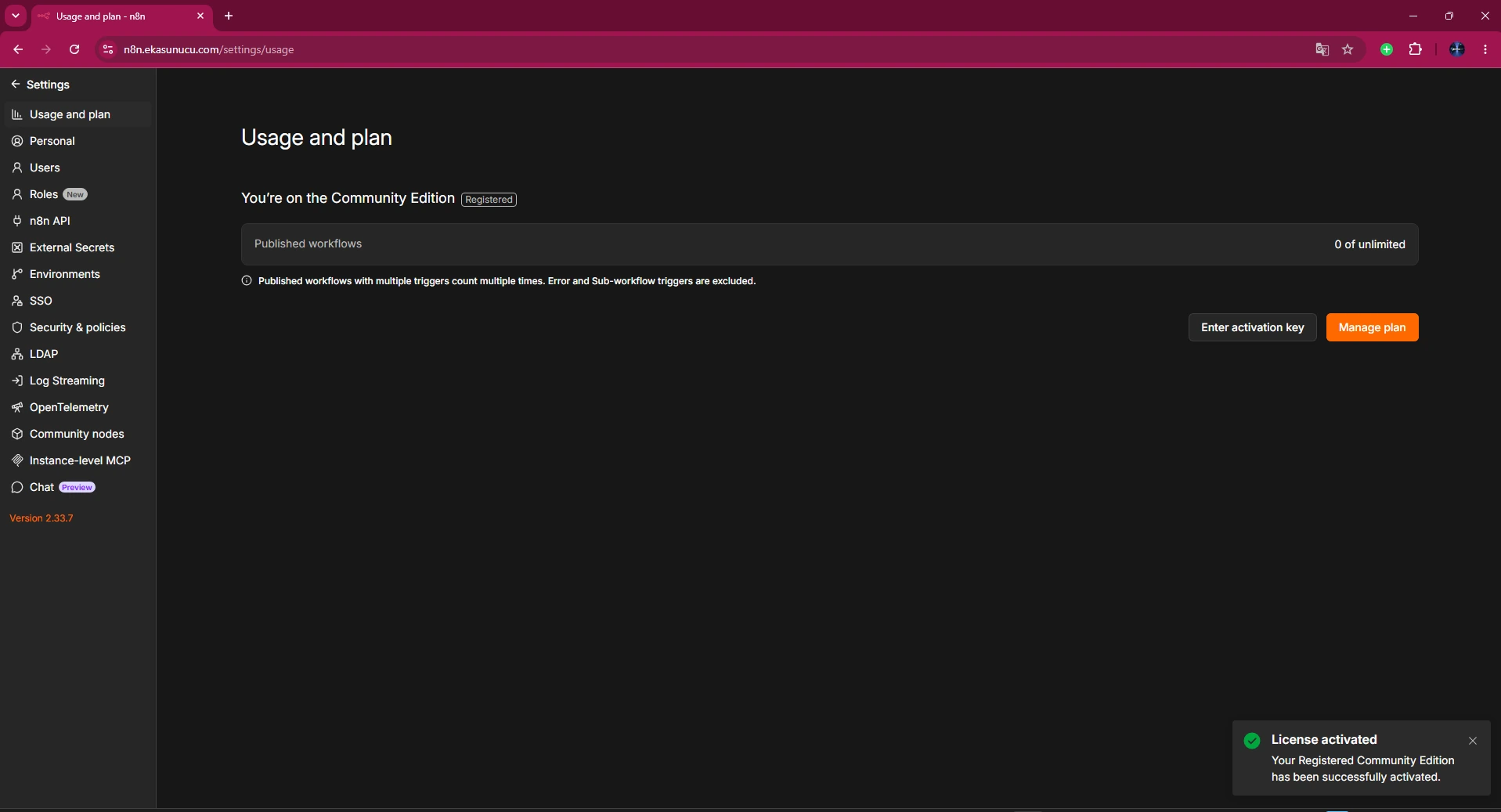
After entering the key, the real Usage and plan page showed Registered Community Edition, confirming the backend accepted activation.
Refresh and verify the edition state after activation.
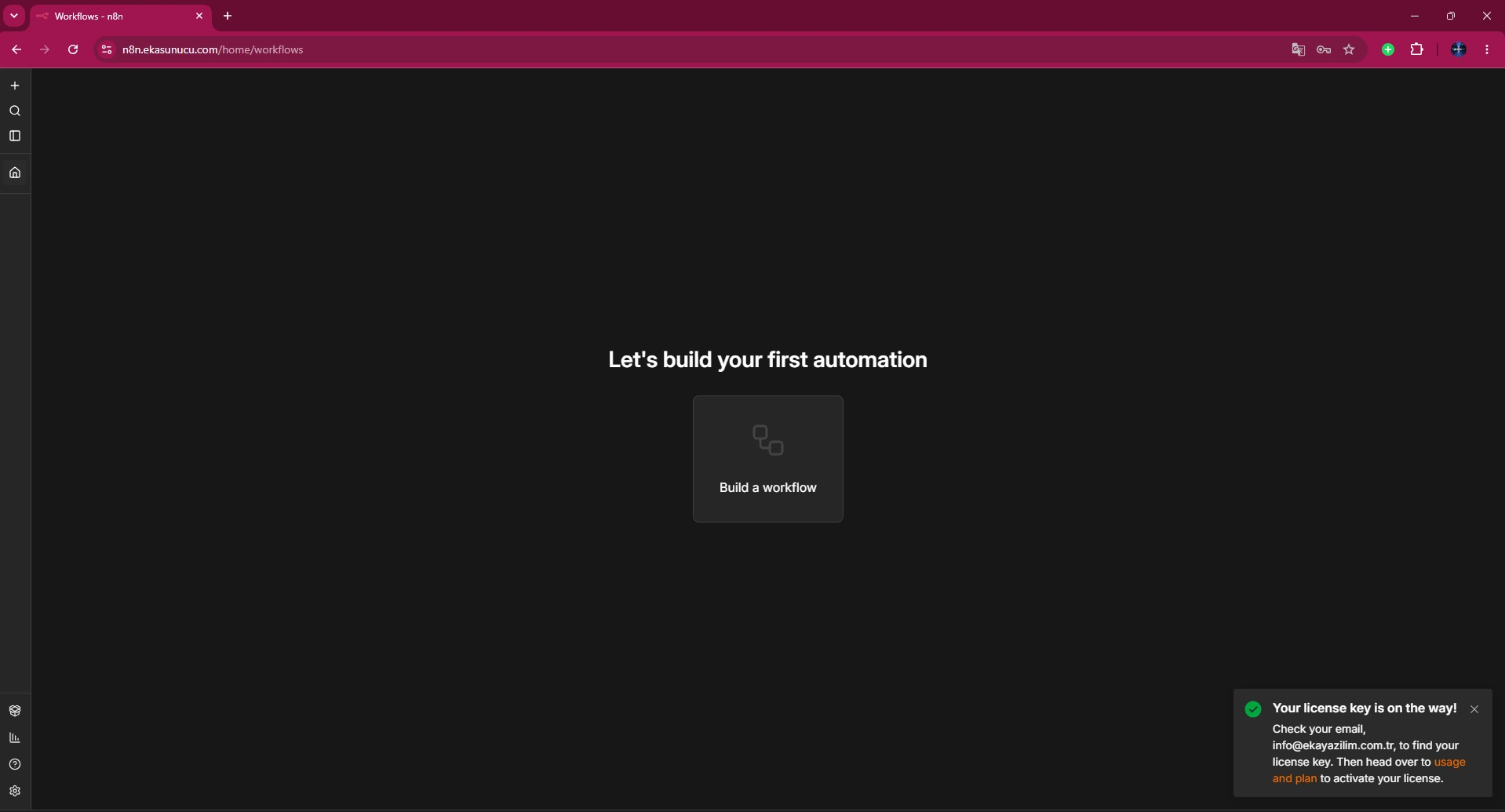
The real final screen returned to the workflow home page ready to build automations.
After licensing, also test normal workflow execution, credentials and webhook behavior.
n8n plan and feature boundaries can change. This article documents the real activation flow rather than promising a permanent feature list.
Use the current Usage and plan screen and current n8n documentation for present-day entitlements.
Yes; our instance was already working before activation.
Settings → Usage and plan.
By email in our real test.
No, at the user's explicit request. We do not repeat it in text.
Registered Community Edition.
2.33.7 in the real deployment.
The real UI flow activated it in the panel and the edition state was verified there.
Use n8n's current registration/license recovery flow and store keys securely.
No; they may change over time.
No; the real panel showed Registered Community Edition.
Yes; activation was applied to the existing self-hosted instance.
No; treat it as a secret.
Edition state, workflow execution, credentials and webhooks.
No; it documents the real activation flow.
Run n8n automation on your own EKA Sunucu Linux VPS.
Updated: 10.08.2026 Turkey (Turkish)
 Germany (German)
 Worldwide (English)

