
 Halkali merkez neighborhood fatih st ozgur apt no 46 , Kucukcekmece , Istanbul , 34303 , TR
We loaded Qwen3.8-27B in LM Studio 0.4.21 on a real Windows PC and documented the initial engine error, RTX 2070 8 GB VRAM limits, GPU Offload experiments, Think/Reasoning latency and clean benchmark results with 22 original screenshots.
Context          4096
CPU Threads      6
Eval Batch       1024
Concurrent       1
Dedicated Limit  ON
Think            OFF

Clean test 2.82 tok/snLM Studio lists Qwen3.8-27B as a dense 27B vision-language model for coding, professional work, research and long-horizon agentic tasks. It supports vision, tool use, configurable reasoning and a native 262K context window.
This guide documents a real Windows test rather than a synthetic benchmark: the initial engine-startup error, model loading, GPU-offload experiments, RTX 2070 8 GB VRAM limits and Think/Reasoning behavior are shown with the original screenshots.
The test machine used an Intel Core i7-10875H, 63.84 GB RAM and NVIDIA GeForce RTX 2070 8 GB CUDA GPU. All speed numbers are specific to this hardware.
Immediately after the download, the first Load Model attempt showed “Model failed to load” and “Engine protocol startup was aborted”. The message alone does not prove a single cause such as CUDA failure or insufficient RAM; it means the inference-engine startup was interrupted before the model became ready.
Confirm the download completed, verify the model appears correctly, check the runtime and logs, then retry. If needed, reduce context length and GPU offload and inspect memory/CUDA/Vulkan errors.
In this test the same model loaded successfully after waiting and using Load Model again, so deleting the model was not the first action needed.
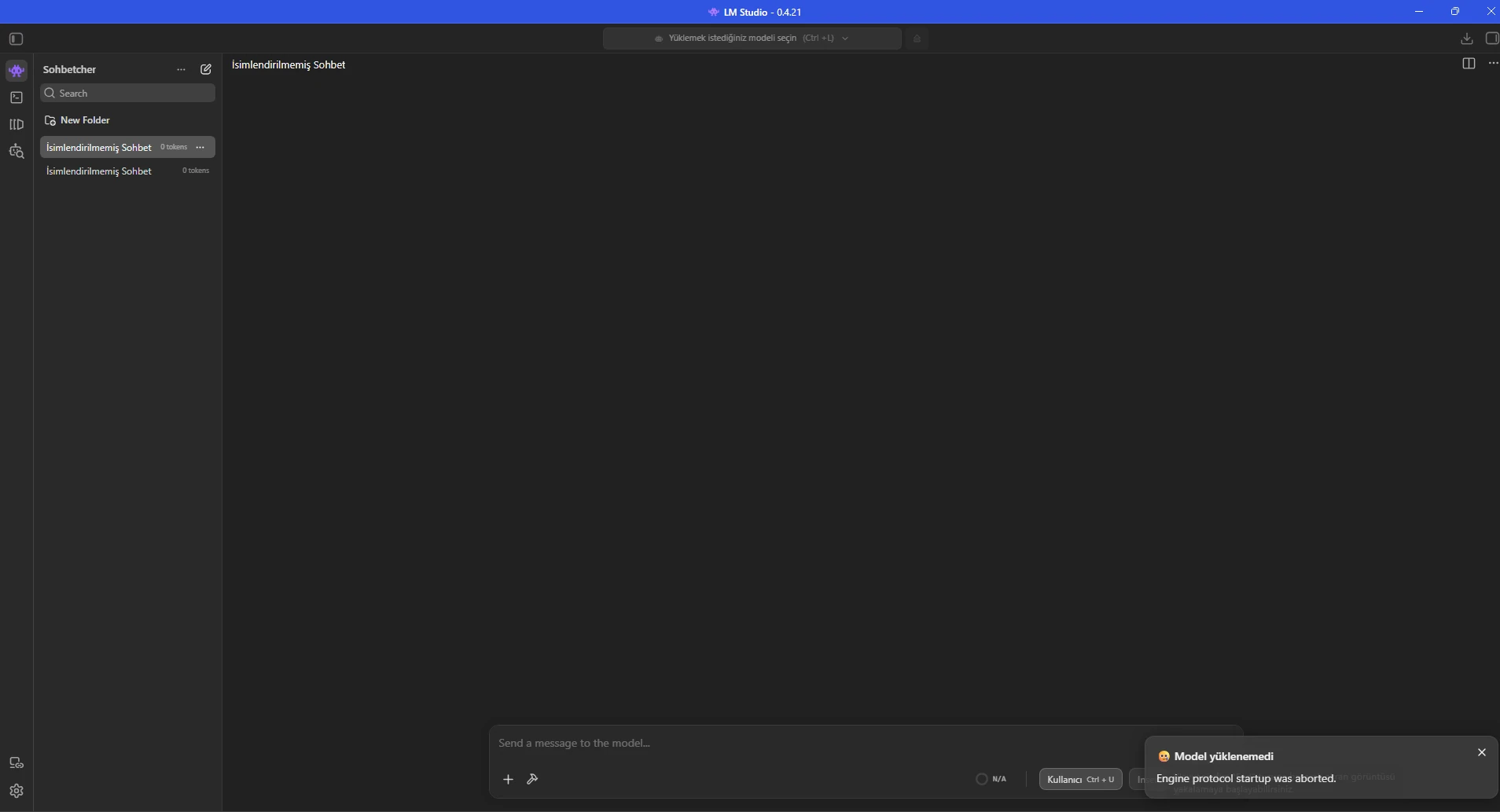
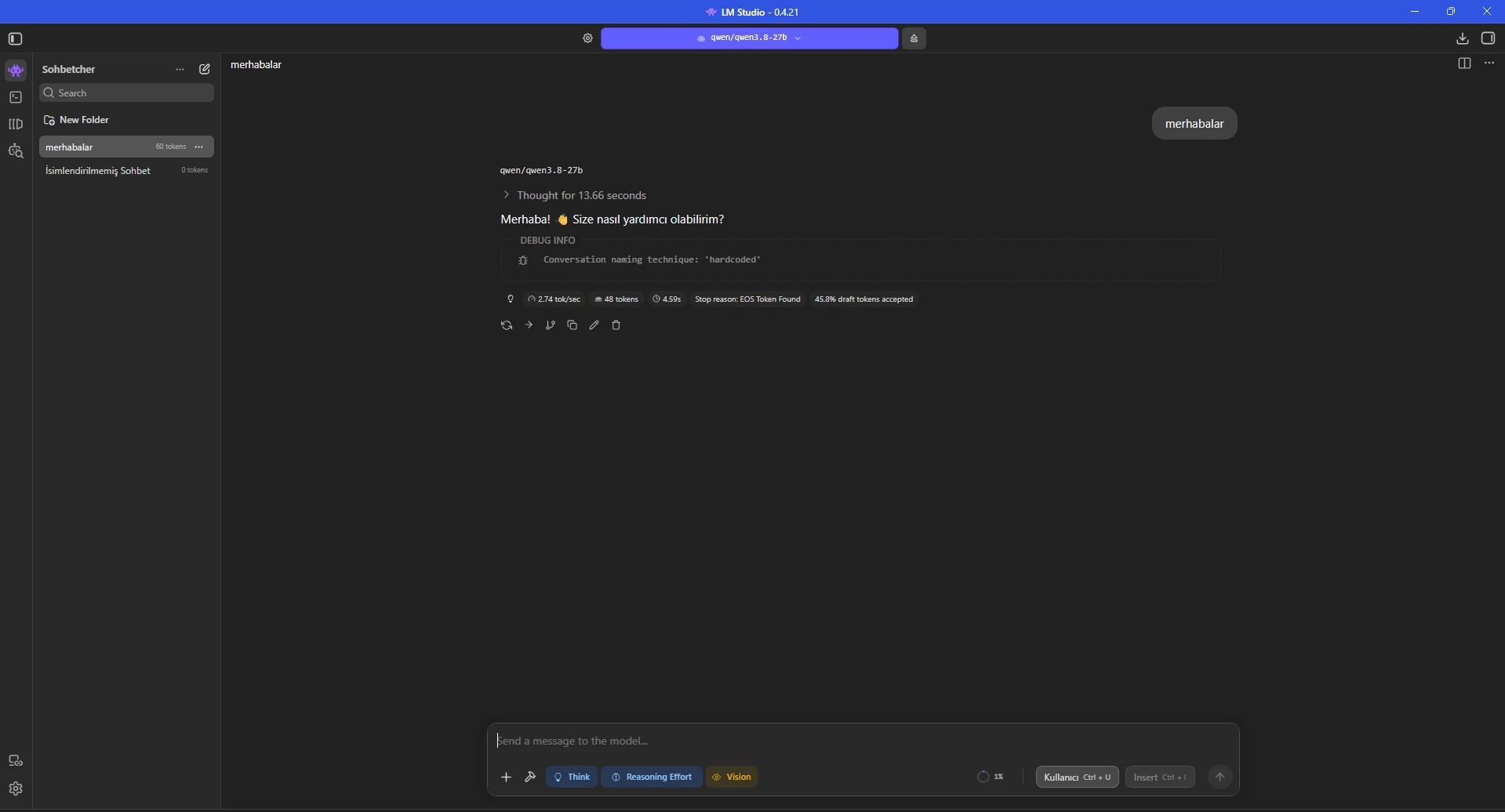
The initial profile used context 8192, GPU offload 21, CPU thread pool 6, evaluation batch 2048, physical batch 512 and four concurrent predictions.
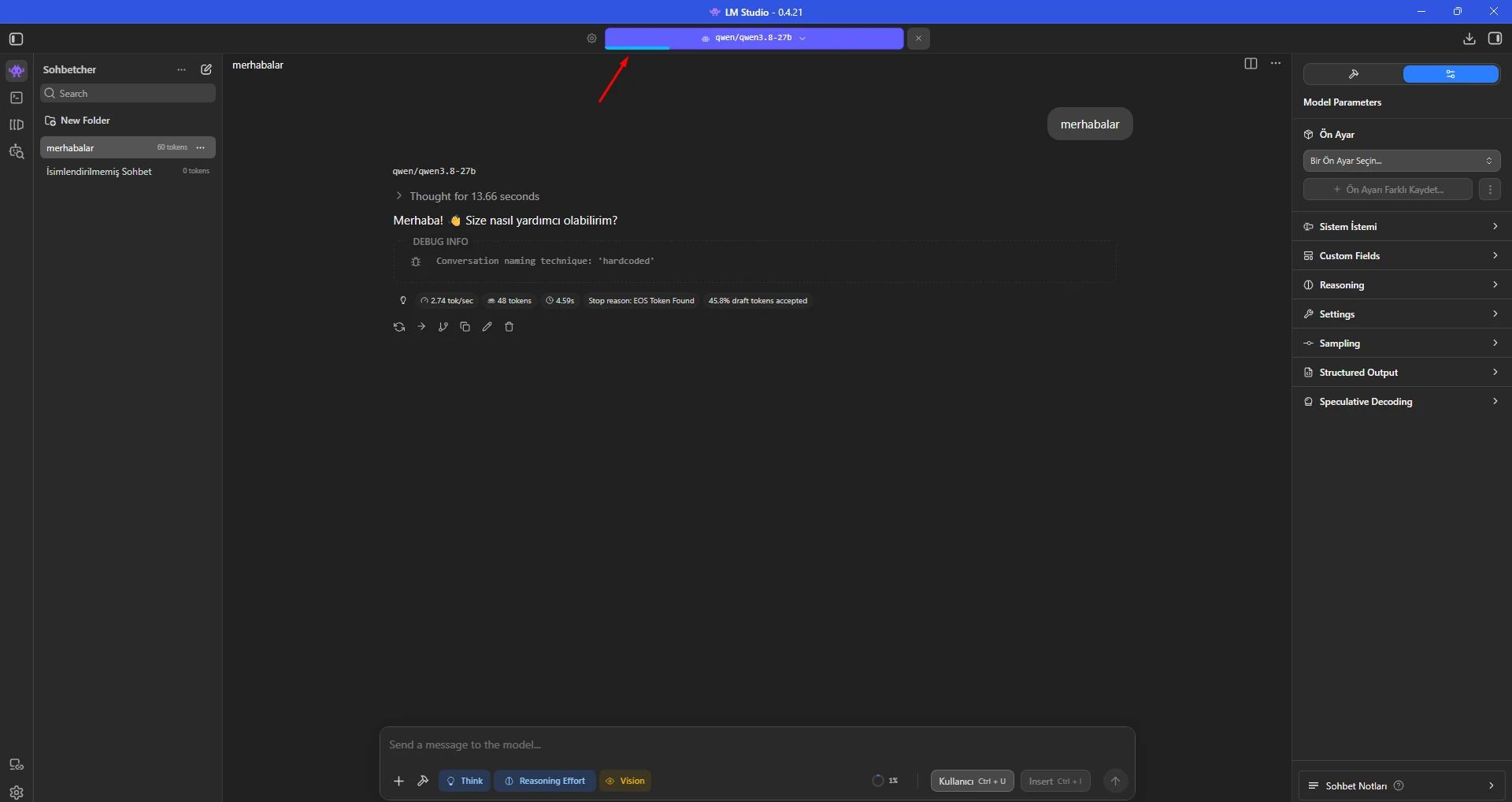
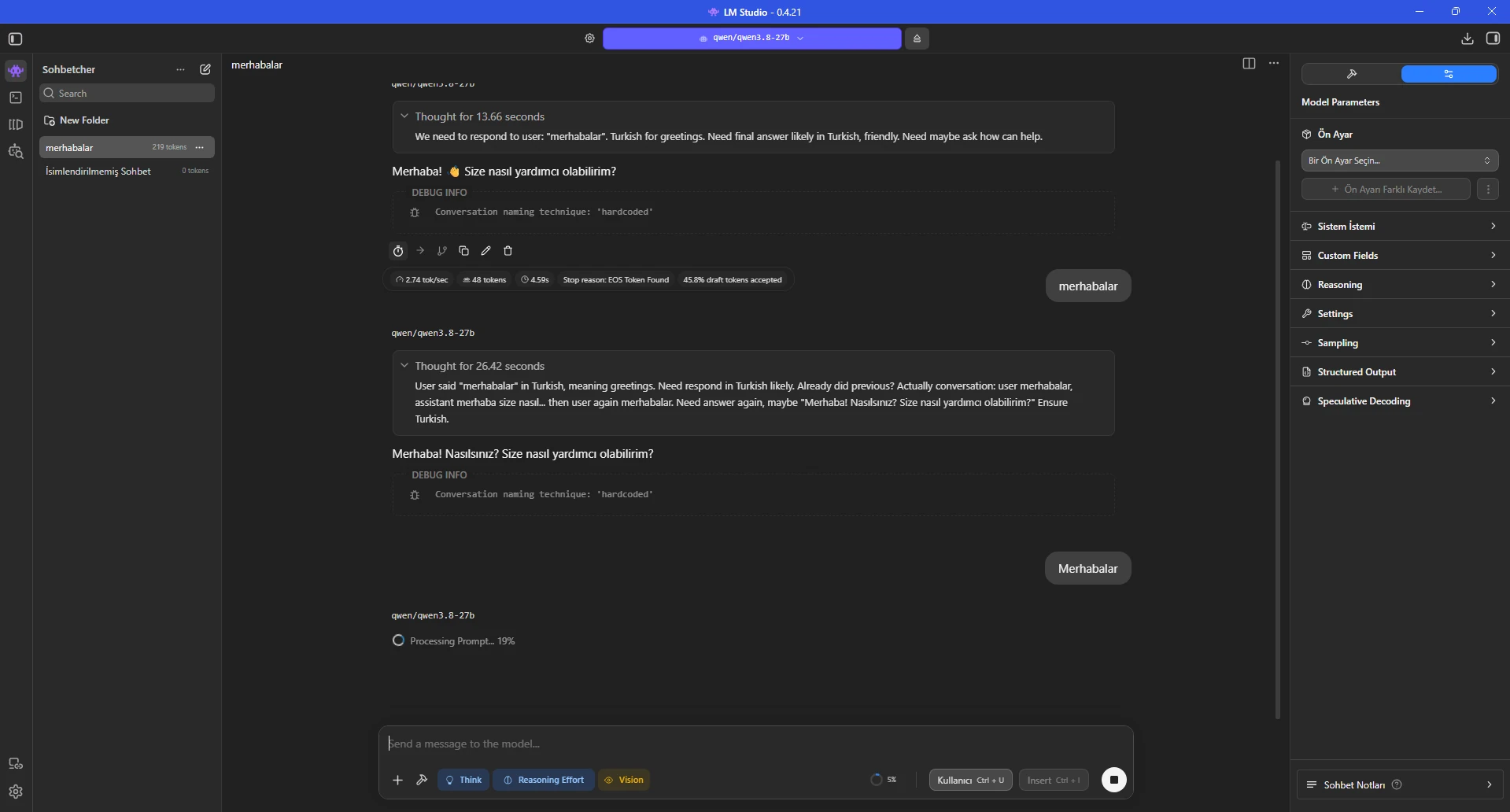
A simple greeting produced about 2.74 tokens/sec, but the UI also showed 13.66 seconds of thinking. Perceived latency therefore came from both generation speed and reasoning before the visible answer.
Keep prompts and chat history consistent when comparing load settings.
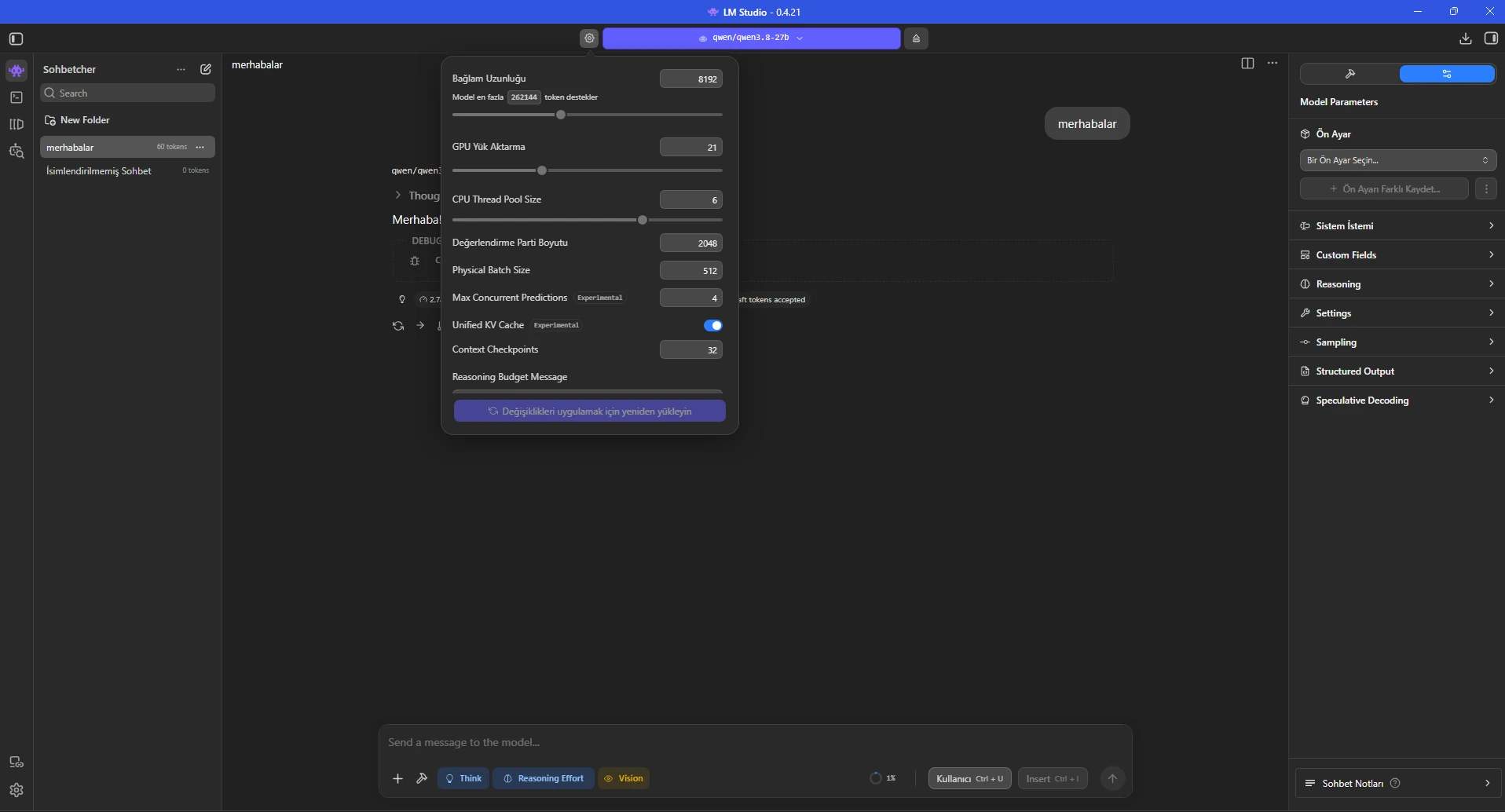
We reduced context to 4096, raised GPU offload from 21 to 23, set evaluation batch to 1024 and reduced Max Concurrent Predictions to 1 for a single-user test.
After reloading, the model reached about 2.89 tokens/sec. This was a small but measurable improvement over the 21-offload result while remaining stable.
CPU thread pool stayed at 6. More threads are not automatically faster; benchmark fixed values on your own CPU.
Context Length: 4096
GPU Offload: 23
CPU Thread Pool: 6
Evaluation Batch: 1024
Physical Batch: 512
Max Concurrent Predictions: 1
Unified KV Cache: ON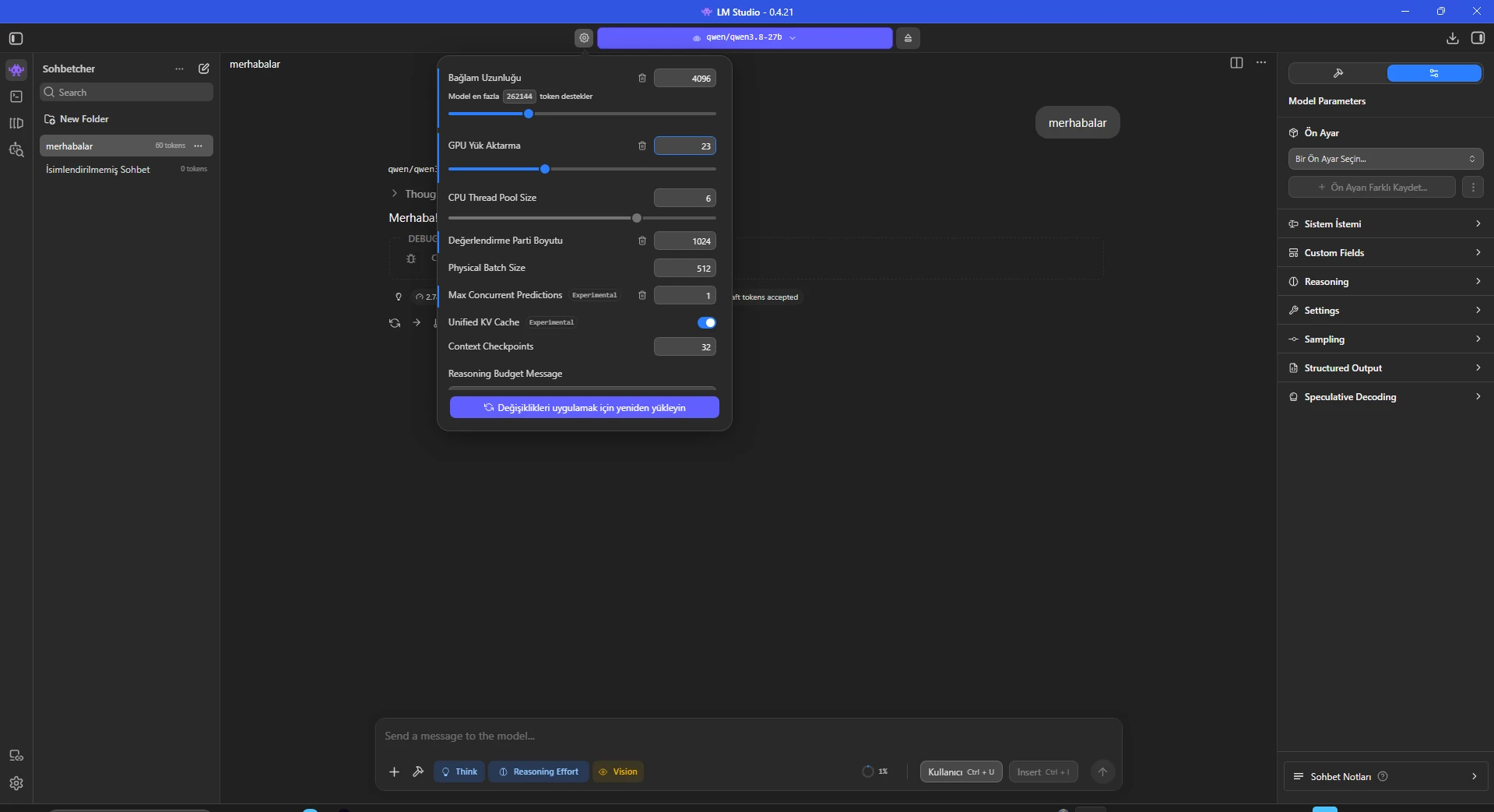
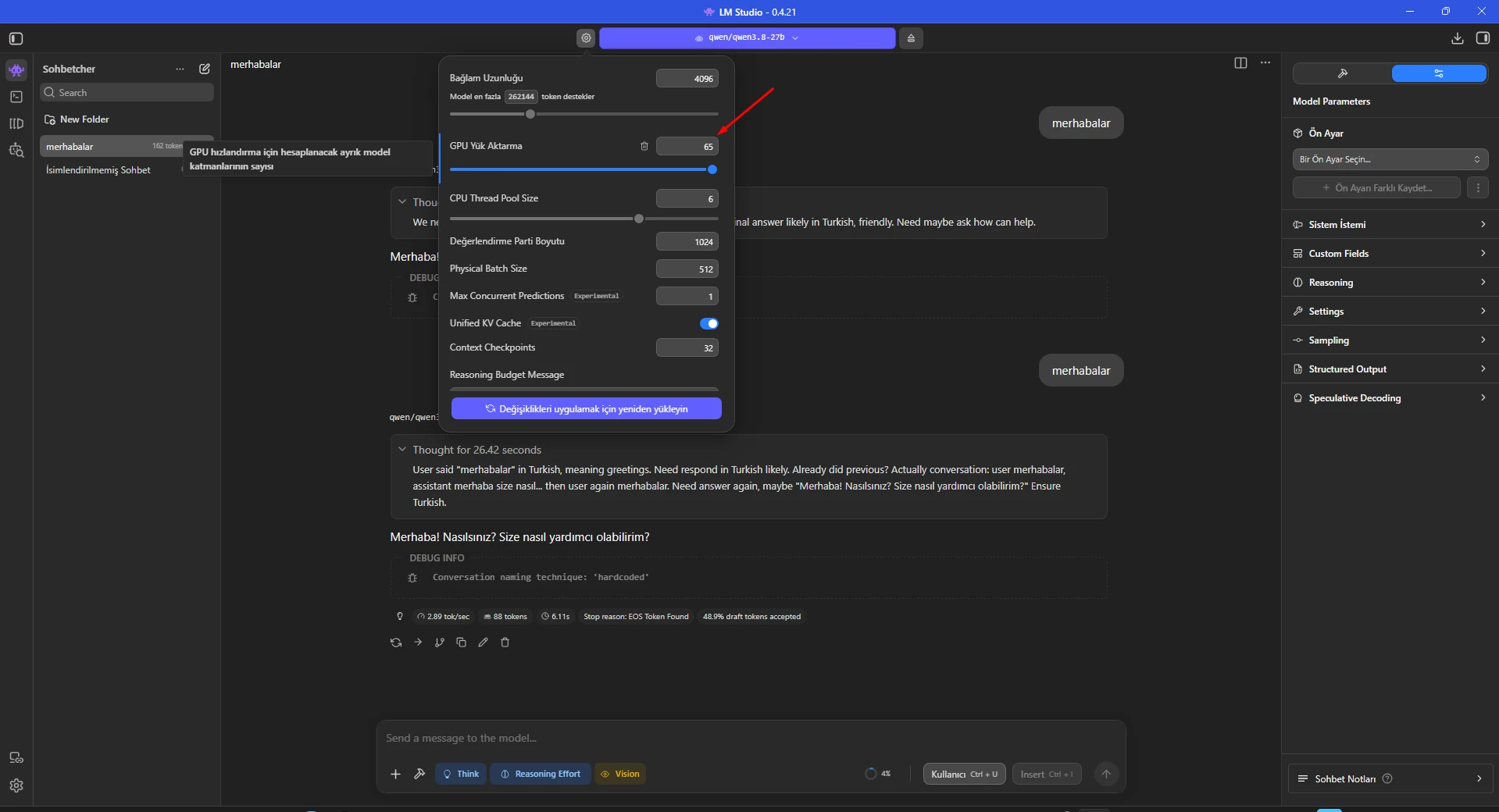
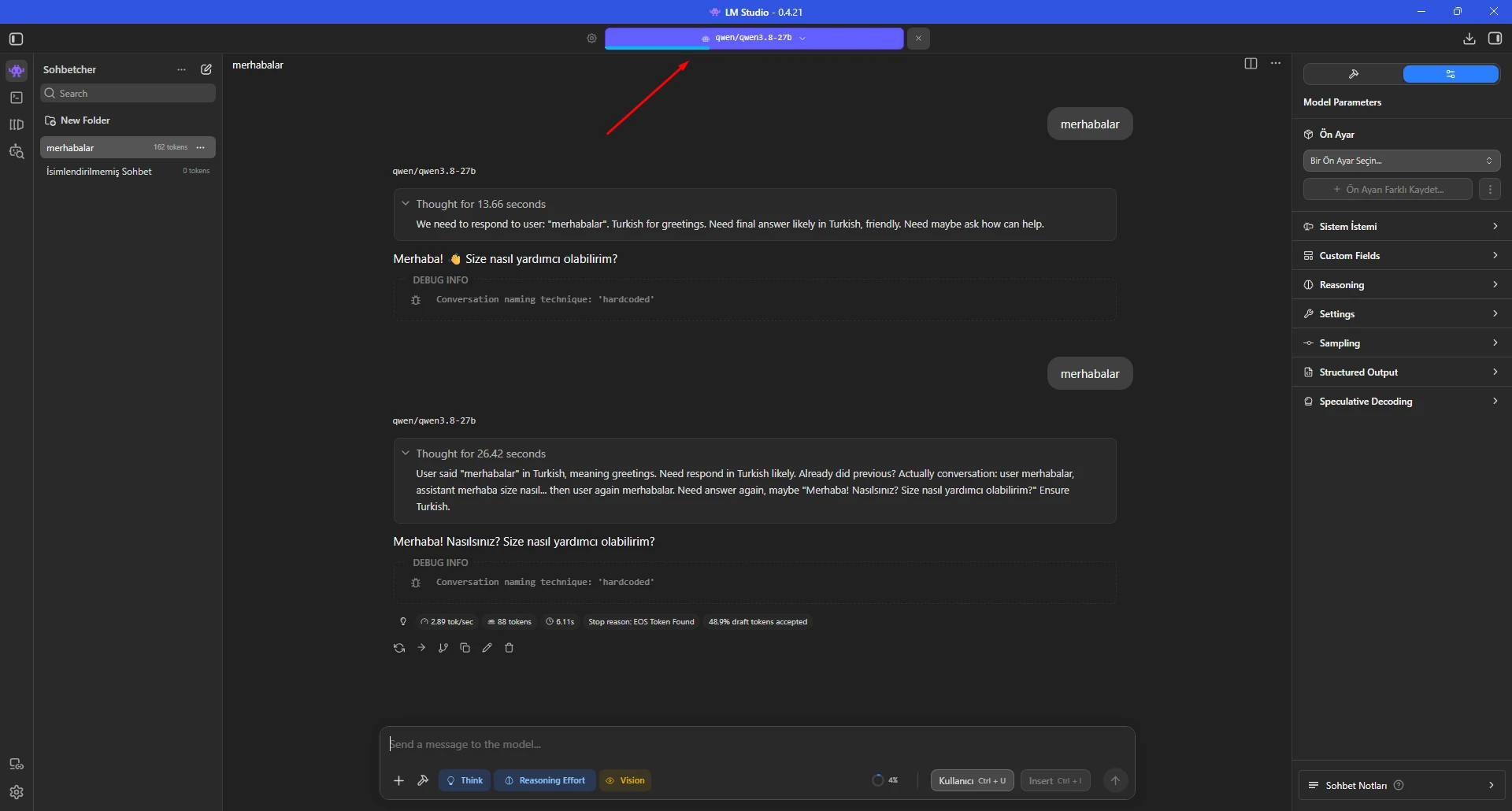
Moving the slider to 65 sounds attractive, but a 27B model and its runtime buffers cannot fully fit in the RTX 2070's 8 GB dedicated VRAM.
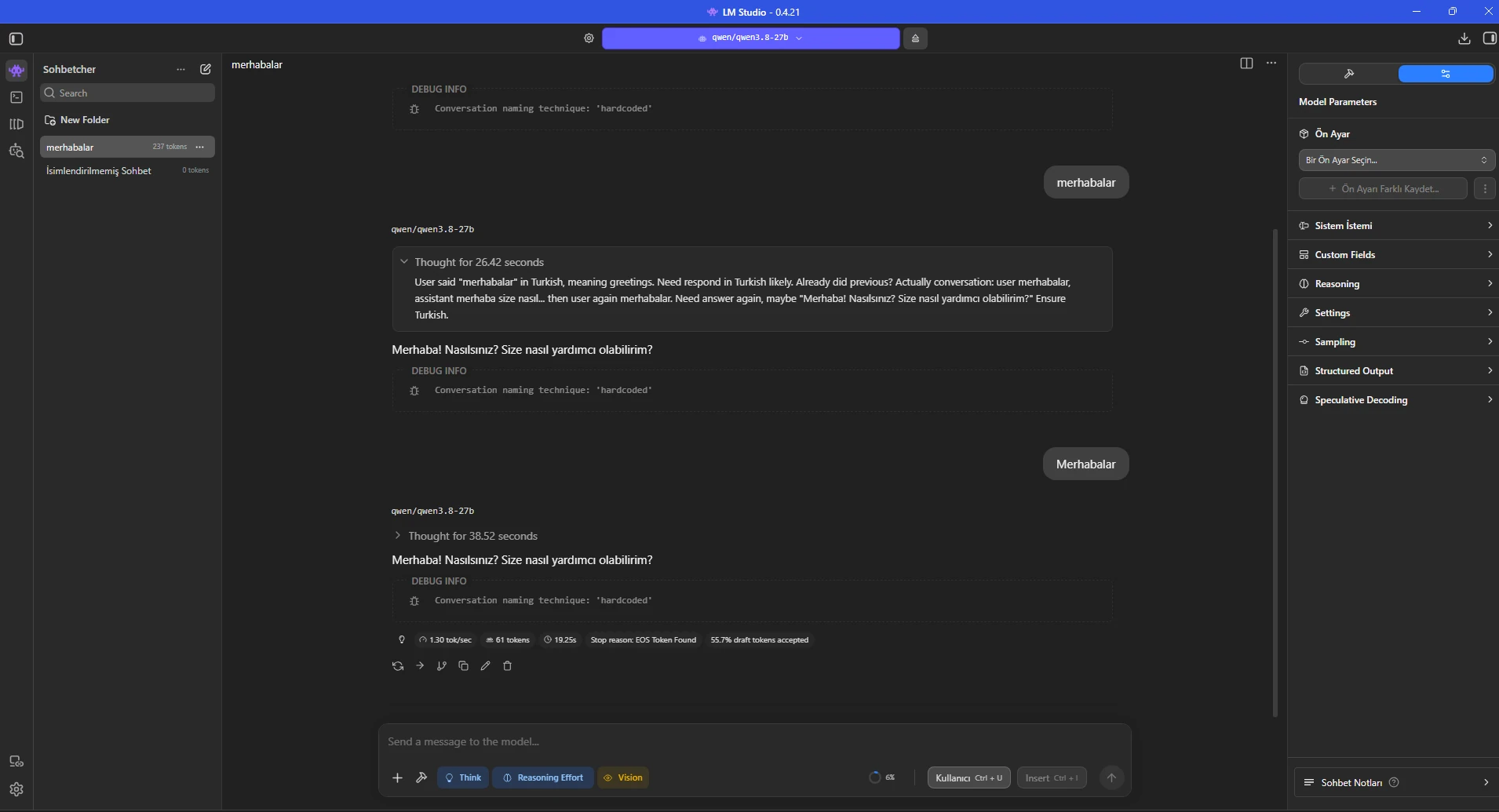
With the dedicated-memory limiter disabled, the 65-offload experiment dropped to about 1.30 tokens/sec, far below the 2.89 tokens/sec seen at 23 offload.
Shared GPU memory can become a bottleneck on Windows. LM Studio provides a dedicated-memory limiter specifically to keep model weights away from shared GPU memory.
The Hardware page showed the test machine's i7-10875H, 63.84 GB RAM and RTX 2070 8 GB VRAM. “Limit Model Offload to Dedicated GPU Memory” was initially disabled.
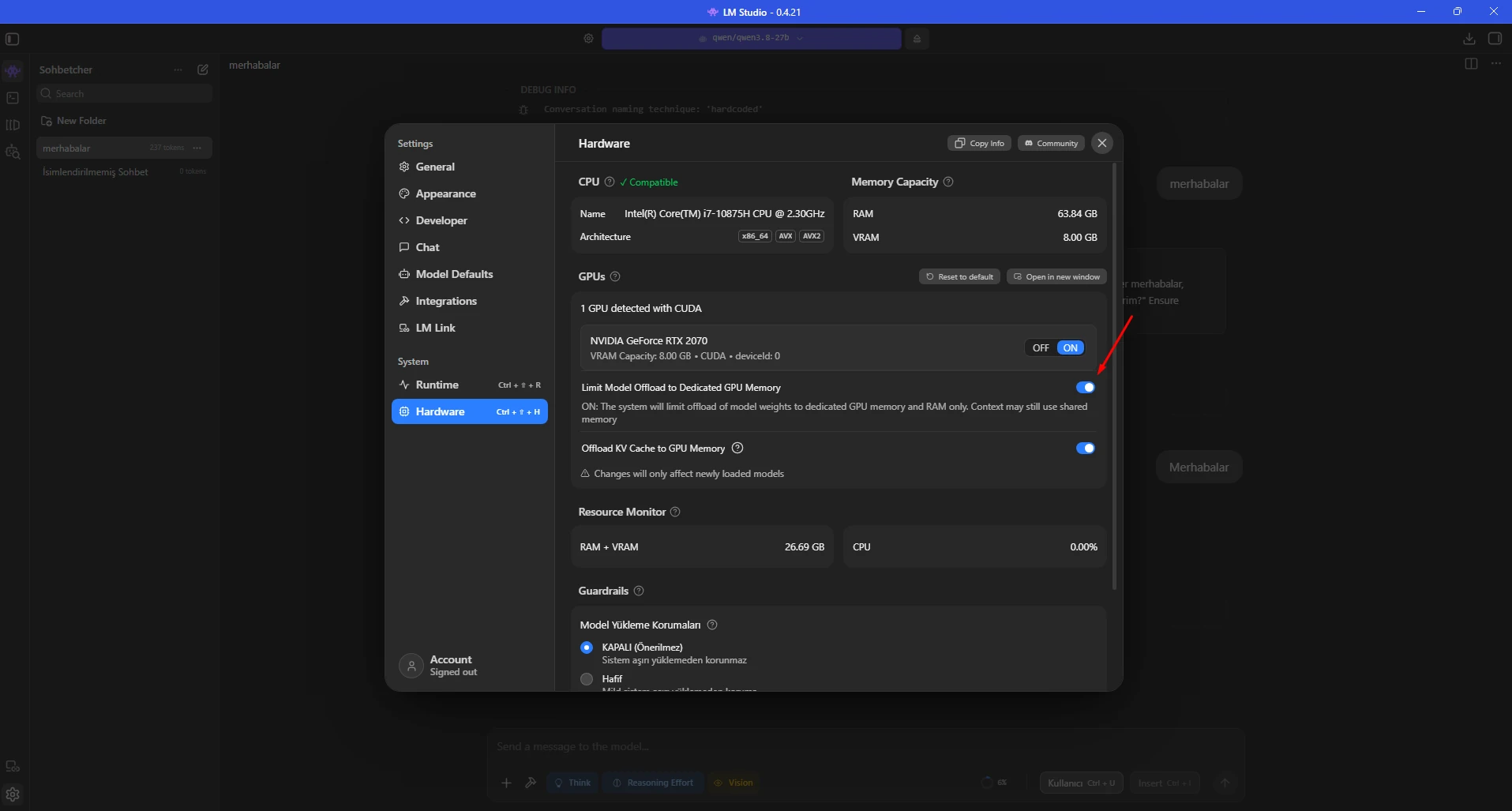
LM Studio states that enabling this setting limits model weights to dedicated GPU memory; when they do not fit, LM Studio reduces GPU offload and keeps the remainder in system RAM.
KV cache GPU offload remained enabled in this test. Benchmark it separately if VRAM is tight.
Windows shortcut: Ctrl + Shift + H
RTX 2070: ON
Limit Model Offload to Dedicated GPU Memory: ON
Offload KV Cache to GPU Memory: ON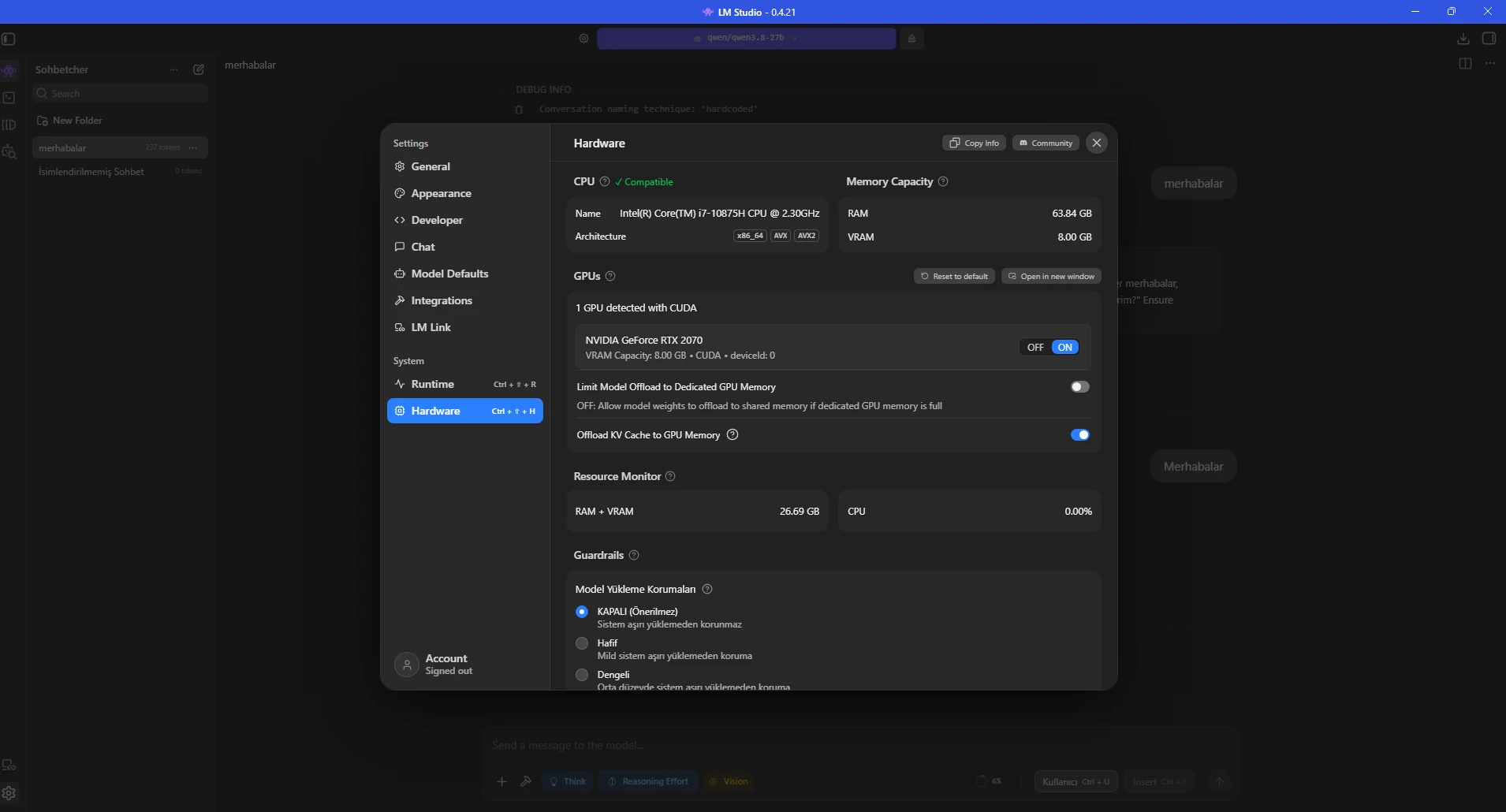
After enabling the limiter, the load dialog explicitly said that actual offloaded layers may differ from the requested number.
The limiter-enabled 65 request produced about 2.45 tokens/sec: much better than 1.30 without the limiter, but still below the 2.89 result from the manual 23-layer profile.
The best setting therefore still needs to be benchmarked on each machine.
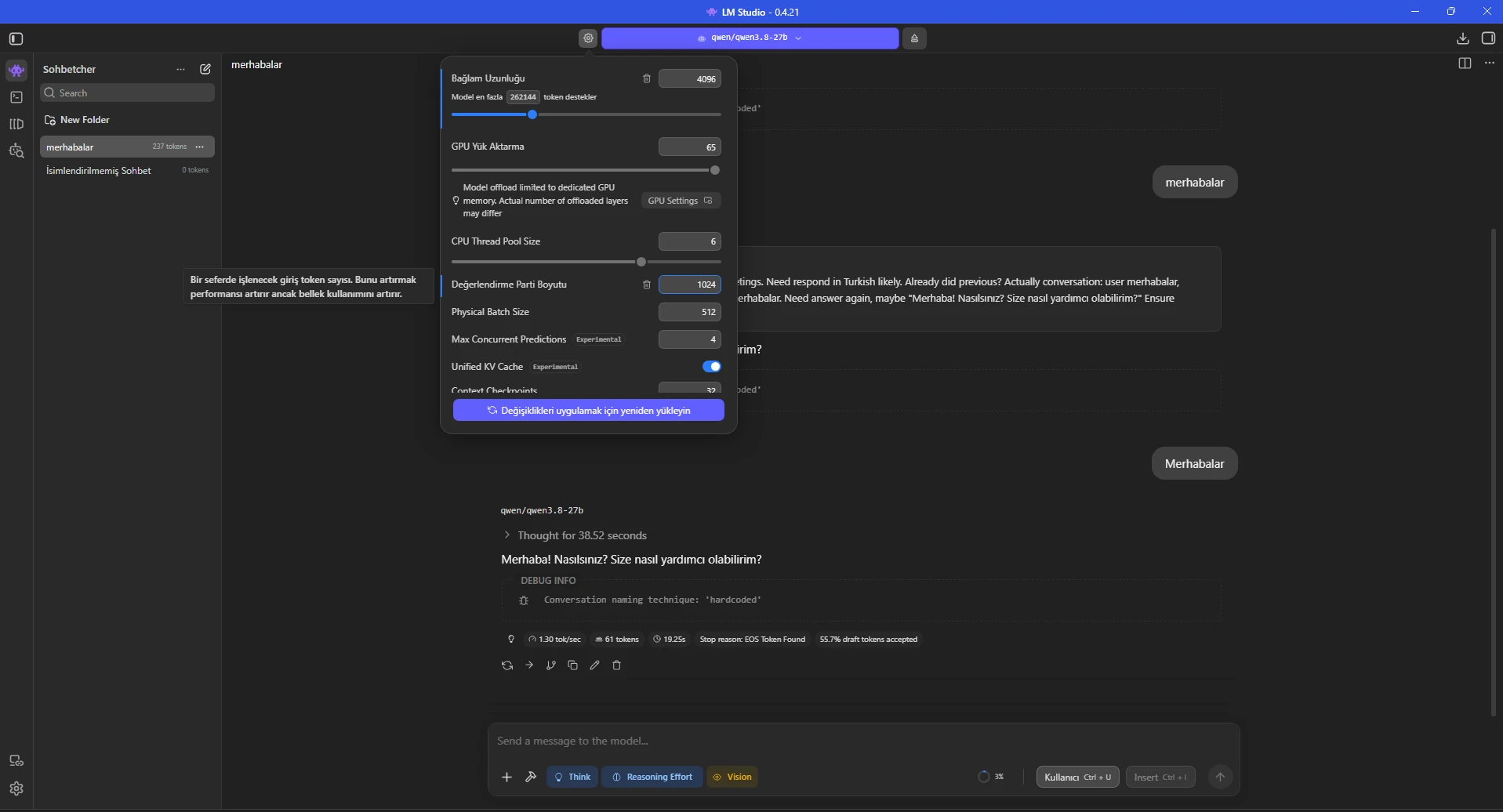
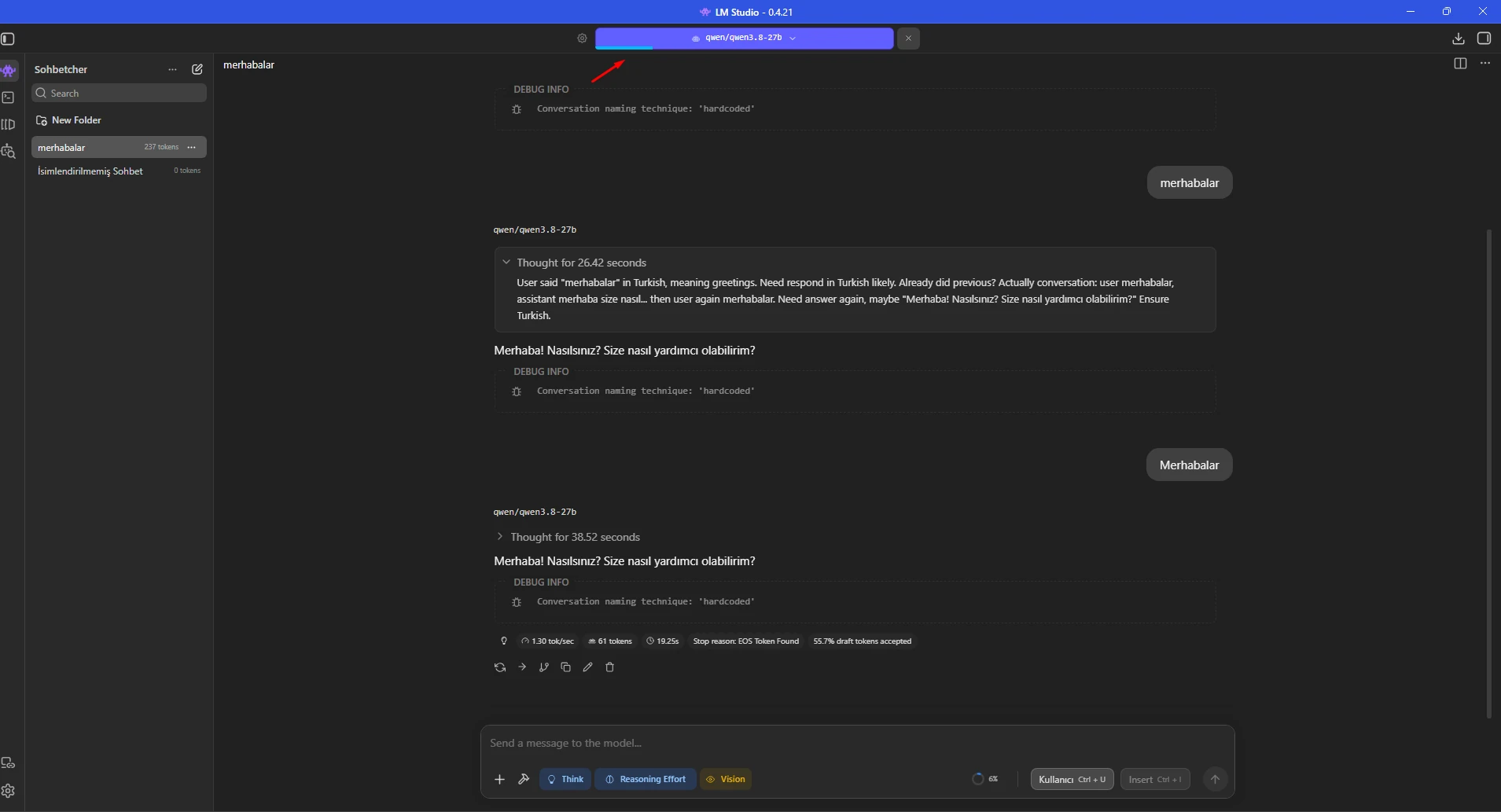
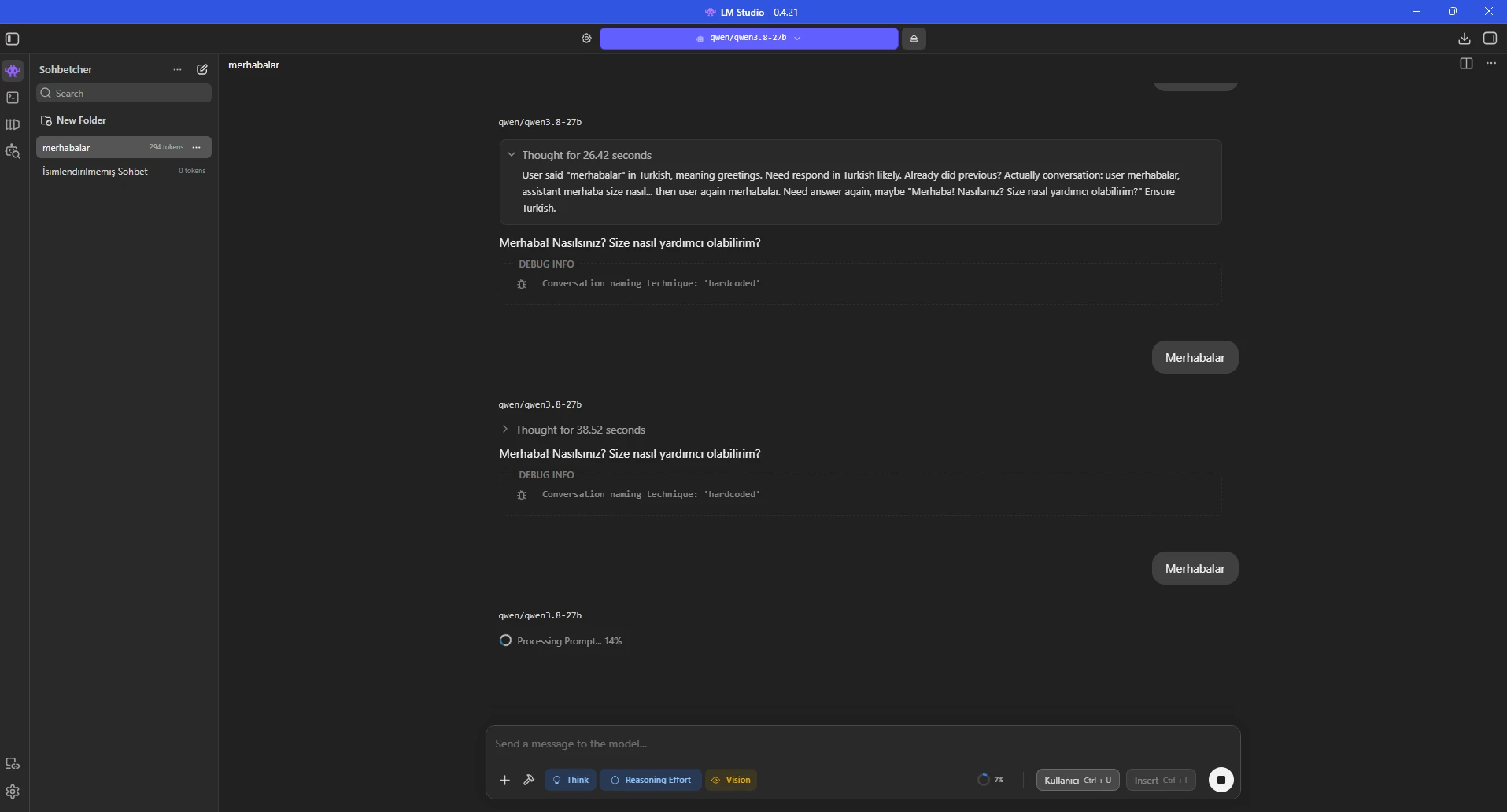
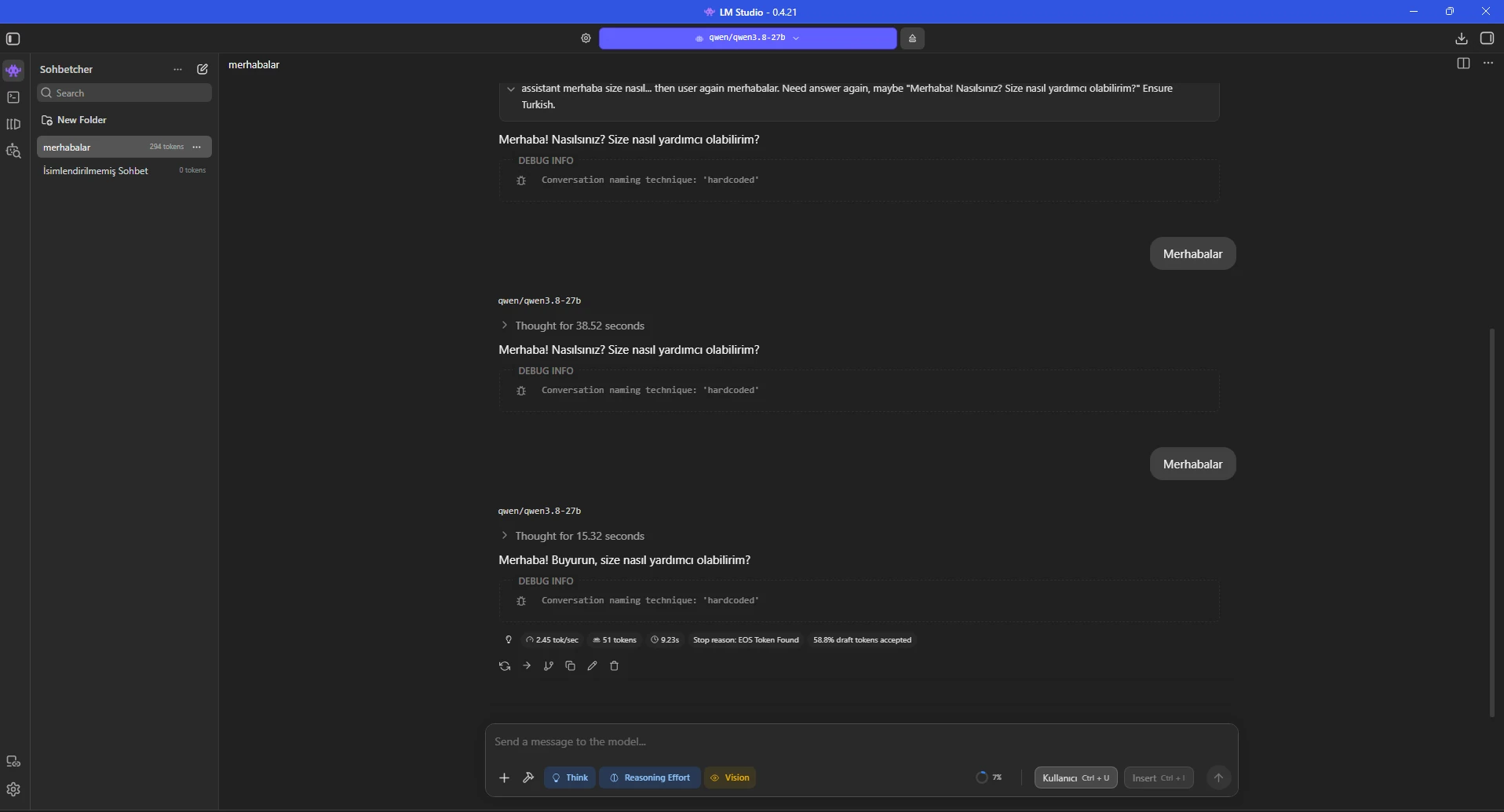
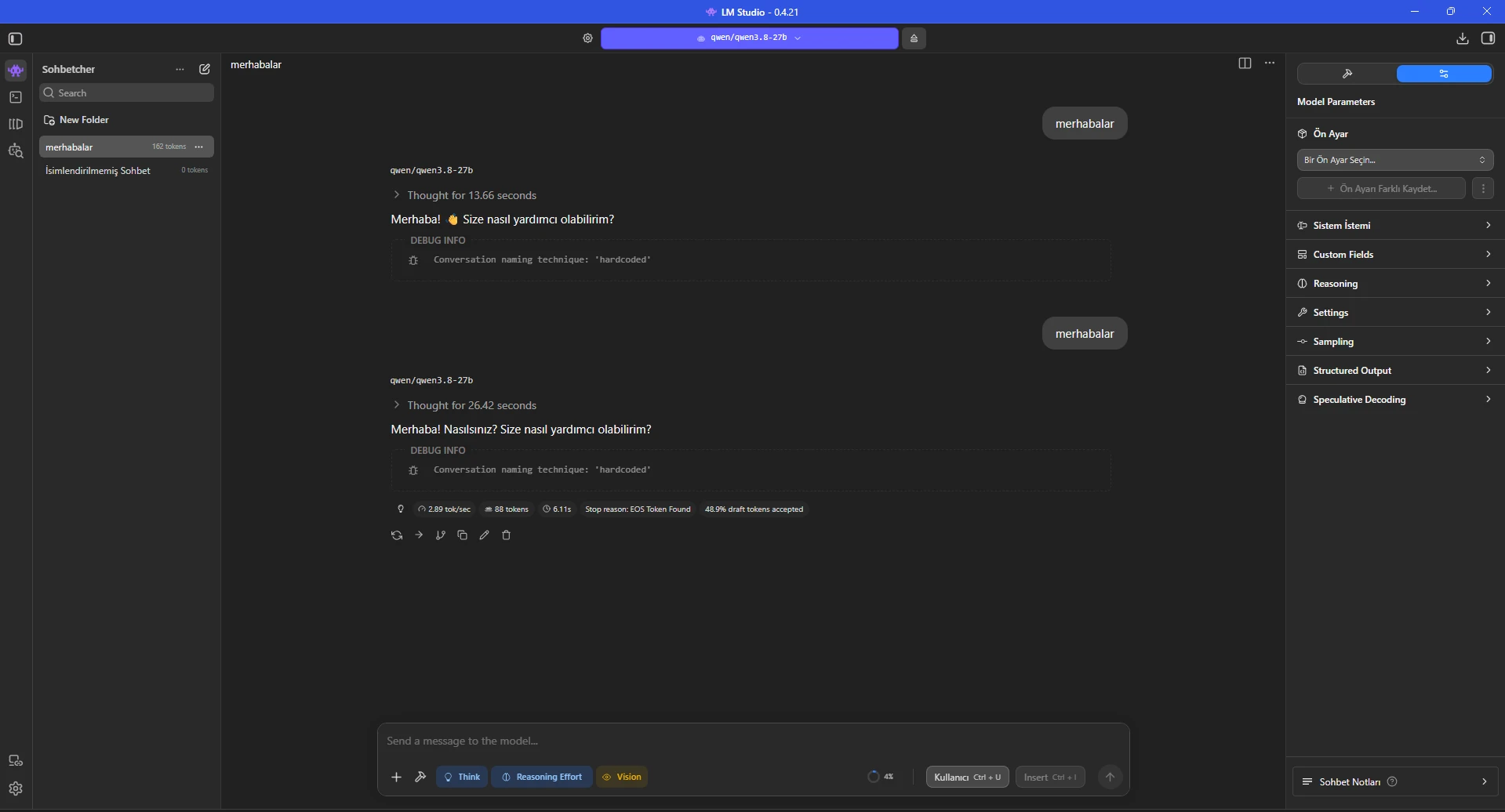
The screenshots show 13.66, 26.42 and 38.52 seconds of thinking on very short greetings. Much of the perceived delay was reasoning before the final answer.
Turning Think off makes simple chat respond directly. Re-enable reasoning for coding, mathematics, planning or complex analysis where depth matters more than latency.
The first Think-off test was still inside an older conversation, so it was not a clean benchmark.
Fast everyday profile: Think = OFF
Complex analysis: Think = ON + Reasoning Low/Medium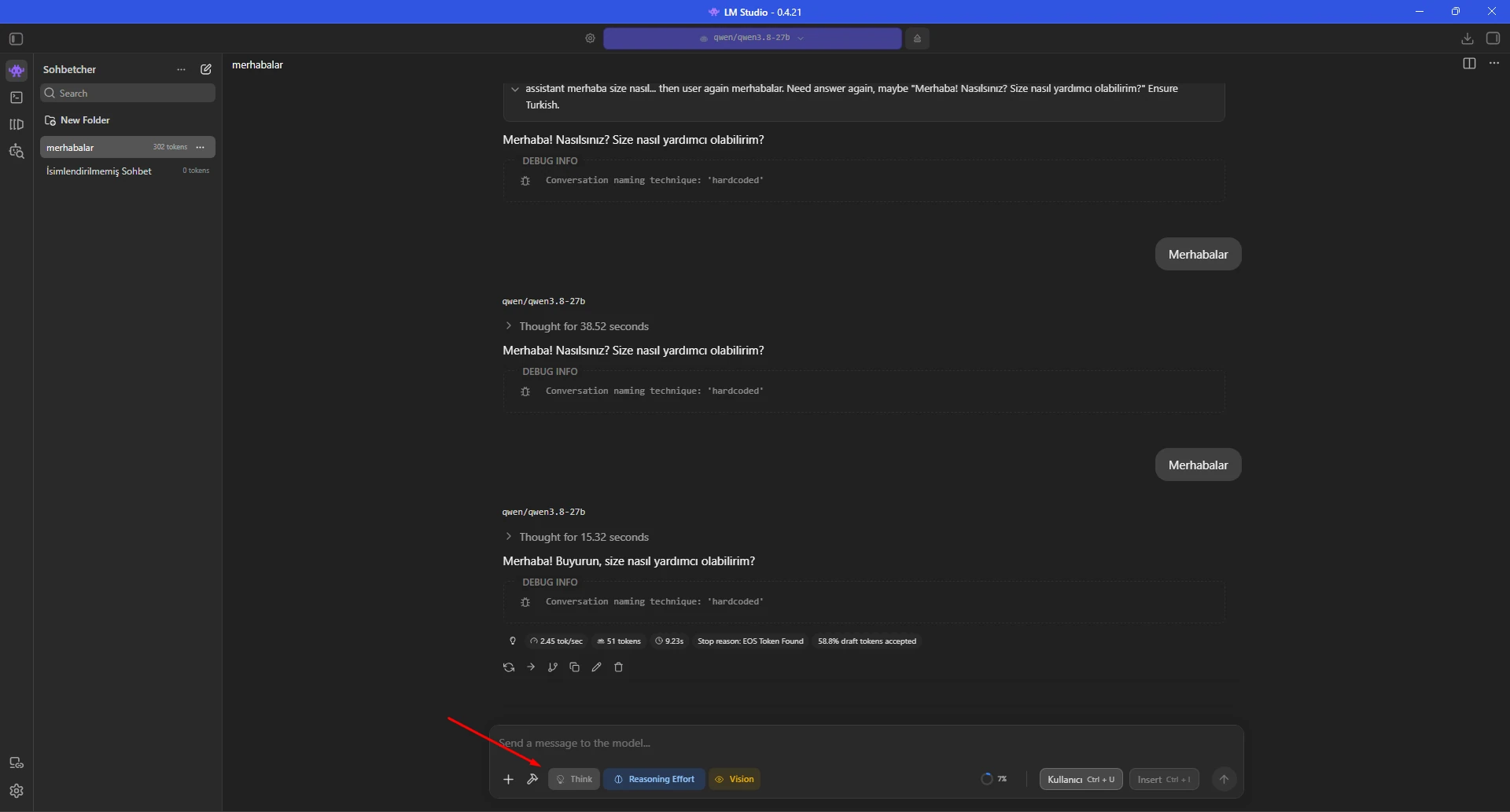
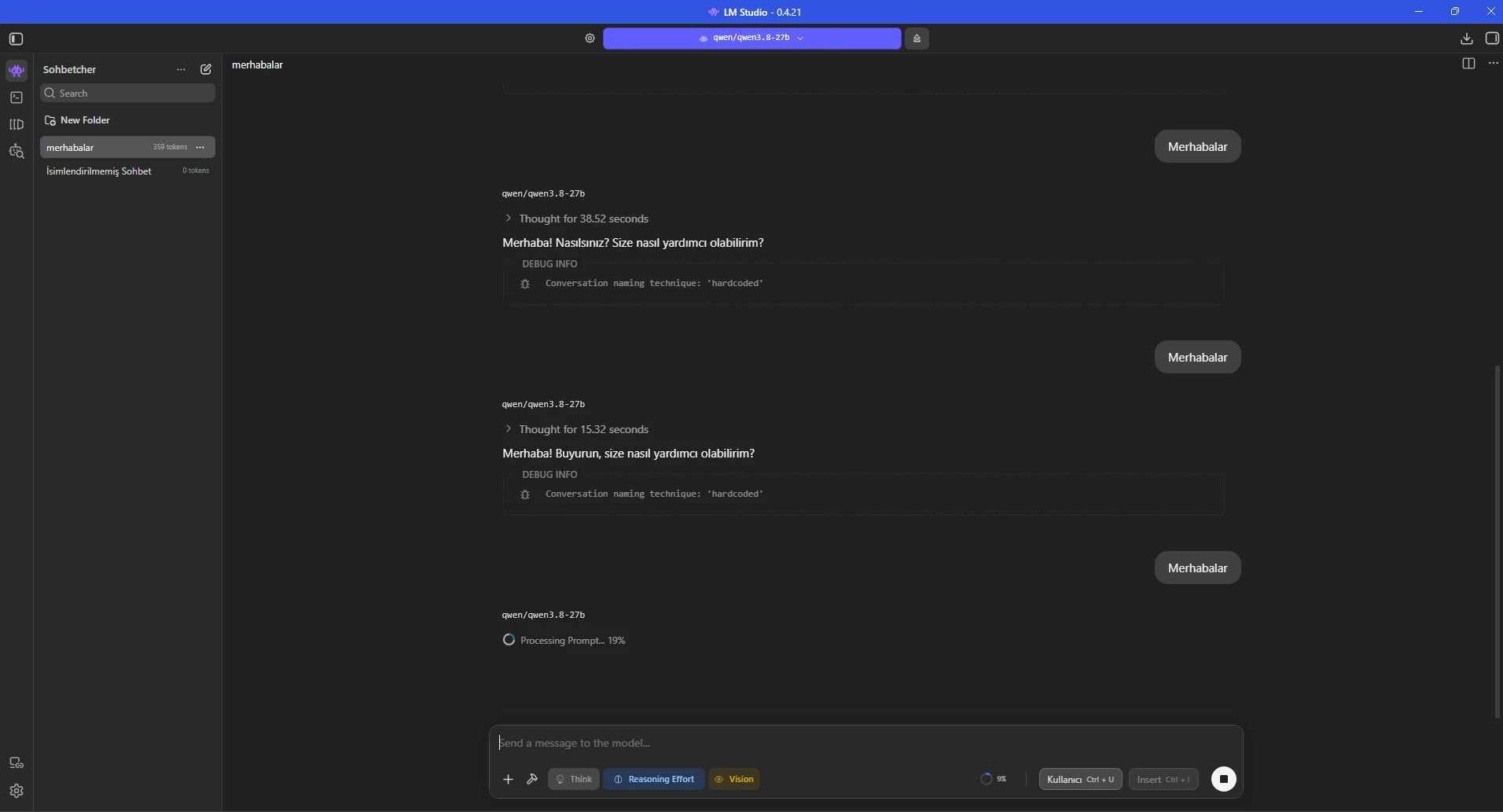
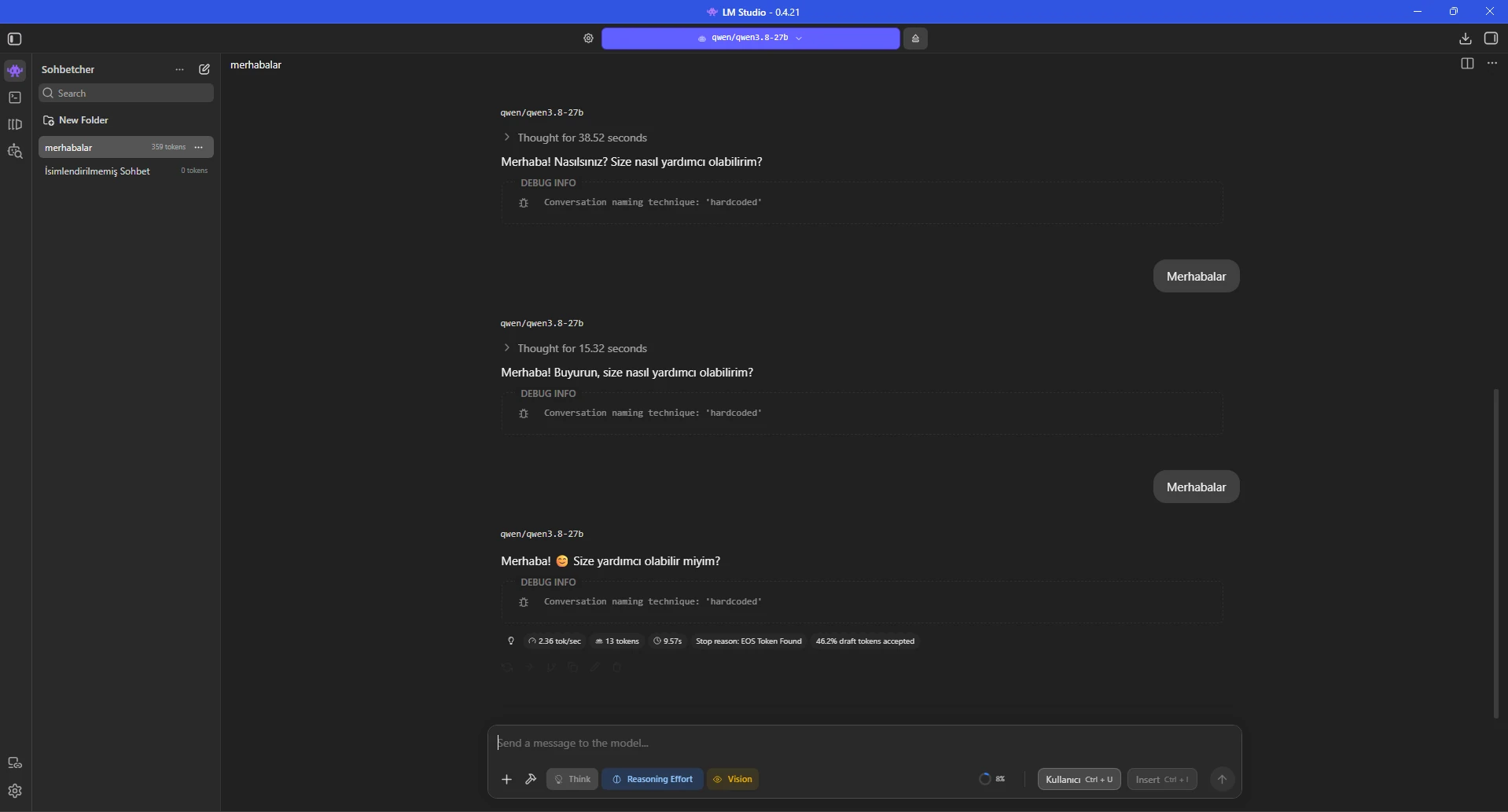
Chat history increases the number of input tokens that must be processed, so a fresh zero-token chat is useful for comparisons.
In the fresh conversation, Think was disabled and the short greeting finished at about 2.82 tokens/sec in 4.35 seconds.
For a reliable benchmark use a fixed 150-300 token answer prompt and compare tokens/sec, total time and first-token latency.
Benchmark prompt:
Explain how to build a secure user login system with PHP PDO in about 300 words.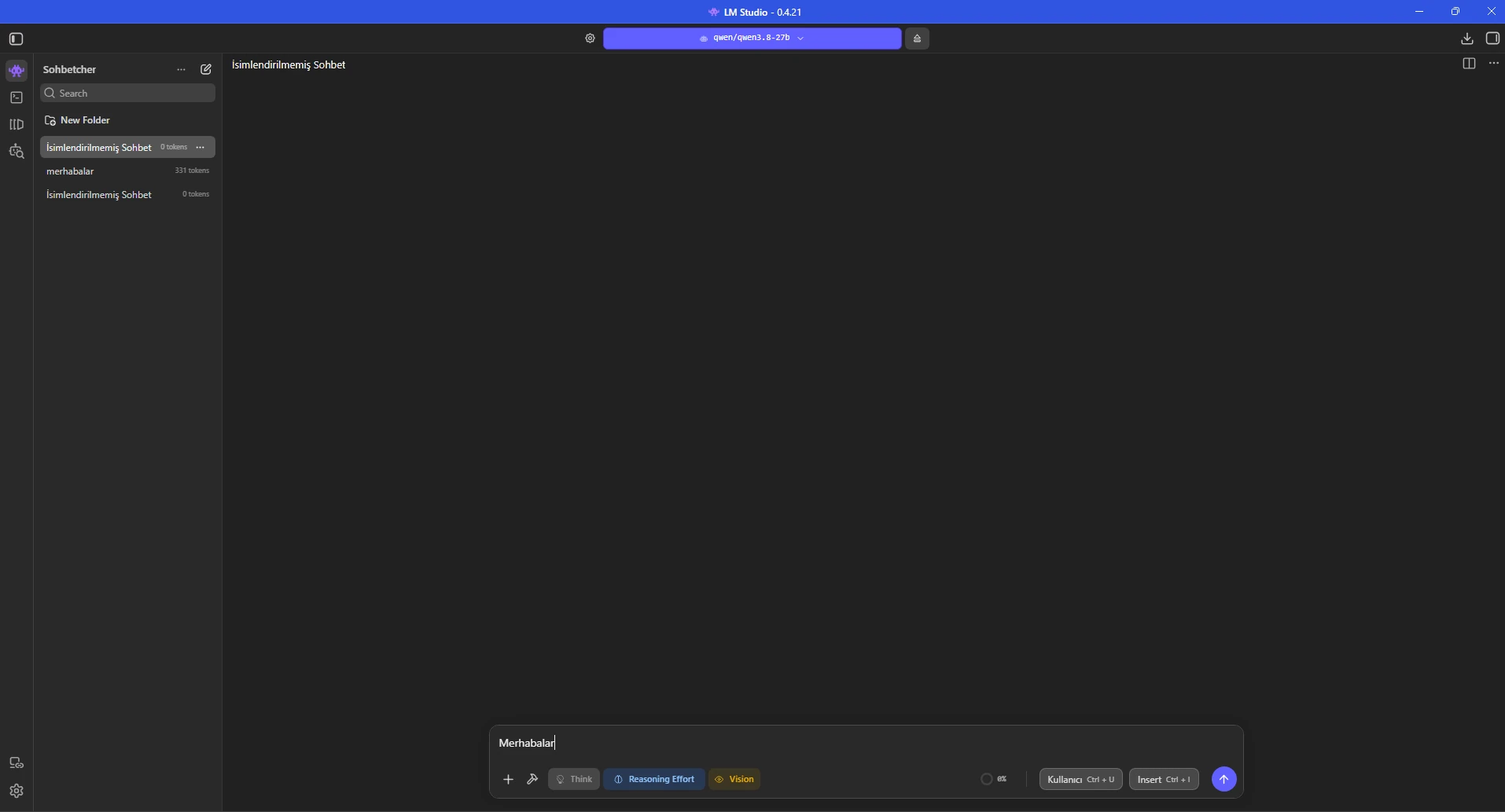
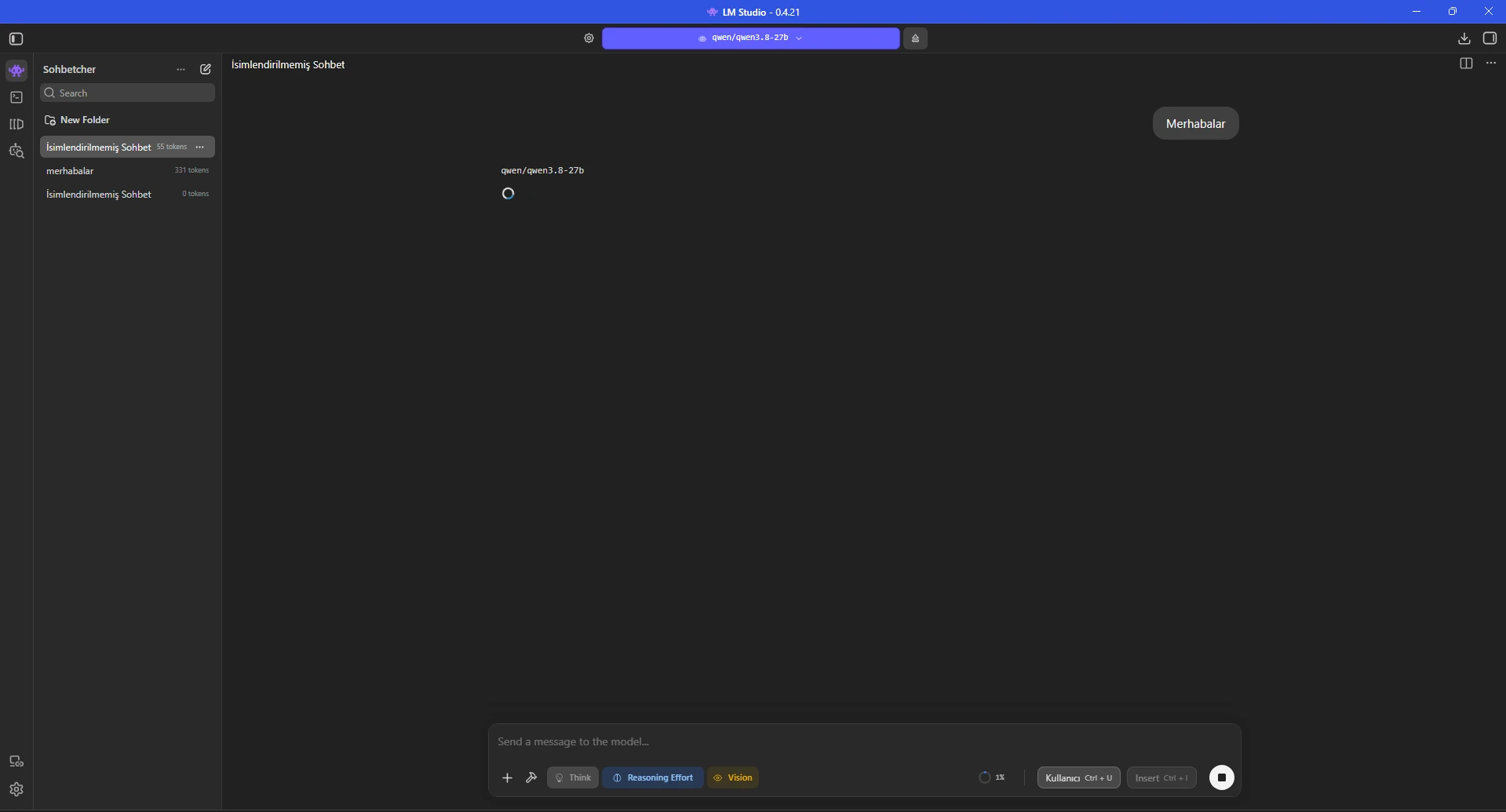
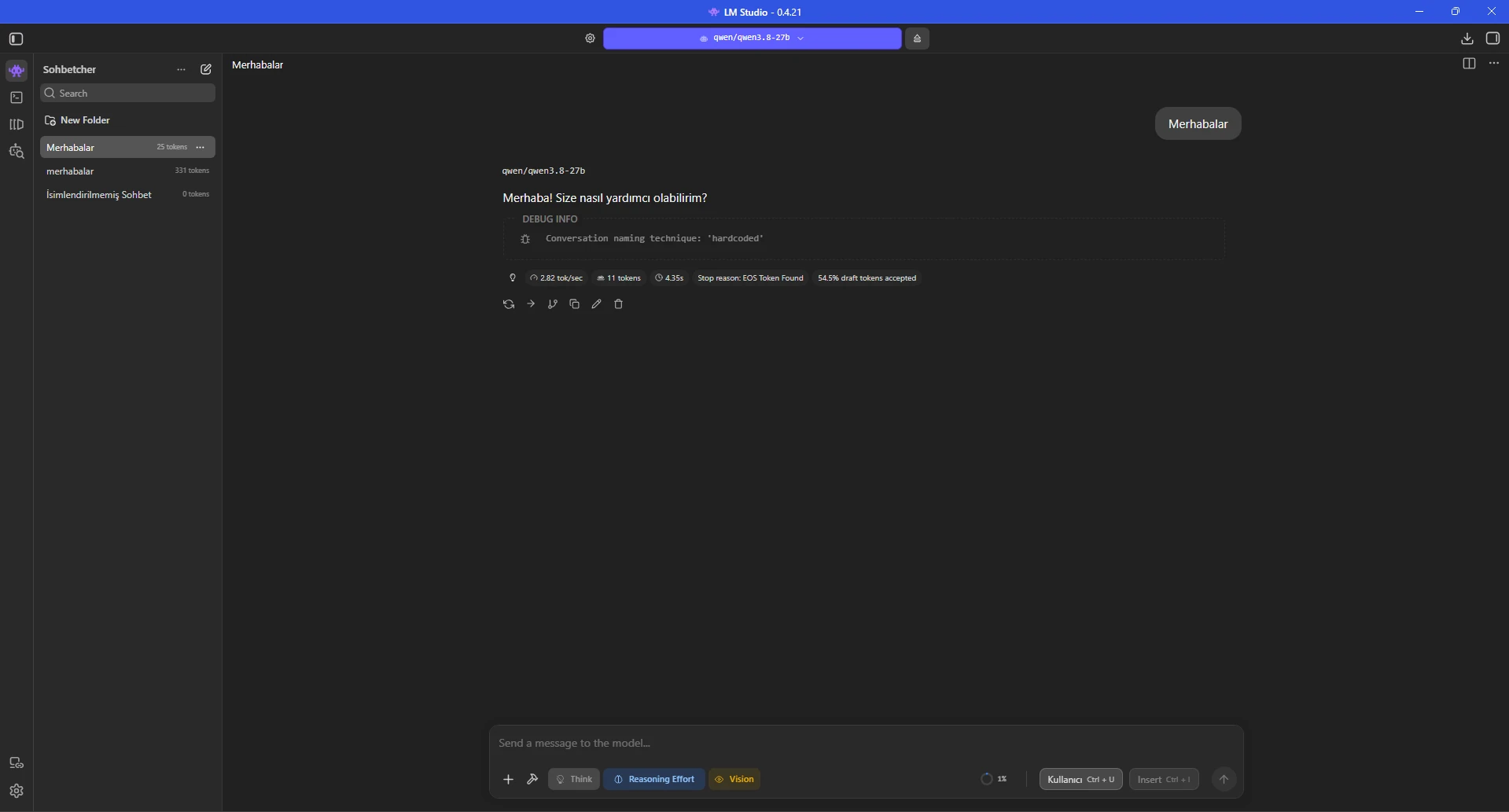
A sensible starting point from this test is 4096 context, six CPU threads, evaluation batch 1024, physical batch 512, one concurrent prediction and the dedicated-memory limiter enabled.
Keep Think off for everyday chat. Speculative Decoding remained active in the screenshots with roughly 46-59% draft-token acceptance, so benchmark it separately on and off.
Start with GPU offload around 23 and compare against a limiter-enabled maximum request instead of assuming one value is universal.
Context: 4096
CPU Threads: 6
Evaluation Batch: 1024
Physical Batch: 512
Concurrent Predictions: 1
Dedicated GPU Memory Limit: ON
KV Cache GPU Offload: ON
Think: OFF for everyday use
GPU Offload: start near 23 and benchmarkQwen3.8-27B can run on an 8 GB card with enough system RAM, but partial RAM/CPU execution limits generation speed. Long context, vision, concurrent requests and higher tokens/sec targets increase the value of more VRAM.
LM Studio's general Windows recommendation is at least 16 GB RAM and 4 GB dedicated VRAM, but a 27B model must also be sized for its actual quantization and context requirements.
For hosted local-AI workloads, size CPU, RAM and GPU from the model format, context size, concurrent users and target throughput rather than parameter count alone.
Yes. In this guide Qwen3.8-27B was actually loaded in LM Studio 0.4.21 and generated chat responses. Memory requirements vary with quantization, context length and offload settings.
LM Studio's model catalog says the smallest Qwen3.8 option requires at least 17 GB of RAM. More system memory is useful in practice for a 27B model, larger contexts and partial CPU/RAM offload.
In this test the model ran on an RTX 2070 with 8 GB VRAM and roughly 64 GB of system RAM. The whole 27B model does not fit in 8 GB VRAM, so part of the workload remains in system memory/CPU and generation is slower than on high-VRAM GPUs.
It means the LM Studio inference engine startup was interrupted before the model became ready. There is no single guaranteed cause. Check the logs, confirm the download is complete, reload the model and try more conservative context/offload settings.
When dedicated VRAM is exhausted on Windows, using shared GPU memory can hurt performance. LM Studio's dedicated-memory limiter is designed to keep model weights in dedicated VRAM and system RAM instead.
It is worth testing on NVIDIA/Windows systems where the model does not fully fit in VRAM. With the option enabled, LM Studio can reduce the actual GPU-offloaded layer count to what fits in dedicated VRAM.
Non-thinking mode is useful for fast everyday chat. Re-enable reasoning for coding, mathematics, planning and complex analysis when deeper reasoning is more important than response latency.
No. A draft model proposes tokens that the main model verifies. It can speed up generation with a compatible fast draft model, but extra memory use or a low acceptance ratio can remove the benefit. Benchmark both states.
Not automatically. Although the model advertises a native 262K context window, long contexts increase cache and memory requirements. Starting with 4096 or 8192 is more practical for local use.
About 2.89 tokens/sec was observed at 23 GPU-offloaded layers. A clean new chat with Think disabled and the dedicated-memory limiter active reached about 2.82 tokens/sec. These numbers are specific to this test machine.
Size CPU, RAM, NVMe and GPU resources for Qwen, Ollama, LM Studio and other local LLM workloads based on your model, context and concurrency targets.
Updated: 15.08.2026 Turkey (Turkish)
 Germany (German)
 Worldwide (English)

