
 Halkali merkez neighborhood fatih st ozgur apt no 46 , Kucukcekmece , Istanbul , 34303 , TR
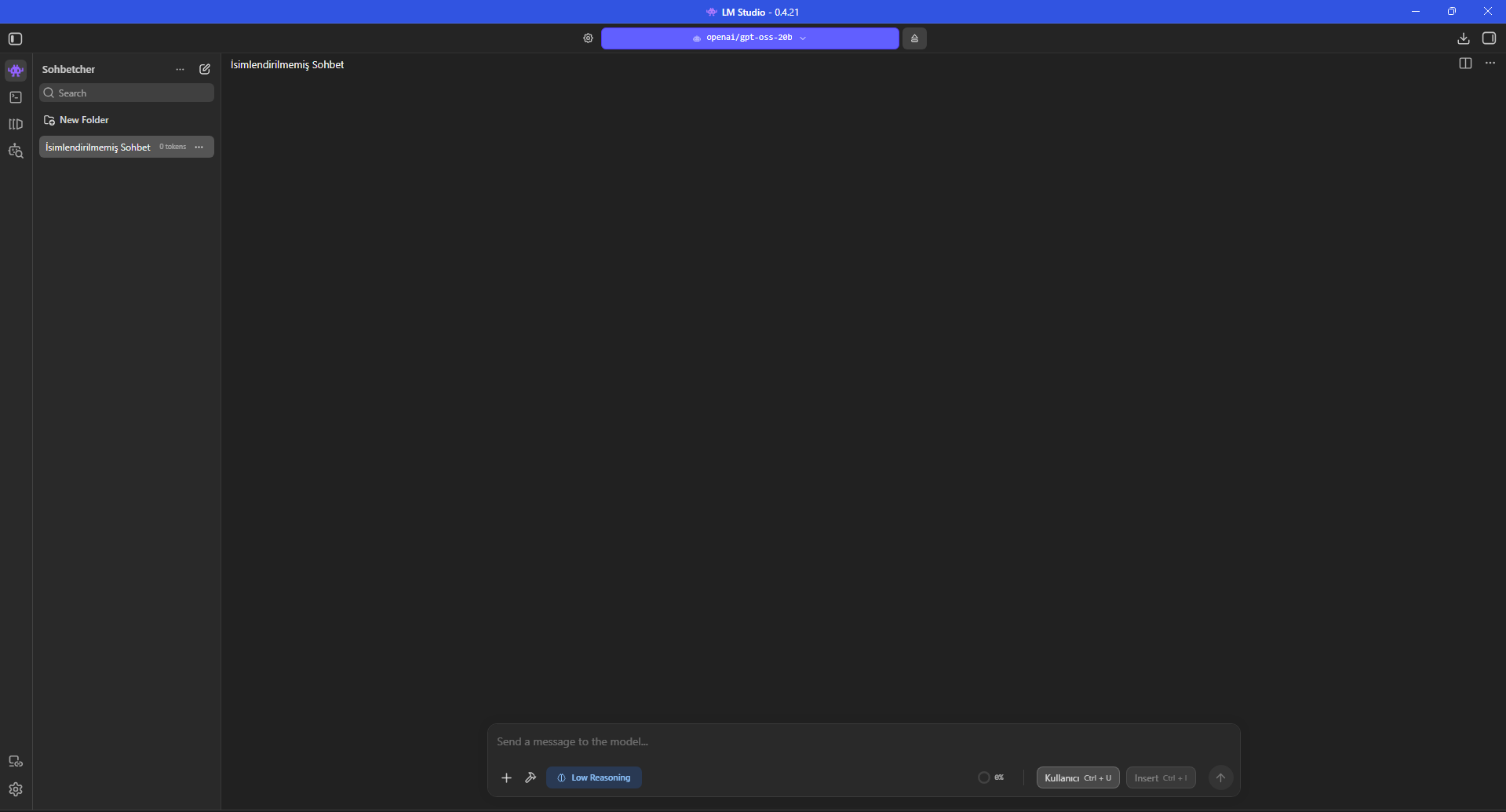
We ran OpenAI GPT-OSS 20B in LM Studio 0.4.21 on a real Windows PC. From the model download page and hardware controls to a 2489-token technical response and a Max Concurrent Predictions 4 vs 1 comparison, the complete process is documented with 23 real screenshots.
Context              8192
GPU Offload           24
CPU Threads            6
Eval / Physical   2048 / 512
Concurrent             1
Reasoning            Low
These values were observed only on this device, LM Studio version and session. Even with the same prompt, the model can produce outputs of different lengths, so small speed differences should not be treated as universal performance guarantees.
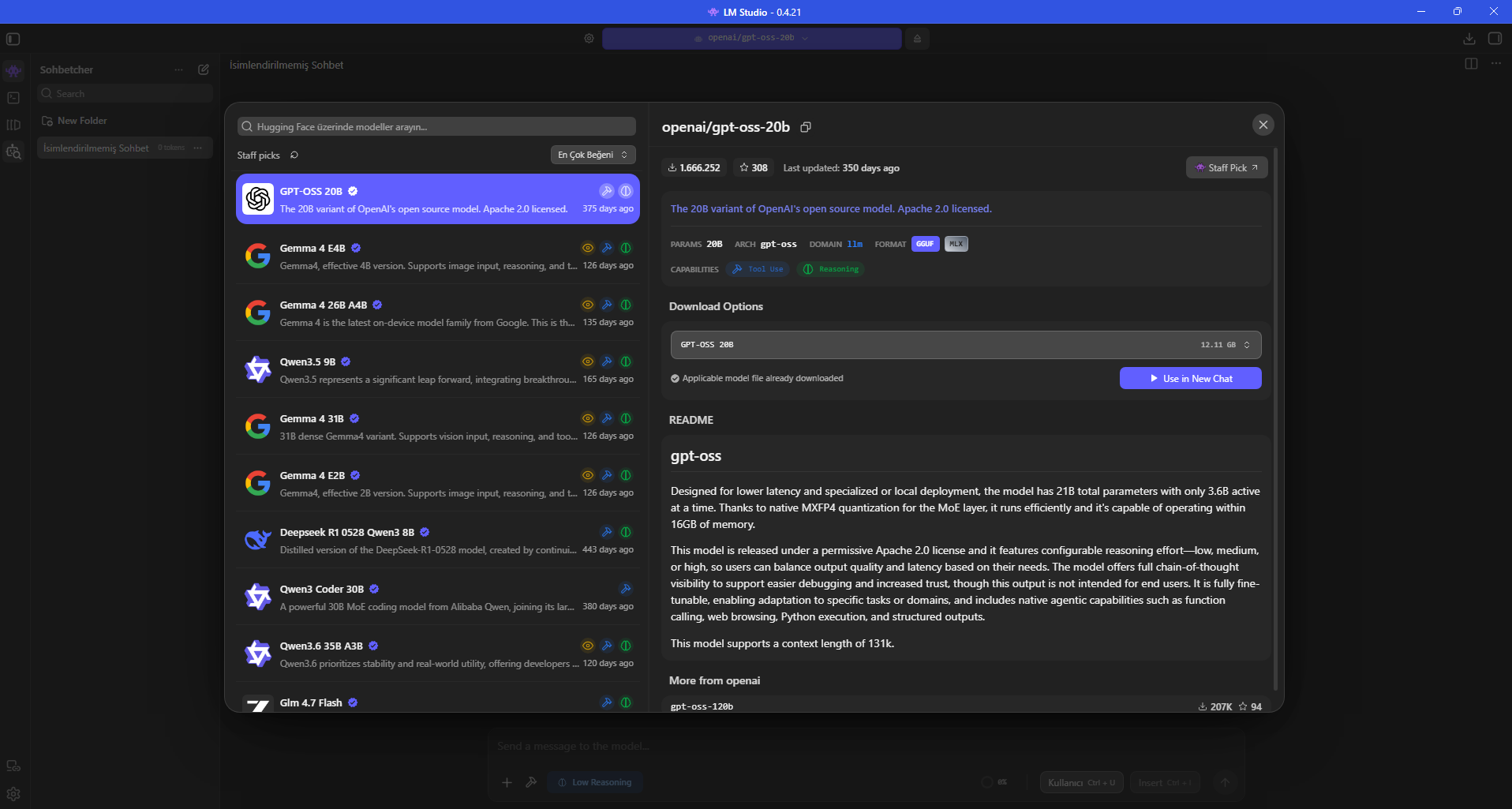
Opening openai/gpt-oss-20b in LM Studio shows a 12.11 GB GGUF option already downloaded on the device. The same model page marks reasoning and tool-use capabilities.
According to OpenAI’s official model card, gpt-oss-20b is a Mixture-of-Experts model with 20.9B total parameters, 3.6B active parameters per token and 24 layers. OpenAI positions it for local inference and lower-latency use cases.
The 12.11 GB download size should not be read as a minimum RAM or VRAM requirement. Context, KV cache, runtime buffers and the operating system add memory overhead.
12.11 GB on the model page is the size of this LM Studio GGUF package, not the total runtime memory footprint.
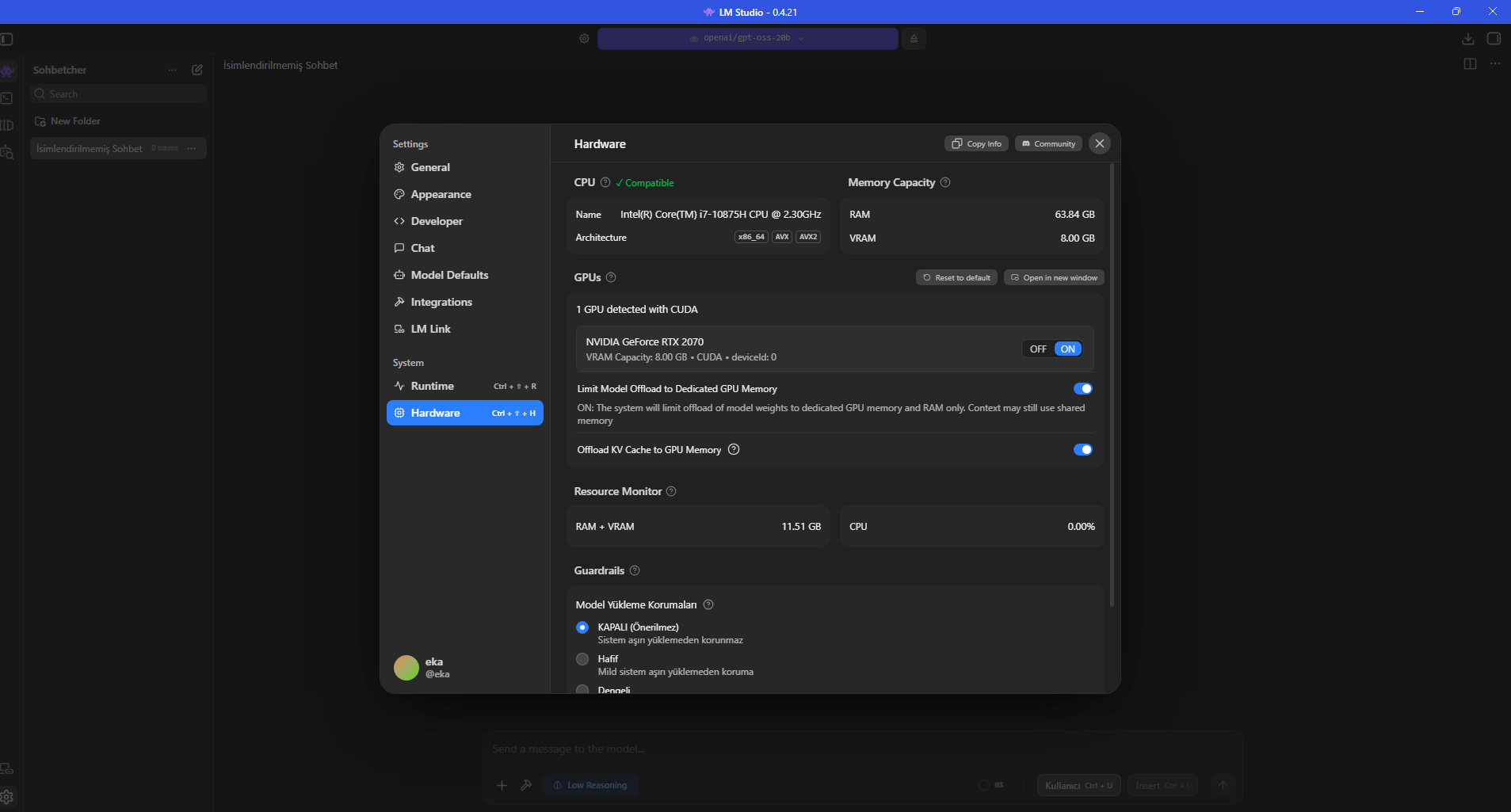
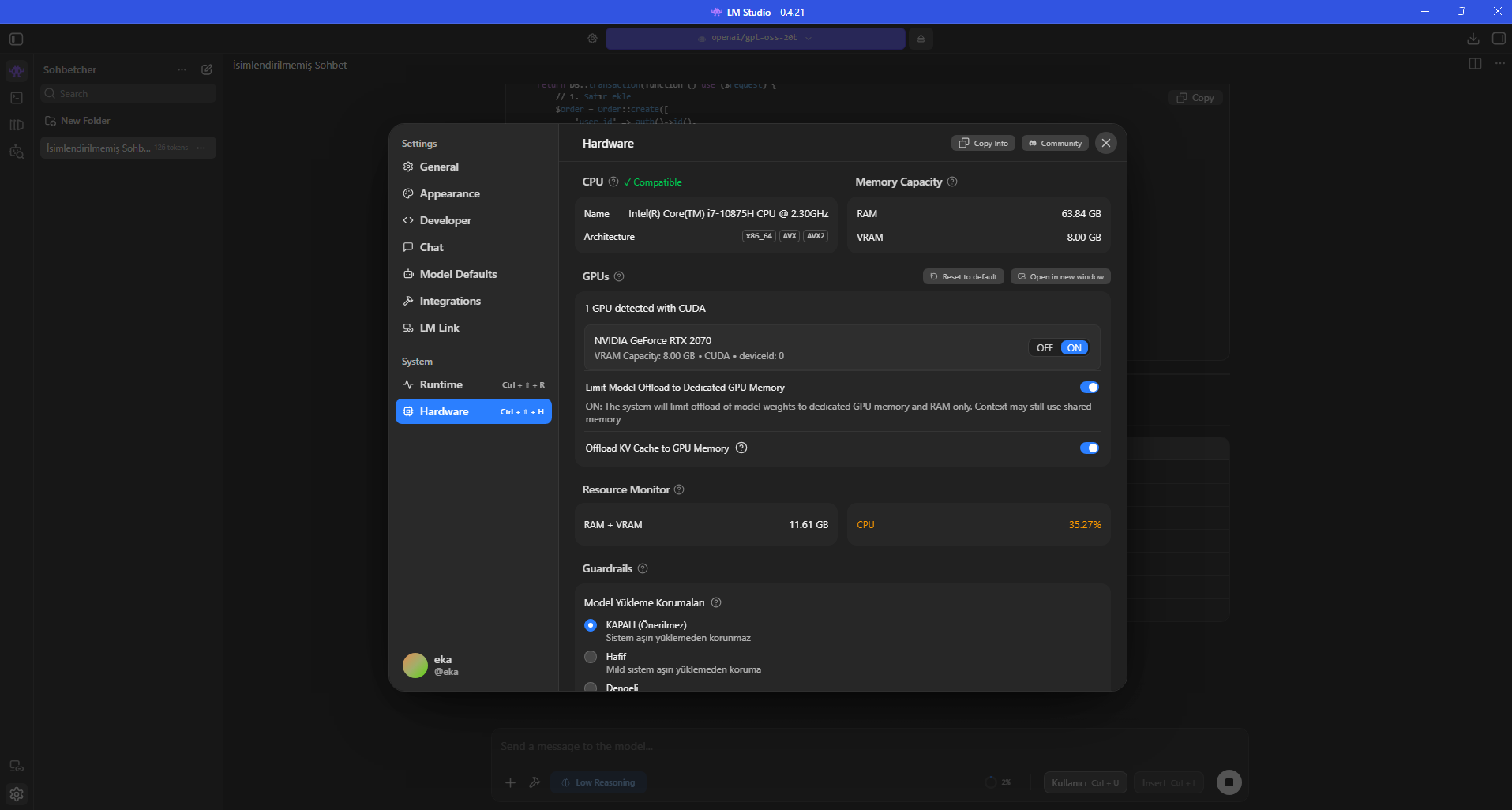
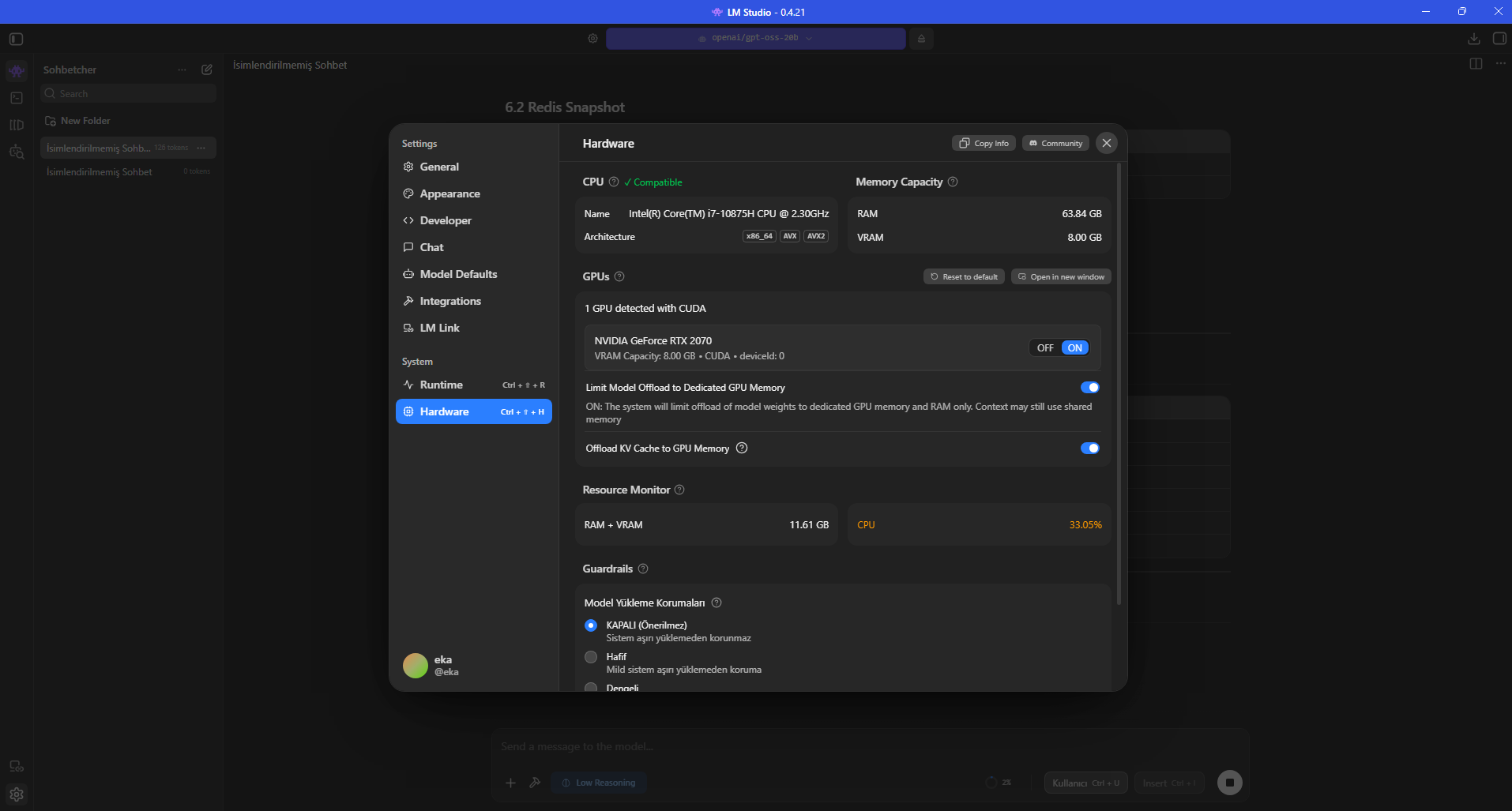
All measurements were taken on the same Windows PC: Intel Core i7-10875H, 63.84 GB system RAM and NVIDIA GeForce RTX 2070 8 GB. LM Studio detects the GPU through CUDA.
“Limit Model Offload to Dedicated GPU Memory” and “Offload KV Cache to GPU Memory” were left enabled. The dedicated-memory limit is designed to restrict model-weight placement from spilling into Windows shared GPU memory.
This configuration demonstrates an important distinction: the model ran with an 8 GB GPU, but the machine also had roughly 64 GB system RAM to support model parts that did not fit in VRAM.
This guide does not claim that 8 GB VRAM alone is enough; the real machine combines 8 GB VRAM with 63.84 GB system RAM.
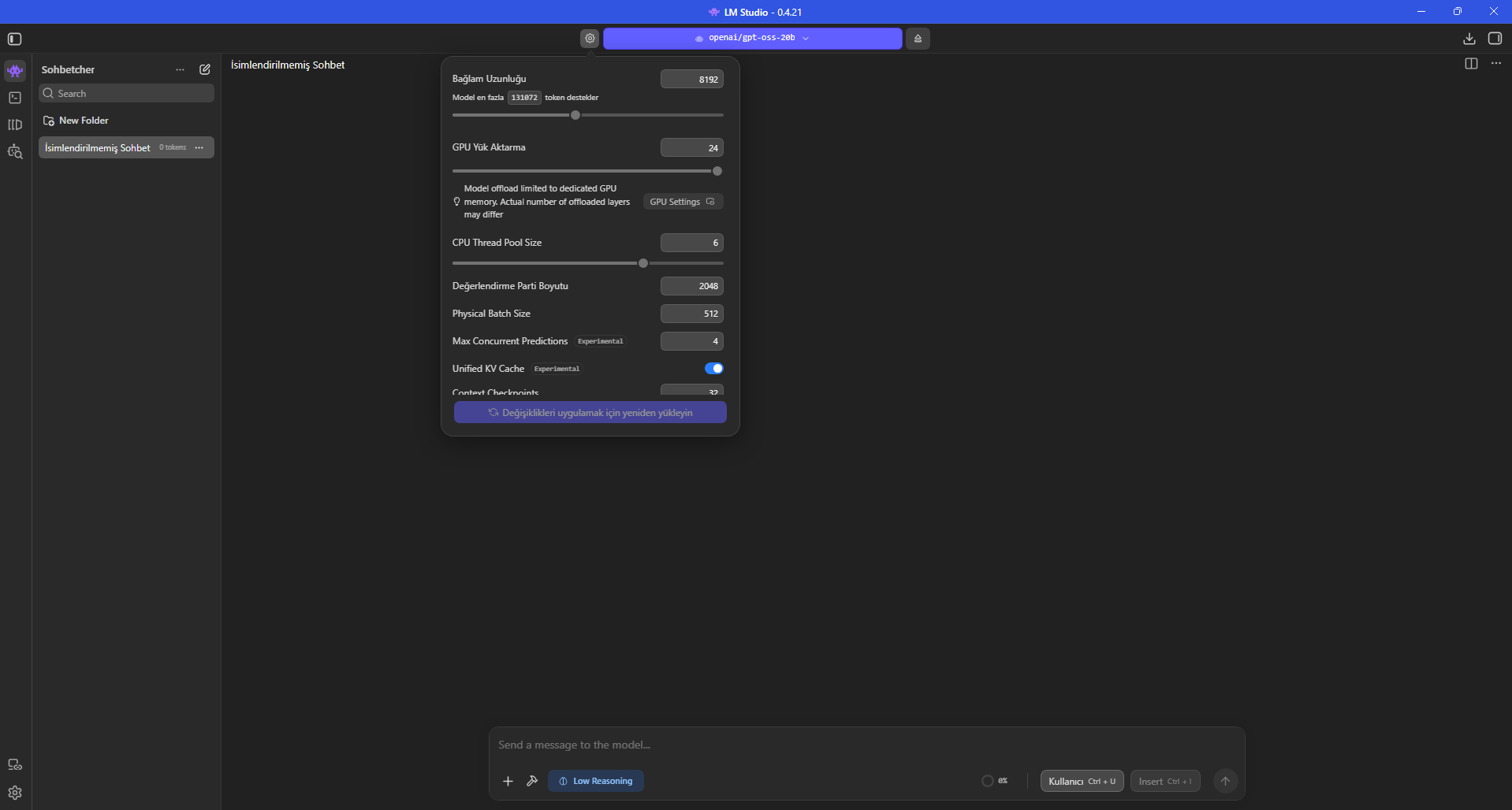
The first profile used context length 8192, GPU offload 24, CPU Thread Pool Size 6, Evaluation Batch Size 2048, Physical Batch Size 512 and Max Concurrent Predictions 4. Unified KV Cache remained enabled.
Although the model screen exposes a maximum 131072-token context, we used 8192 for the benchmark. Maximum context is not required for every desktop workflow and larger context can increase cache and memory pressure.
The GPU-offload slider ends at 24, matching the model’s 24-layer architecture. With the dedicated-GPU-memory limit enabled, LM Studio also warns that the actual number of offloaded layers may differ.
Context Length: 8192
GPU Offload: 24
CPU Thread Pool Size: 6
Evaluation Batch Size: 2048
Physical Batch Size: 512
Max Concurrent Predictions: 4
Unified KV Cache: ON
Dedicated GPU Memory Limit: ON
KV Cache -> GPU: ON
Reasoning: Low
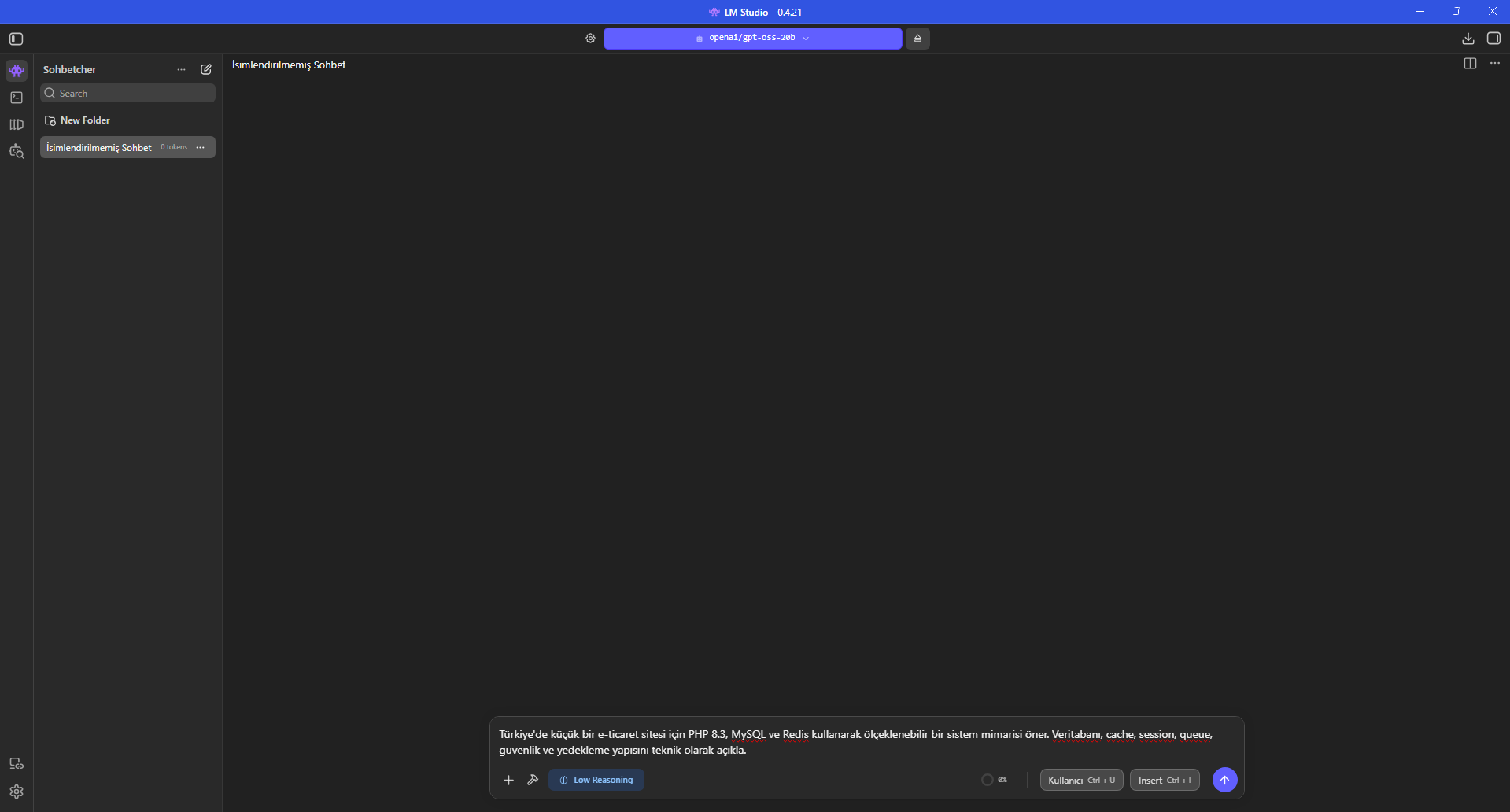
Instead of a short greeting, we used a fixed prompt designed to keep the model generating technical content for several minutes. It requested PHP 8.3, MySQL, Redis, sessions, queues, security and backups in one architecture.
Low Reasoning was selected. The response covered database design, Redis cache/session, queues, security, backup and DevOps topics across thousands of tokens. This output is a benchmark workload, not a validated production architecture.
A long answer makes the tokens/s measurement more informative than a 10–20-token greeting and also gives enough time to capture resource use from the Hardware screen.
Propose a scalable system architecture for a small e-commerce site using PHP 8.3, MySQL and Redis. Explain the database, cache, session, queue, security and backup structure technically.
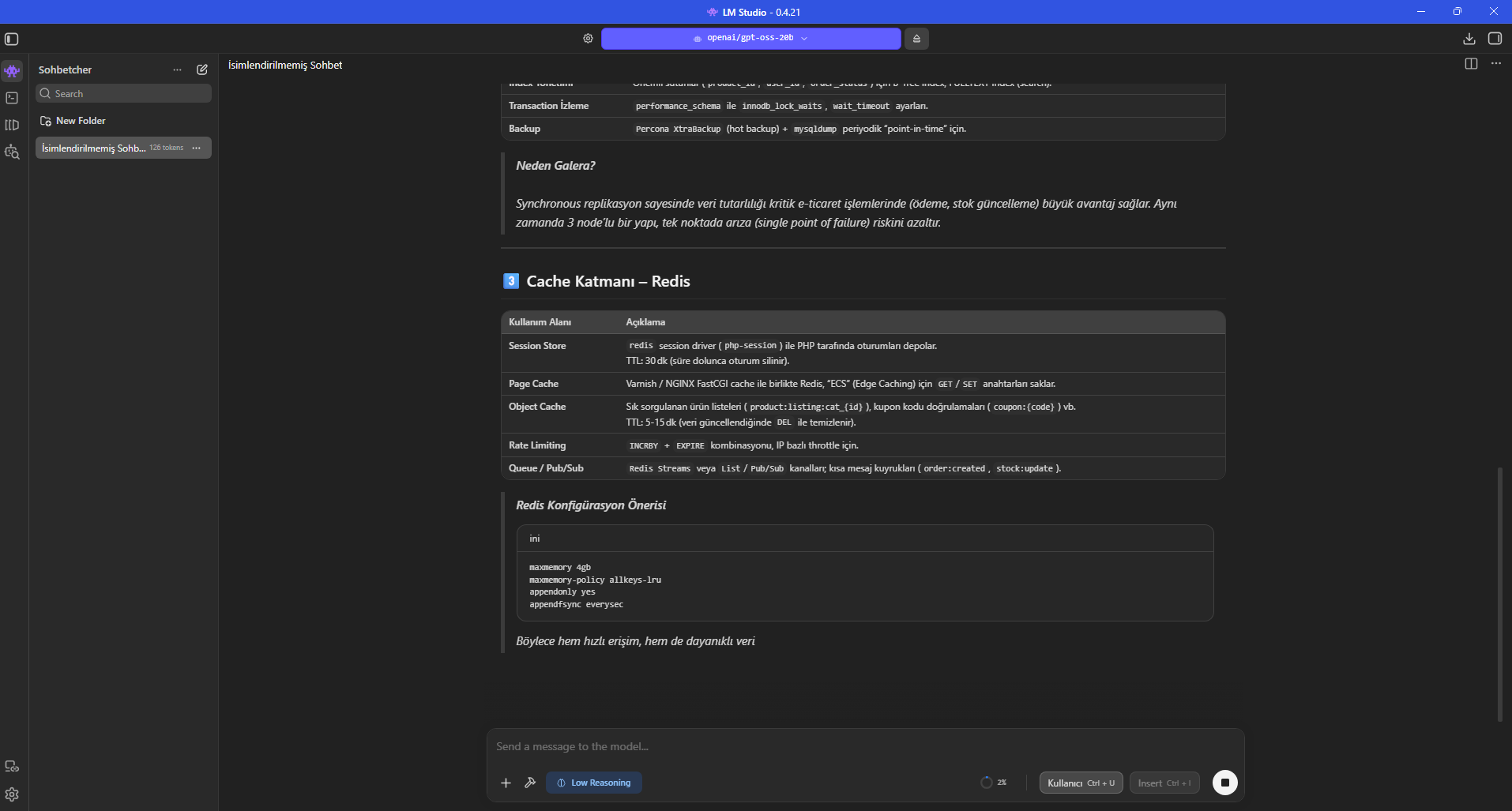
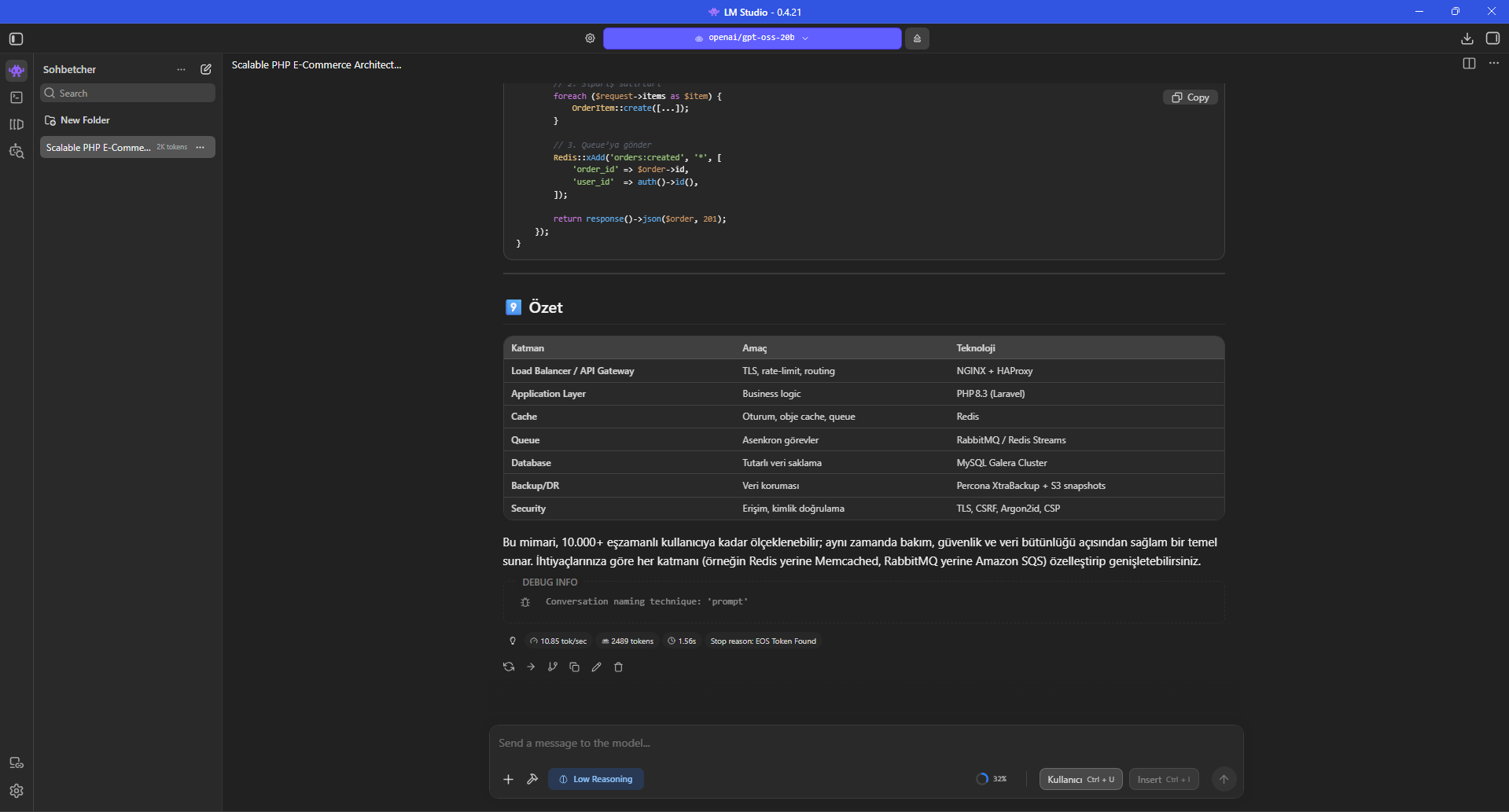
When the first long run finished, LM Studio showed 10.85 tokens/s and 2489 output tokens. The same row showed 1.56 s; in LM Studio inference statistics this is Time to First Token, the delay before the first token appears.
While generation was active, Hardware Resource Monitor showed 11.61 GB RAM + VRAM and about 35.27% CPU. This is the combined indicator displayed by LM Studio at that moment, not a measurement of model weights alone or VRAM alone.
At the end of the response the context indicator showed 2614 / 8192 tokens, around 31.9%, so the selected context size remained sufficient for this run.
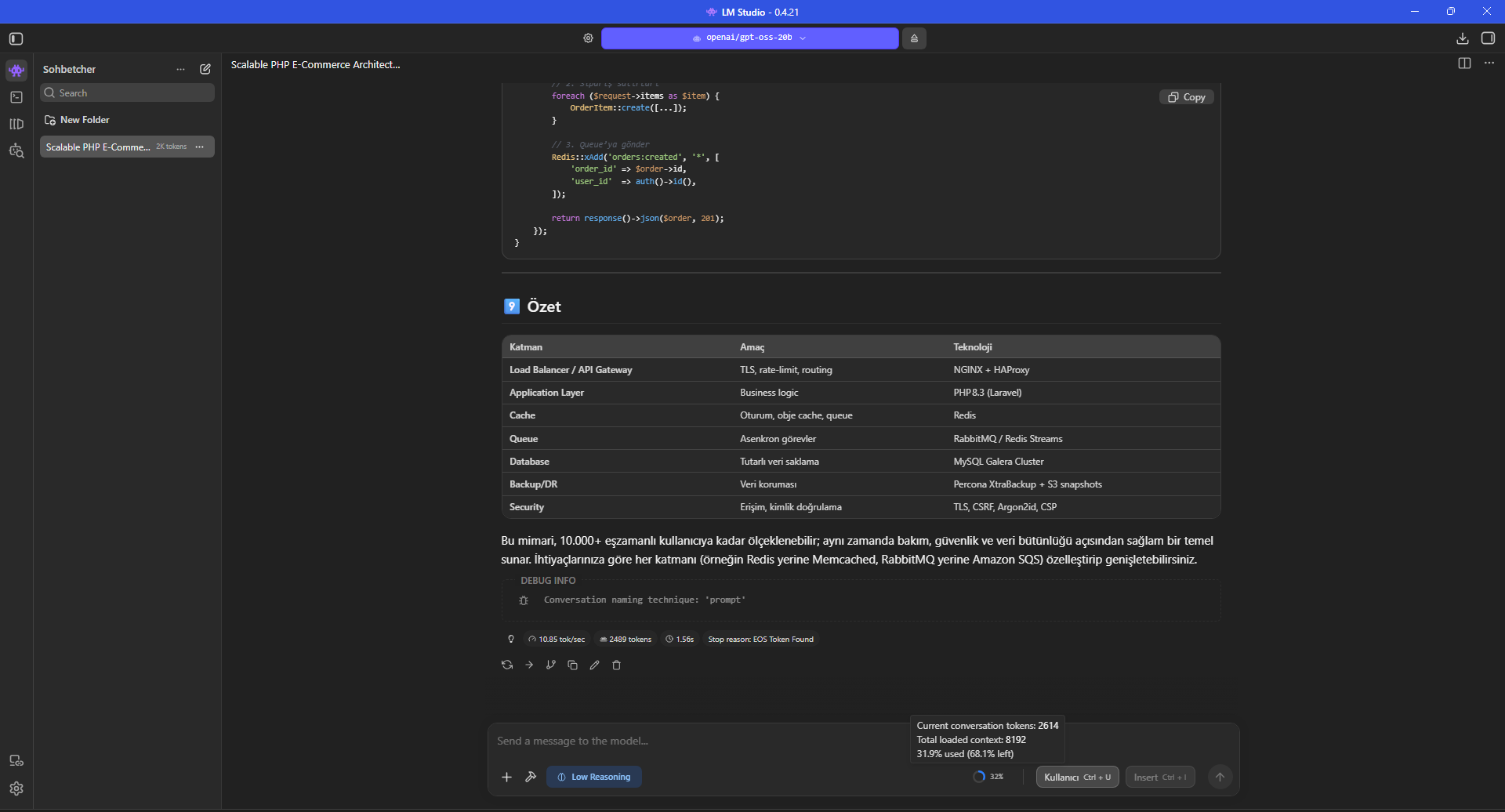
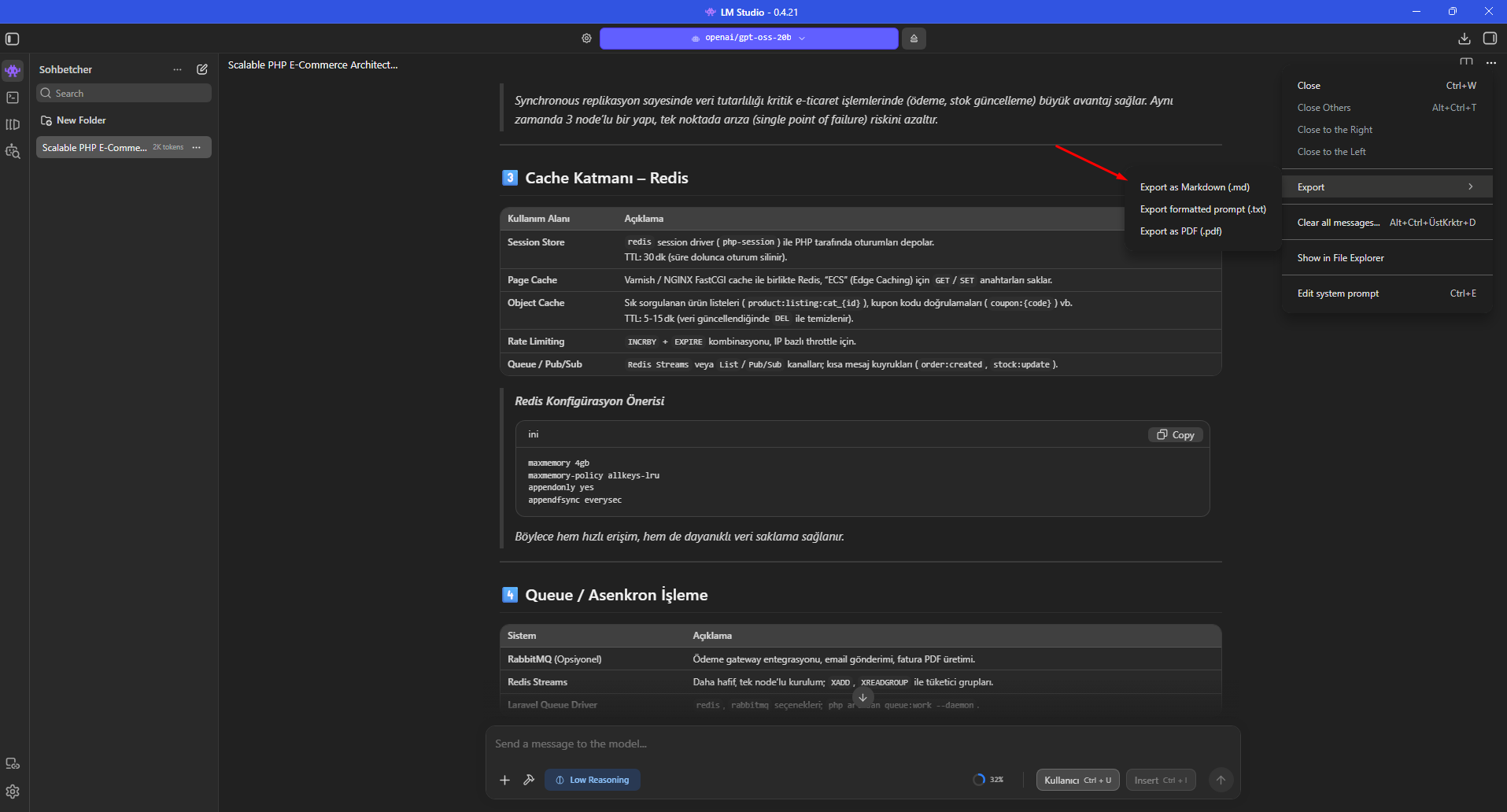
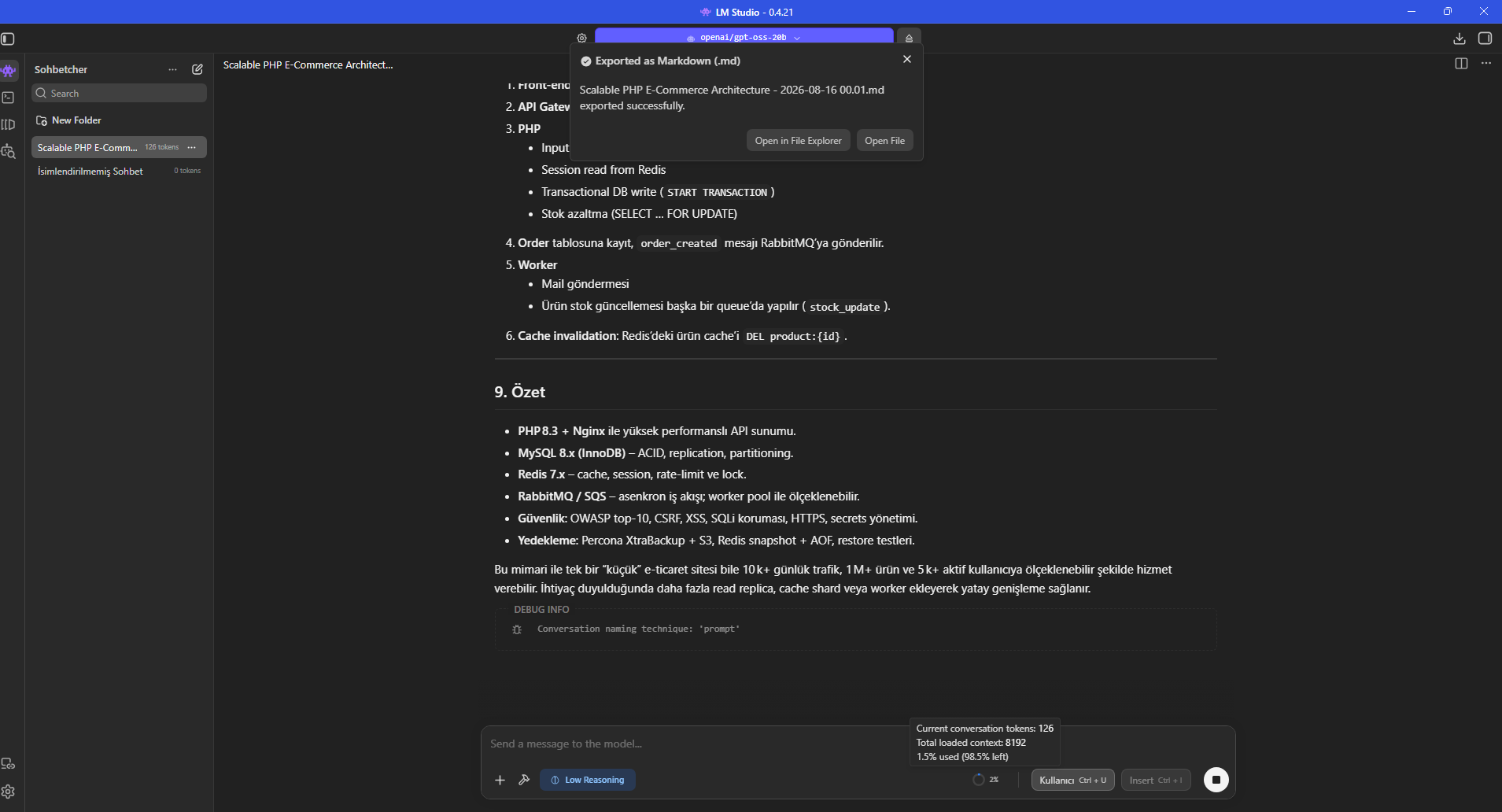
Before changing only Max Concurrent Predictions, we exported the generated chat as Markdown so the model answer and benchmark prompt were preserved separately.
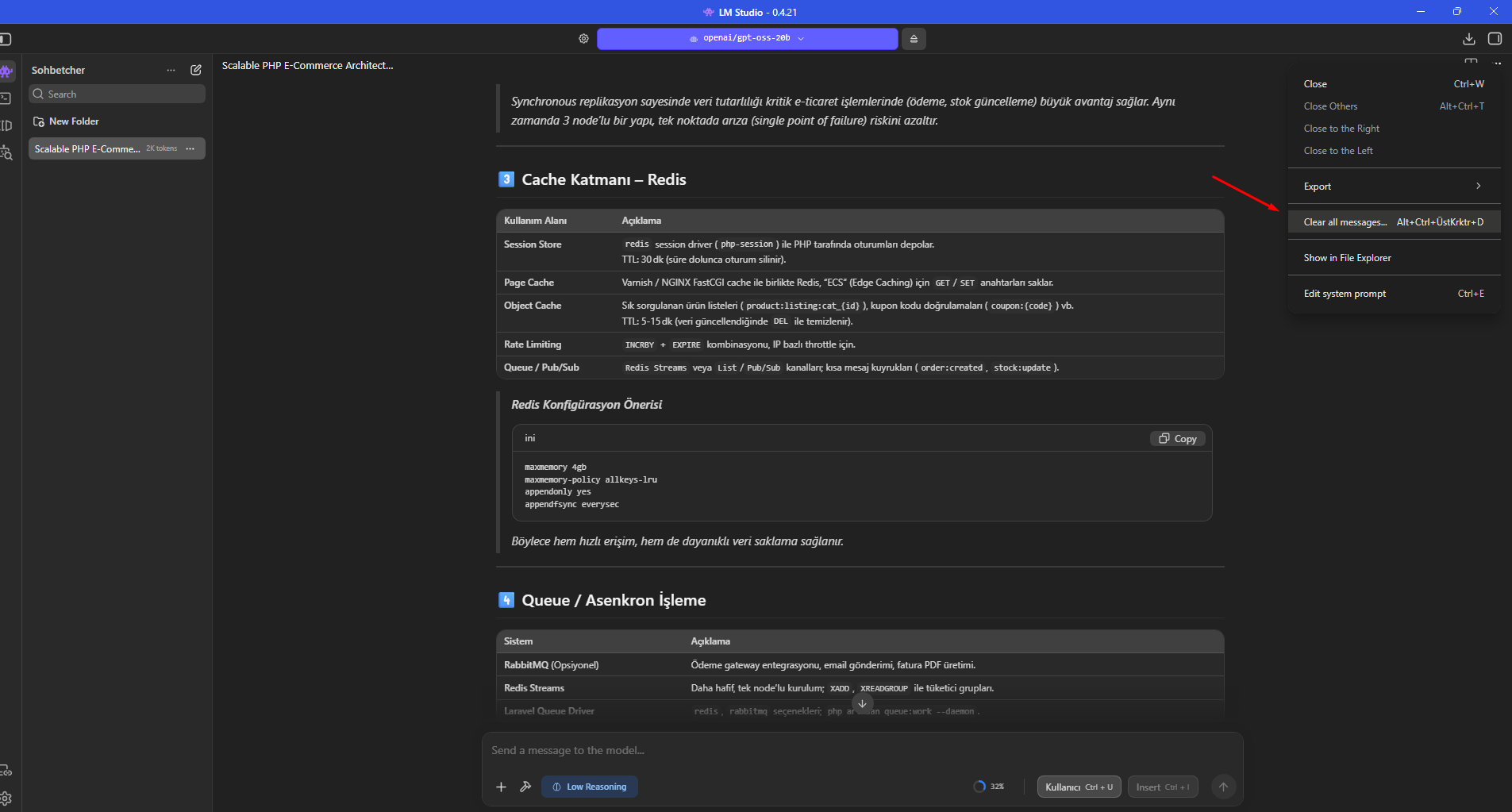
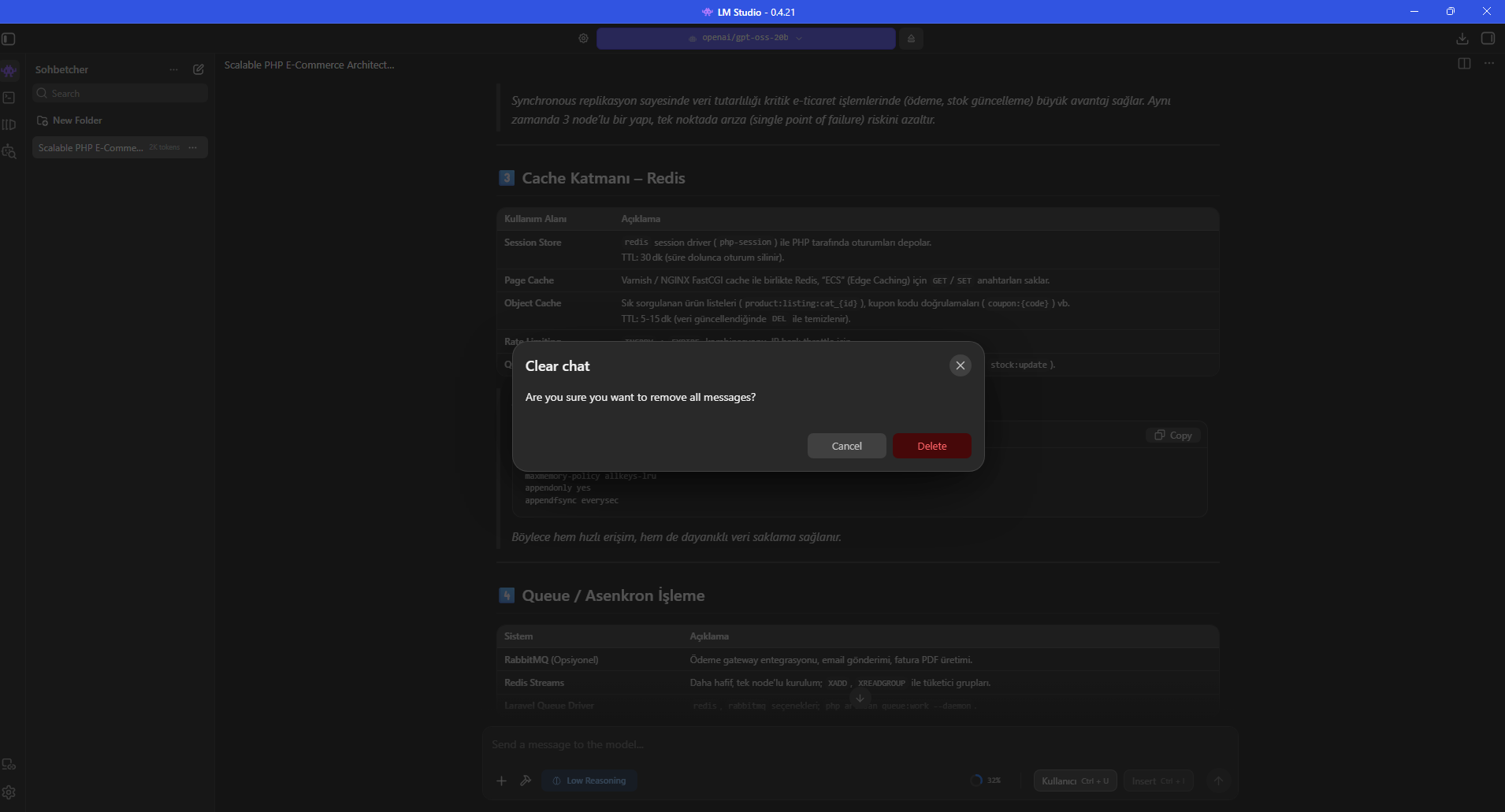
We then used Clear all messages and also documented the full Delete flow. These actions reset chat history and provide a cleaner starting point for another measurement.
Changing one variable at a time matters in benchmarking. Carrying old messages into the next run changes context size and prompt-processing work.
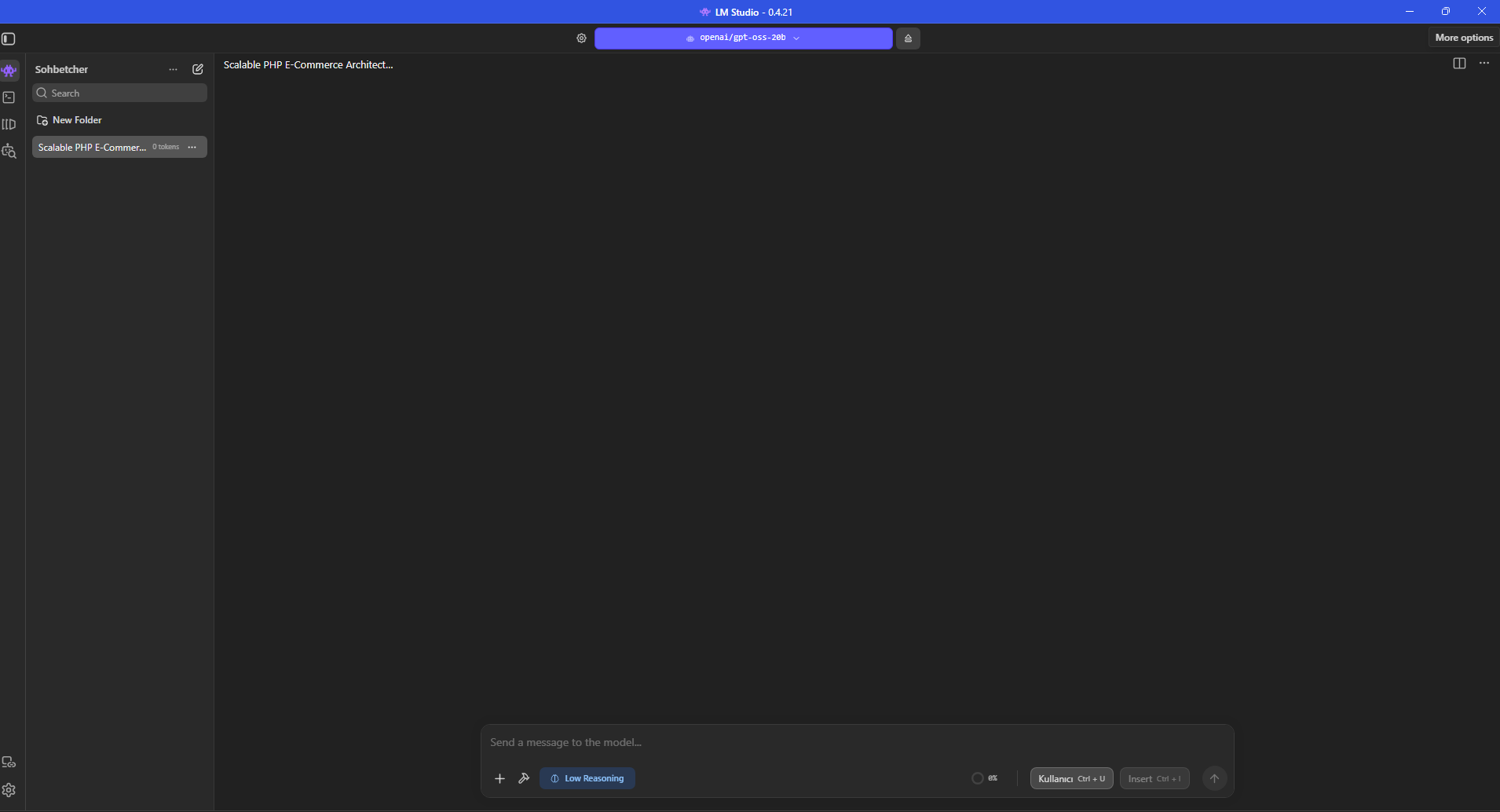
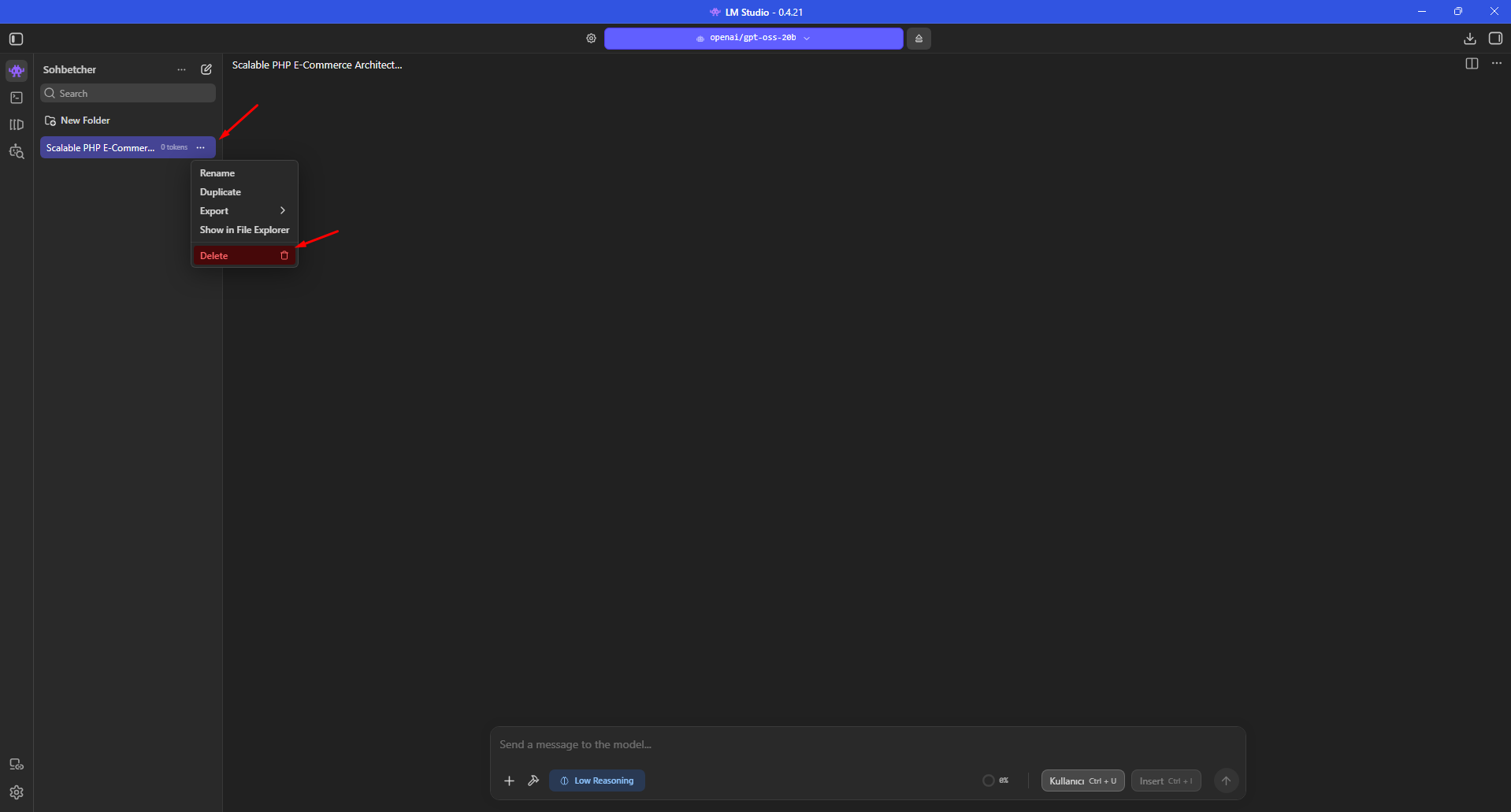
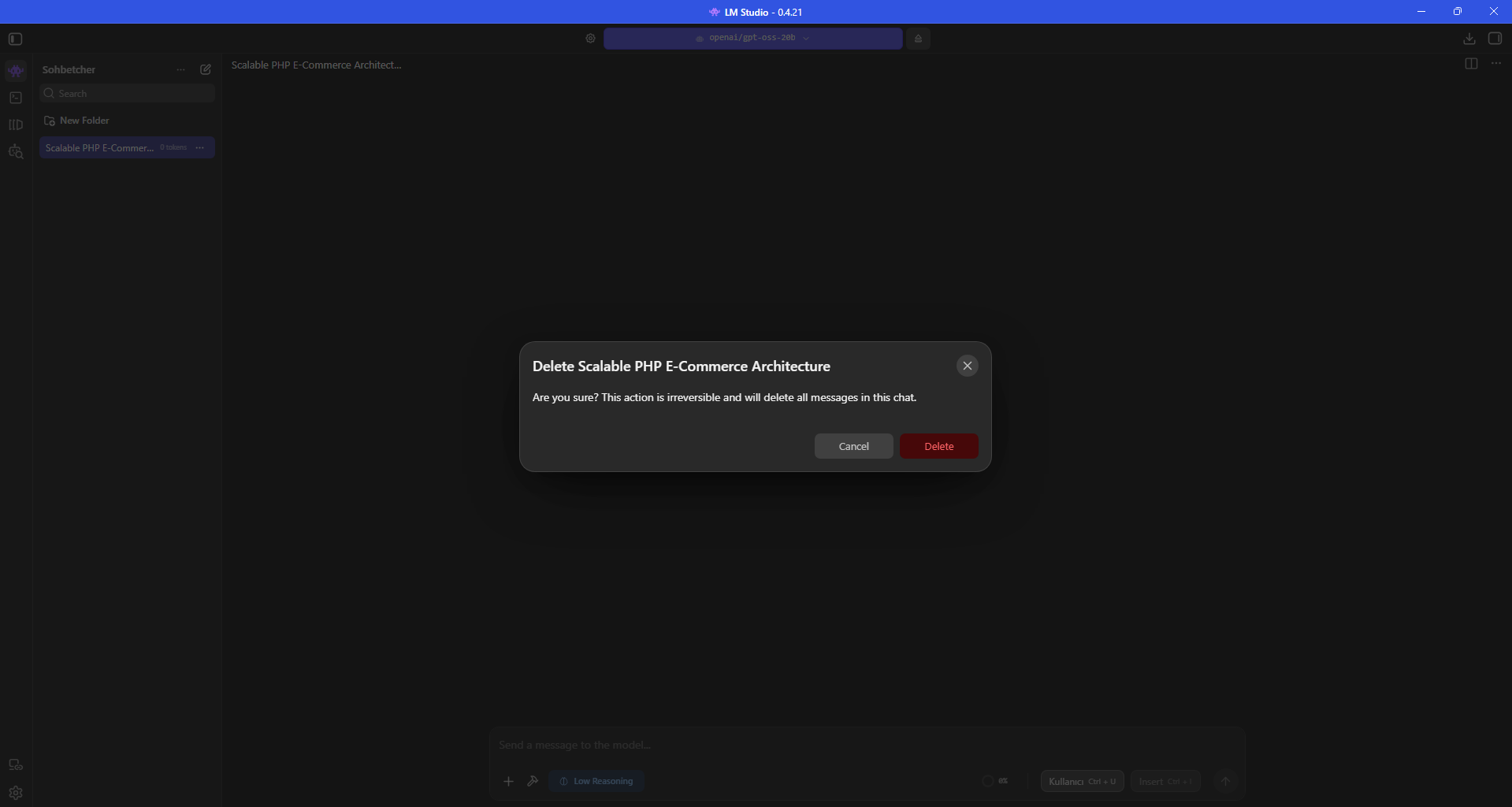
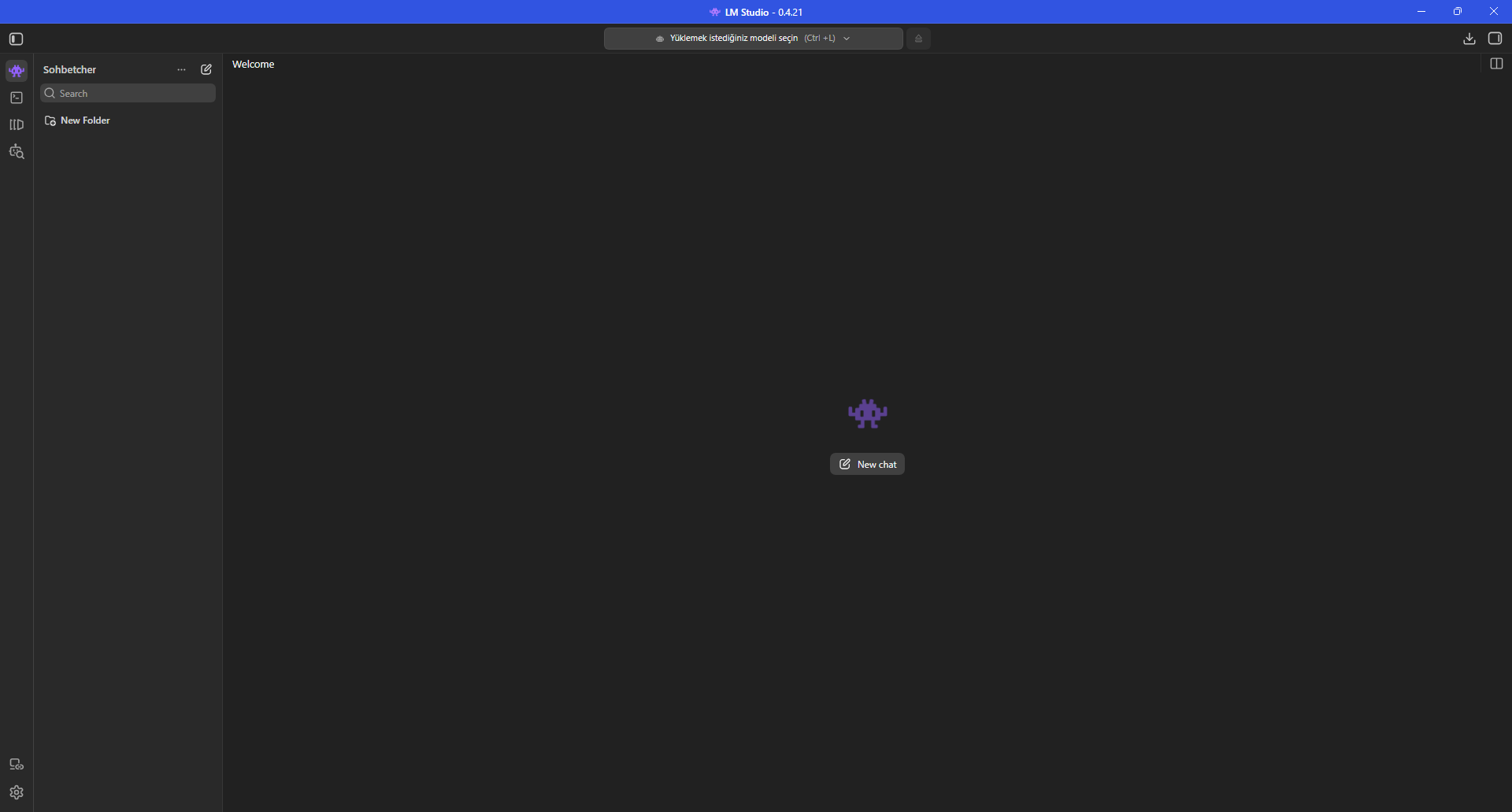
For the second run only Max Concurrent Predictions was reduced from 4 to 1. Context 8192, GPU offload 24, 6 CPU threads, 2048 evaluation batch, 512 physical batch, Unified KV Cache, dedicated GPU memory limit and KV-cache GPU offload stayed unchanged.
LM Studio documents Max Concurrent Predictions as the number of prediction requests that can be processed in parallel. One is a predictable choice for a single desktop chat user; multi-client API serving should benchmark higher values for throughput.
The exact same long e-commerce prompt was submitted again with Low Reasoning.
Context Length: 8192
GPU Offload: 24
CPU Thread Pool Size: 6
Evaluation Batch Size: 2048
Physical Batch Size: 512
Max Concurrent Predictions: 1
Unified KV Cache: ON
Dedicated GPU Memory Limit: ON
KV Cache -> GPU: ON
Reasoning: Low
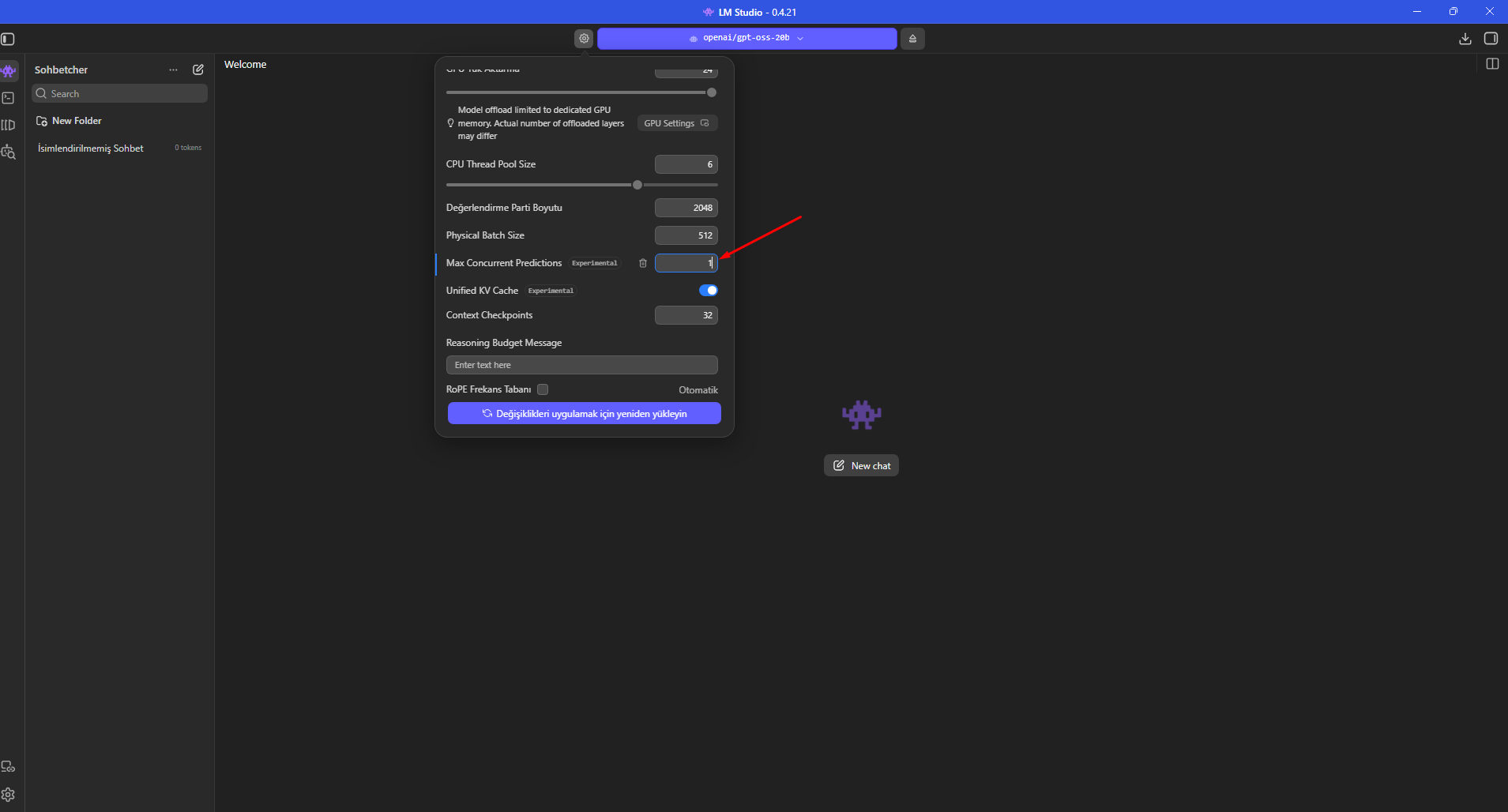
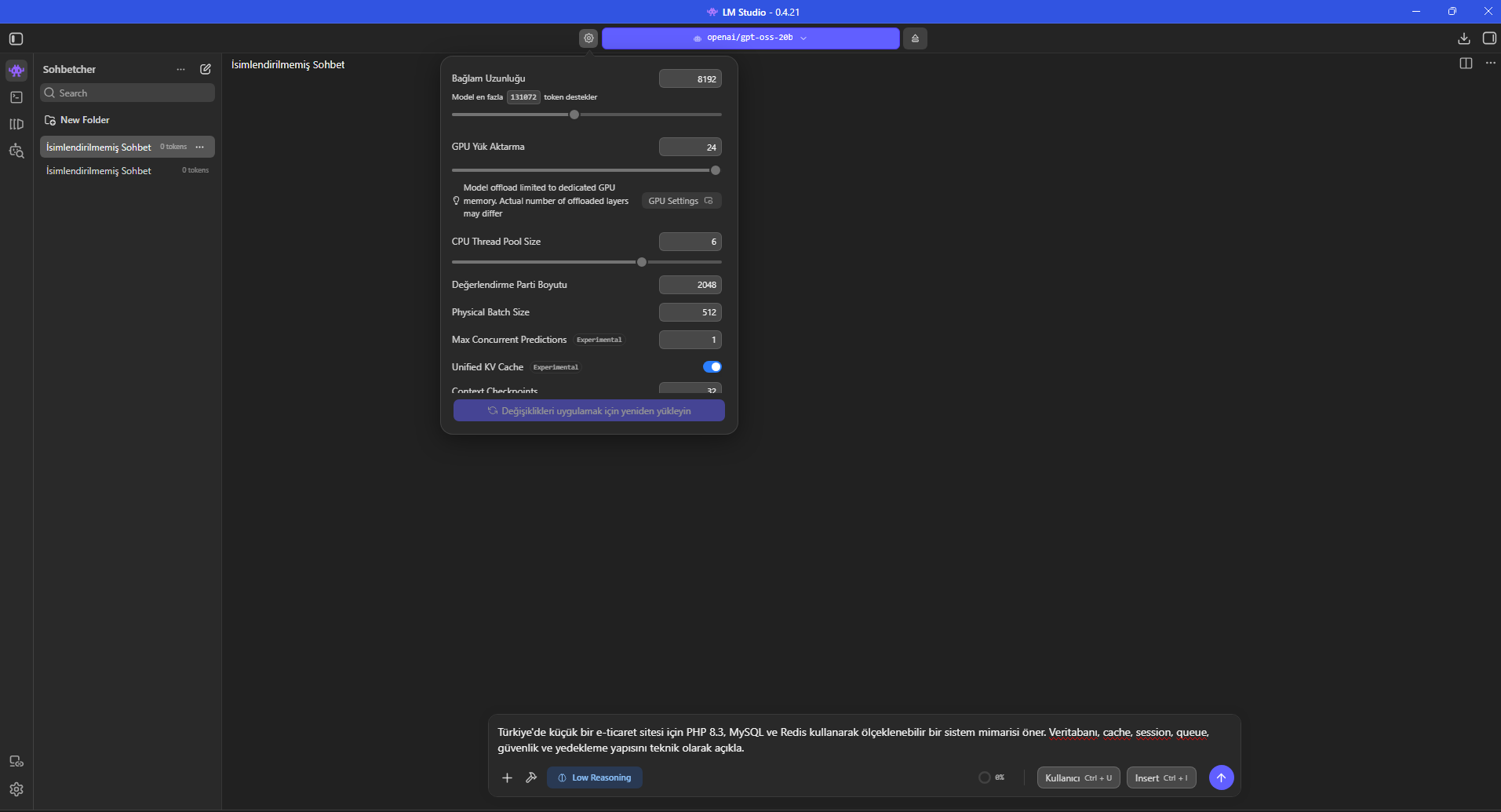
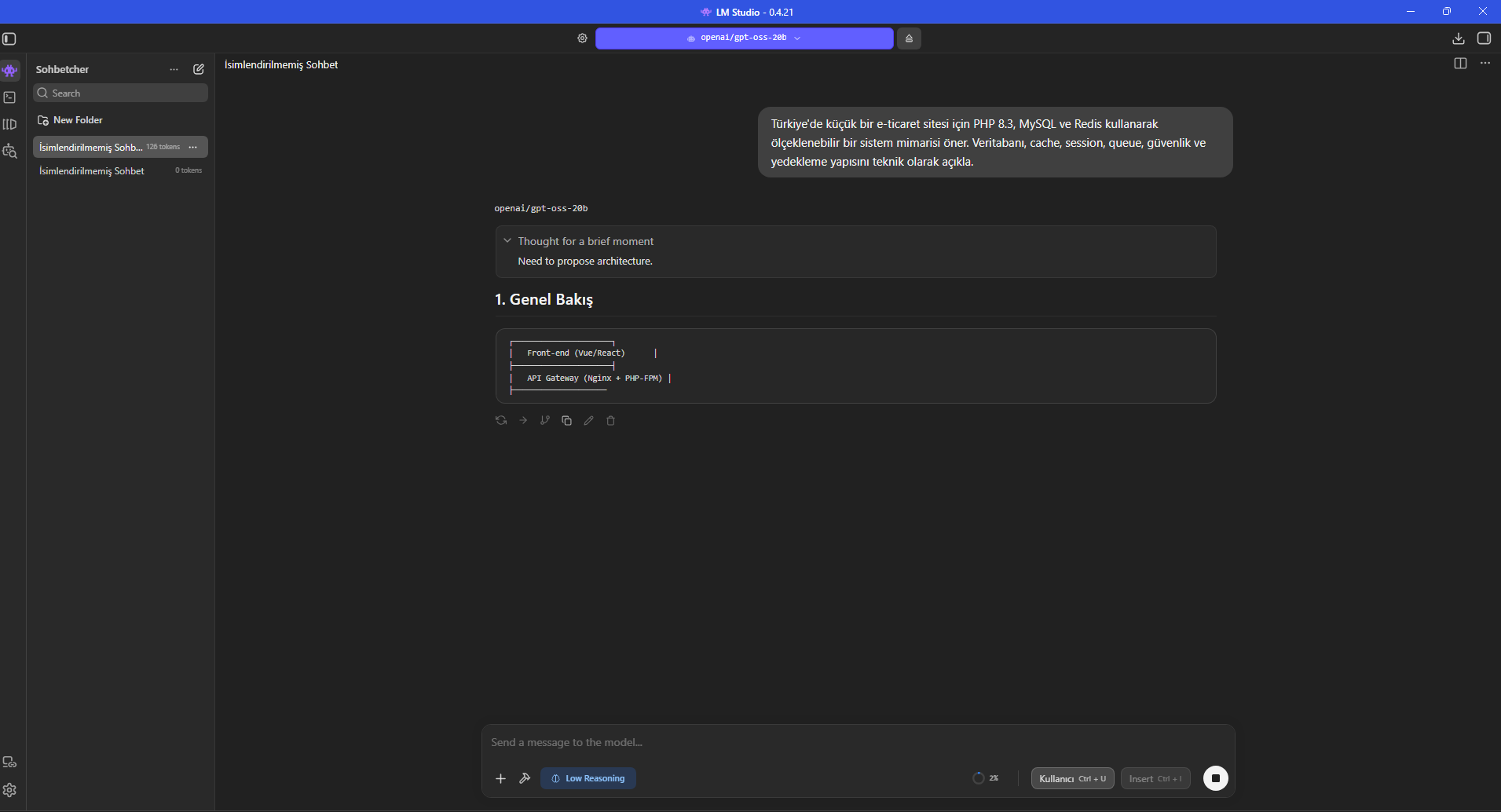
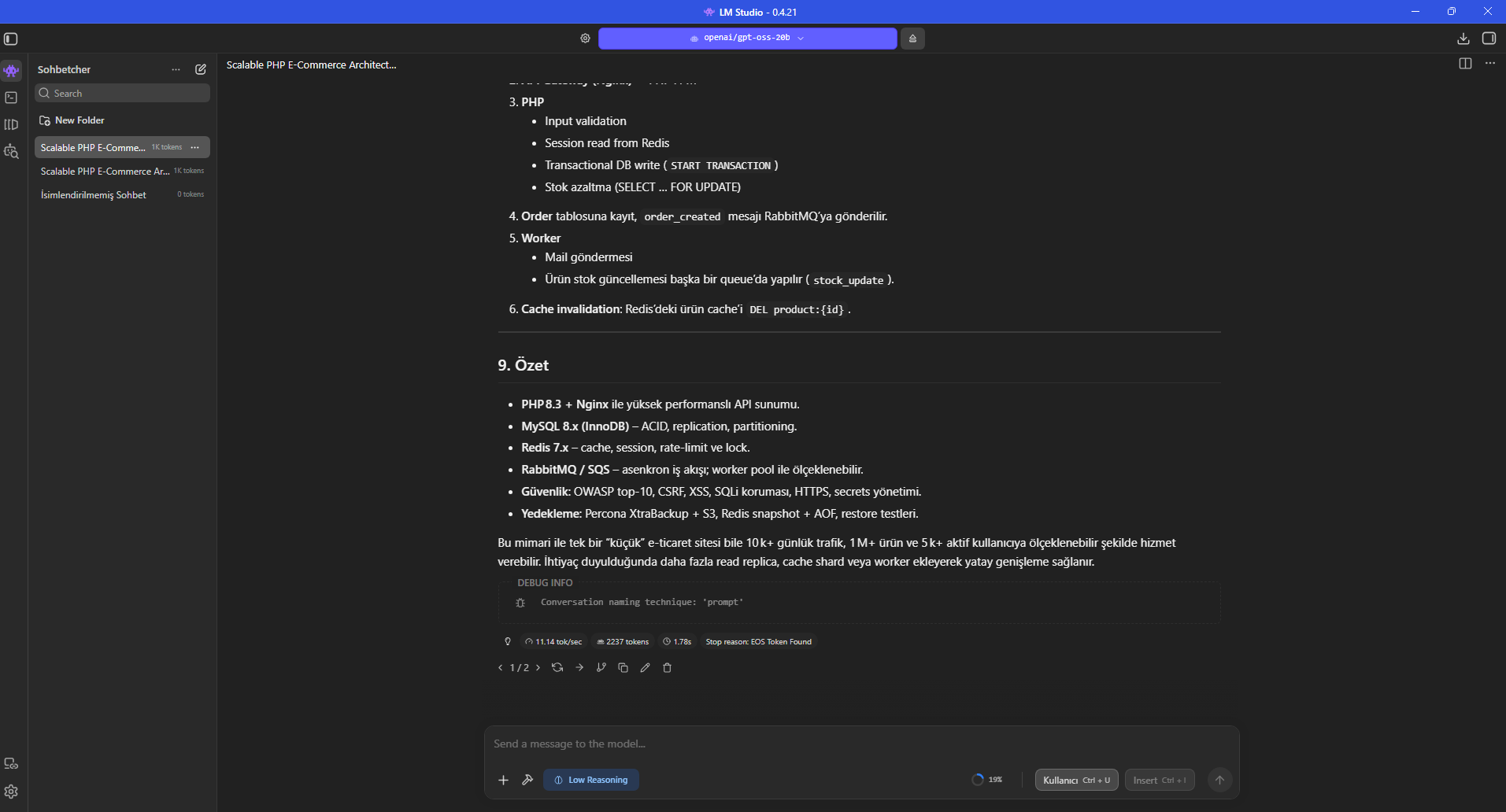
During the second long answer RAM + VRAM again displayed 11.61 GB while CPU was about 33.05%. The completed run showed 11.14 tokens/s, 2237 output tokens and a 1.78 s first-token timing indicator.
The increase from 10.85 to 11.14 tokens/s is about 2.7% in this session. However, the second response contained 2237 tokens versus 2489 in the first run, so it would be incorrect to generalize this as “Concurrent 1 is always 2.7% faster.”
The practical result is that Concurrent 1 worked cleanly for a single user, showed slightly lower CPU utilization and did not reduce generation speed. Multi-client servers should test parallel throughput separately.
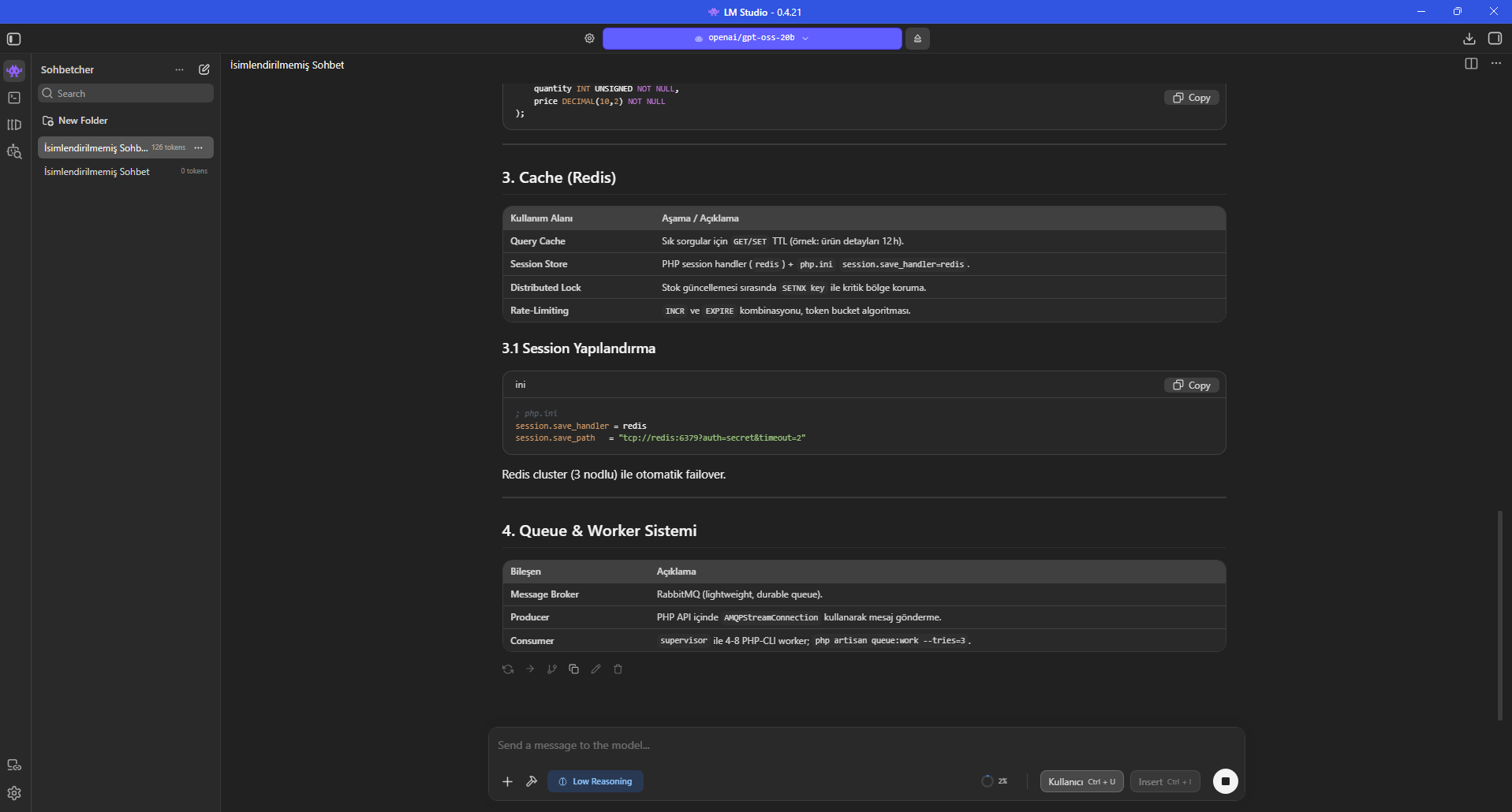
Tokens/s measures generation speed during the output phase. It is not the complete user-perceived response time because prompt processing, reasoning and first-token latency also contribute.
LM Studio exposes Time to First Token as a separate statistic. Therefore 1.56 s or 1.78 s should not be mistaken for the total time needed to finish 2489 or 2237 output tokens. A simple output-tokens/tokens-per-second calculation gives roughly 229 seconds of generation for run one and 201 seconds for run two, before other overhead.
The context indicator helps track how much of the loaded context budget the current conversation consumes. Longer histories can increase prompt-processing work and cache demand.
After the two observed runs, our single-user profile remained: 8192 context, 24 GPU offload, 6 CPU threads, 2048 evaluation batch, 512 physical batch, Concurrent Predictions 1, Unified KV Cache on, dedicated GPU memory limit on, KV-cache GPU offload on and Low Reasoning.
This is not a universal “best RTX 2070 setting.” System RAM, drivers, LM Studio runtime, background software and the exact model file can change the optimum.
GPT-OSS also supports Medium and High reasoning effort for harder math, planning or coding tasks. This page benchmarks only Low Reasoning, so it does not invent speed numbers for the other levels.
Context: 8192
GPU Offload: 24
CPU Threads: 6
Evaluation Batch: 2048
Physical Batch: 512
Concurrent Predictions: 1
Unified KV Cache: ON
Dedicated GPU Memory Limit: ON
KV Cache GPU Offload: ON
Reasoning Effort: Low
The benchmark prompt was deliberately broad and produced thousands of tokens about PHP, MySQL, Redis, queues, backups and security. That is useful for observing sustained Turkish technical generation.
LLM output can still contain version mismatches, unrealistic capacity claims, missing security details or context-inappropriate technology choices. The screenshots therefore show benchmark output, not an architecture validated by OpenAI or EKA Sunucu.
A real e-commerce capacity plan should be based on traffic, query patterns, data volume, backup targets, RPO/RTO, payment flows and load testing.
Yes in this specific setup: GPT-OSS 20B produced long Turkish technical answers in LM Studio 0.4.21 on an RTX 2070 8 GB machine with 63.84 GB RAM. The two long runs showed 10.85 and 11.14 tokens/s.
The model is not relying on 8 GB VRAM alone; LM Studio’s placement across GPU, CPU and system memory makes this configuration possible. Different performance should be expected with higher VRAM, longer context or multiple concurrent users.
For your own machine, keep one long prompt fixed, change only one setting per run and record tokens/s, TTFT, context, RAM/VRAM and CPU together.
Explore GPU server options for local LLM inference, image generation and AI workloads with higher VRAM requirements. Plan hardware around model size, context length and concurrent users.
GPT-OSS 20B is an open-weight Mixture-of-Experts reasoning model released by OpenAI. The official model card lists 20.9B total parameters, 3.6B active parameters per token and 24 layers.
In this test the downloaded GGUF is shown as 12.11 GB in LM Studio. File size is not the same as total runtime memory because context, KV cache, runtime buffers and the operating system also consume memory.
The model ran successfully on an RTX 2070 8 GB, but the PC also had about 64 GB of system RAM. The result must not be interpreted as “8 GB VRAM alone is enough.” LM Studio can split model placement between GPU and system memory.
OpenAI states that gpt-oss-20b can run on devices with about 16 GB of memory. This is not a guarantee for every configuration; quantization, context, runtime and application overhead affect real consumption.
For this model the load slider tops out at 24 layers. With the dedicated GPU memory limit enabled, LM Studio warns that the actual number of offloaded layers may differ, so selecting 24 does not mean all 24 necessarily fit in 8 GB VRAM.
LM Studio says this mode limits model-weight offload to dedicated GPU memory and RAM while context may still use shared memory. LM Studio reports that splitting weights between dedicated VRAM and system RAM can be faster than relying on shared GPU memory.
This setting controls how many prediction requests can run in parallel. For a single desktop user, 1 provides more predictable resource use. For a multi-client API server, higher values should be benchmarked for throughput.
This session observed 10.85 tokens/s with 4 concurrent predictions and 11.14 tokens/s with 1, a difference of about 2.7%. Output lengths differed, so this is an observation rather than a universal speed claim.
LM Studio exposes Time to First Token (TTFT) alongside generation statistics. It is the delay until the first token, not the total time required to finish thousands of output tokens.
Low is a useful starting point when latency matters for everyday chat, summaries and many coding tasks. GPT-OSS also supports medium and high reasoning effort for harder problems.
No. The long architecture prompt is a benchmark workload. Generated architecture, code and capacity claims require expert review, security validation and real load tests before production use.
Previous messages are added to context and change prompt-processing work. The chat was exported to Markdown, cleared and restarted so the second run could begin from a cleaner state.
Explore GPU server options for local LLM inference, image generation and AI workloads with higher VRAM requirements. Plan hardware around model size, context length and concurrent users.
Updated: 16.08.2026 · LM Studio 0.4.21 Turkey (Turkish)
 Germany (German)
 Worldwide (English)

