
 Halkali merkez neighborhood fatih st ozgur apt no 46 , Kucukcekmece , Istanbul , 34303 , TR
This guide documents the real Cloudflare Error 521 Web Server Is Down incident we hit while publishing Portainer on portainer.ekasunucu.com from an Ubuntu 24.04 VPS. Portainer was healthy on 127.0.0.1:9443, but the public origin 443/reverse-proxy layer was not ready. We completed the origin path with Nginx, local testing and a Let's Encrypt certificate, and separately document the Certbot core24 timeout that occurred later.
Visitor
  ↓
Cloudflare
  ↓ HTTPS :443
Nginx Origin
  ↓
https://127.0.0.1:9443
  ↓
Portainer

Before: no :443 → 521
After: Nginx + TLS → HTTPS 200Cloudflare's current documentation defines 521 as the origin web server refusing connections from Cloudflare. The two common causes are an offline origin web server or Cloudflare requests being blocked at the origin.
When SSL/TLS mode is Full or Full (strict), Cloudflare connects to the origin over HTTPS, so the origin must actively listen for HTTPS. In our real Portainer incident the backend on 9443 was healthy but the public origin reverse-proxy/443 layer was not ready yet.
Cloudflare Edge → Origin :443 → connection refused → 521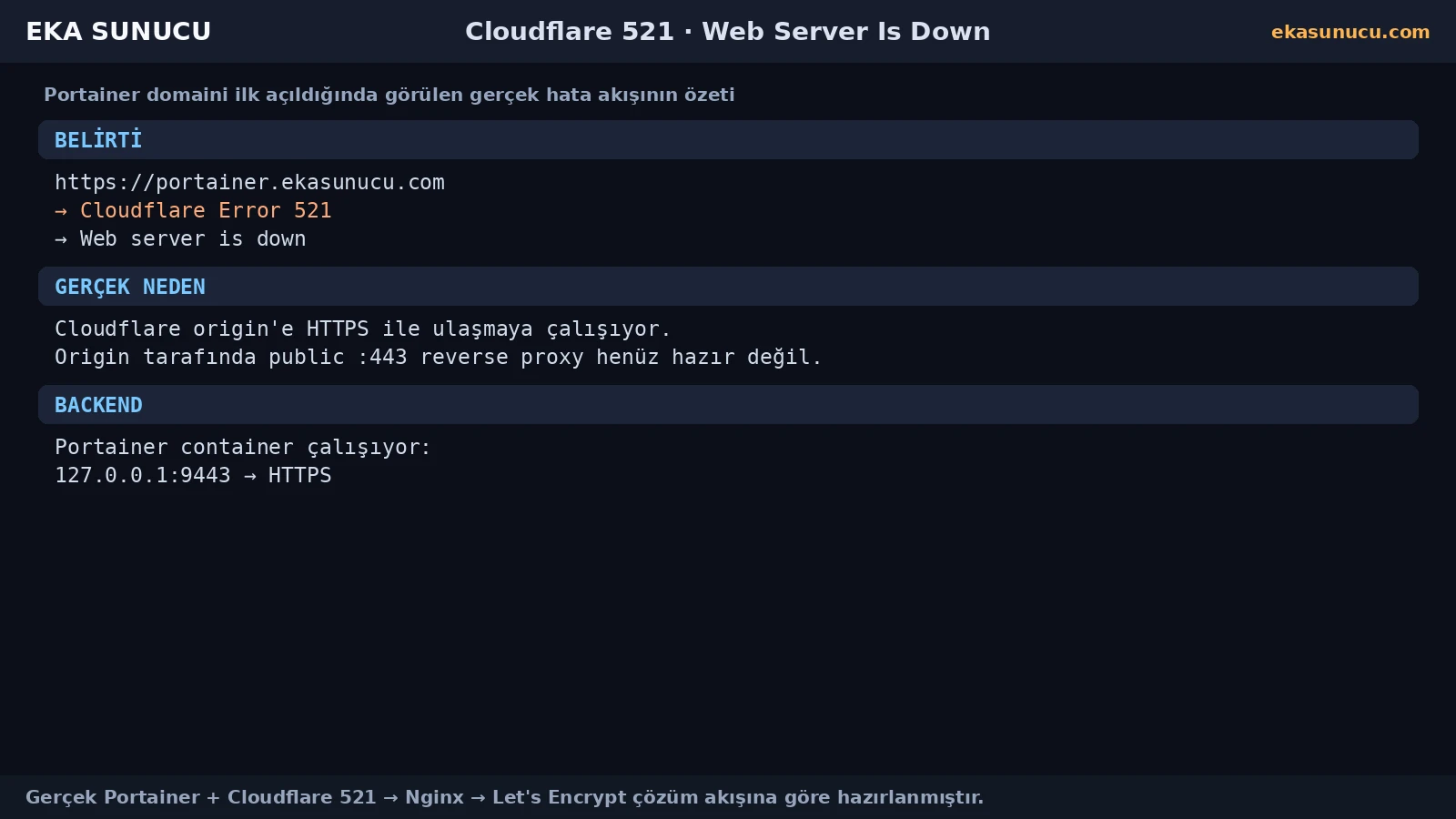
If Portainer itself is down, fix the container first. But if localhost 9443 returns HTTP 200 during a 521, the backend is healthy and the problem is higher in the stack: Nginx, TLS, firewall or the Cloudflare-to-origin path.
This distinction avoids the unsafe workaround of exposing the backend port publicly. We kept 9443 local and added an Nginx reverse proxy.
docker ps --filter name='^/portainer$'curl -k -I https://127.0.0.1:9443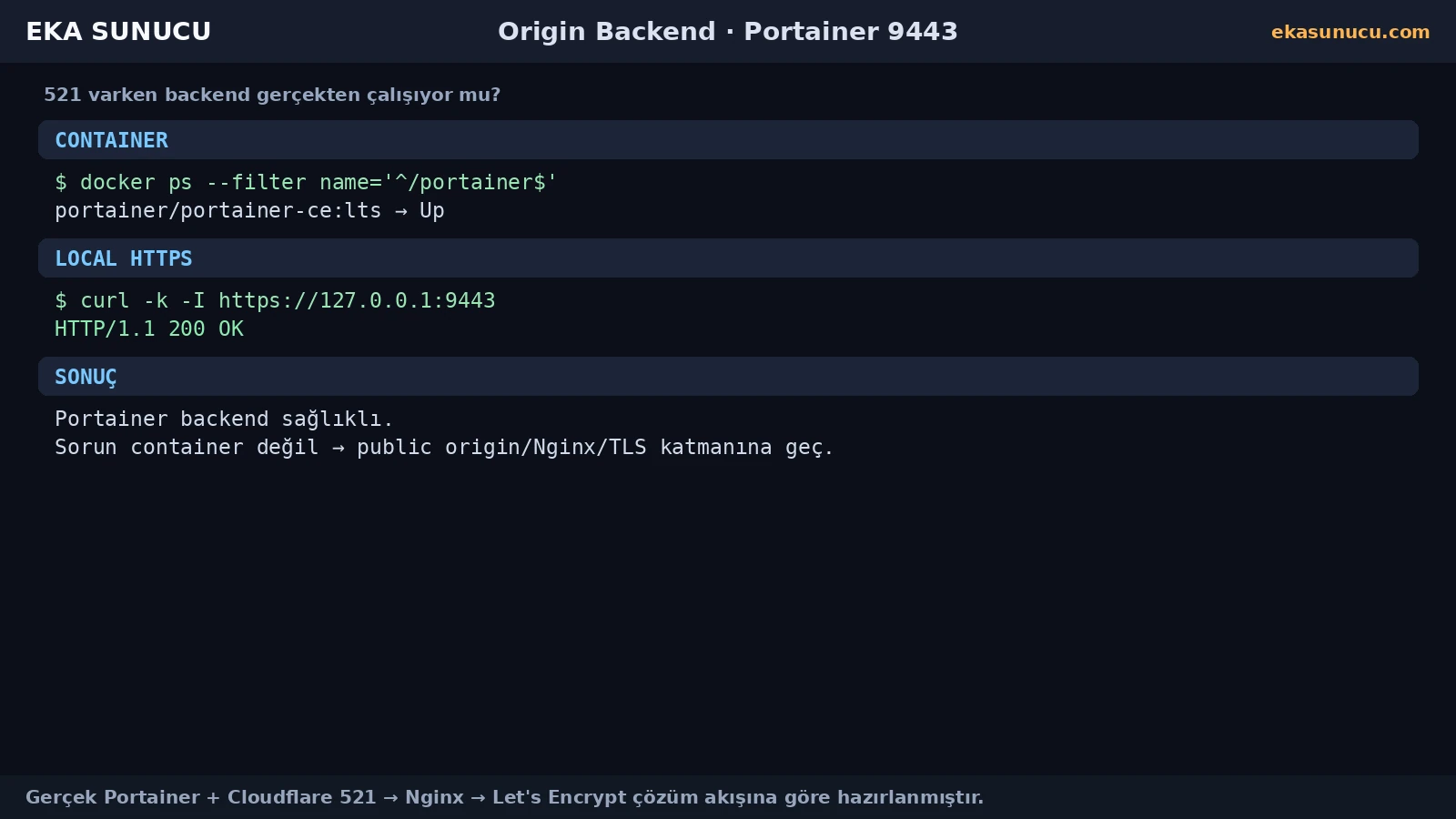
Before deeper 521 troubleshooting, confirm that the hostname resolves to the correct origin. A wrong A or AAAA record sends you to an unrelated server and makes every port/firewall check misleading.
We checked portainer.ekasunucu.com through Cloudflare and Google DNS. Temporarily switching a proxied record to DNS-only can simplify direct-origin troubleshooting, but it is a diagnostic option rather than a universal certificate requirement.
dig +short A portainer.ekasunucu.com @1.1.1.1dig +short A portainer.ekasunucu.com @8.8.8.8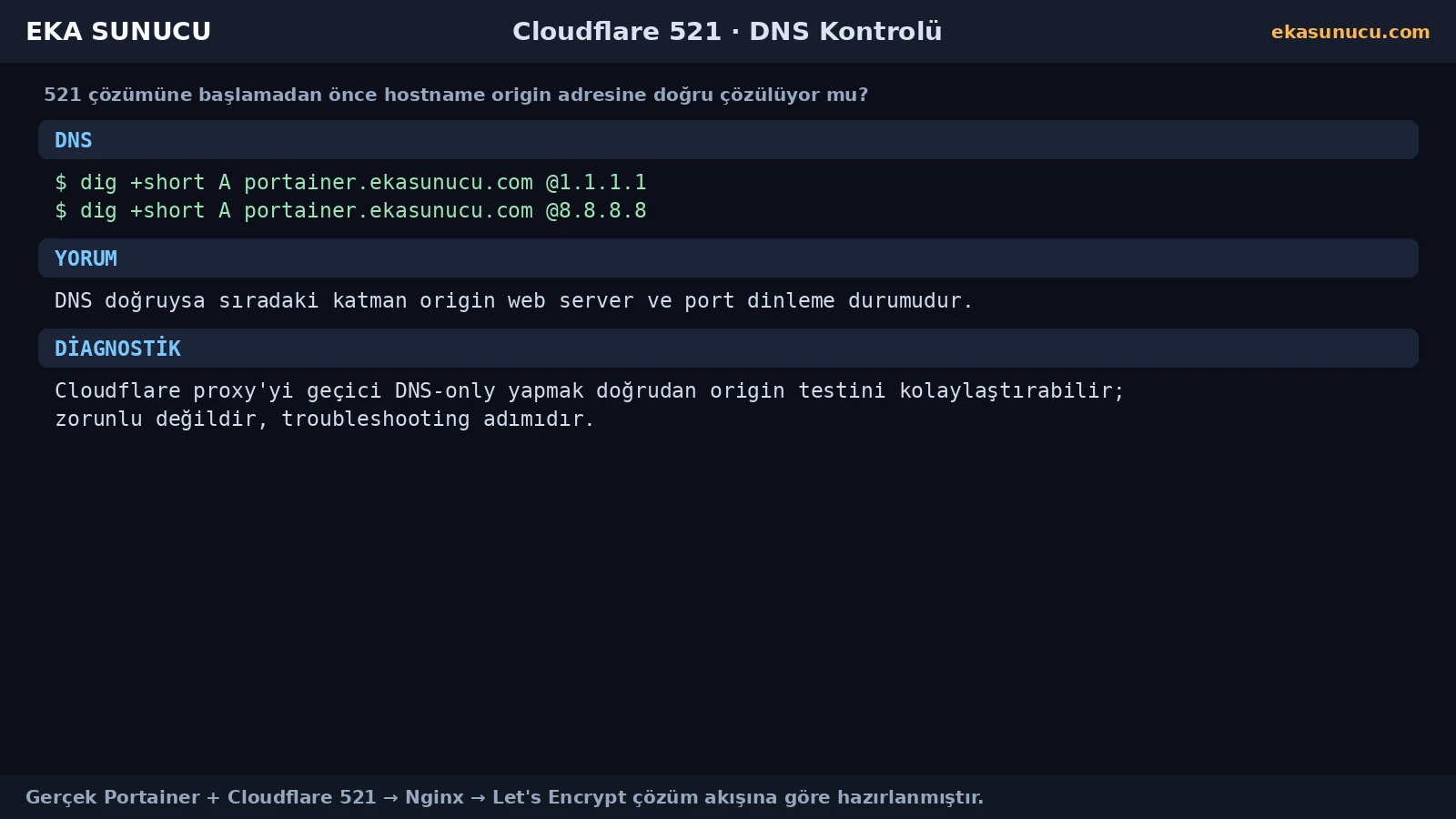
Cloudflare's 521 guidance explicitly says that when Full or Full (strict) is used, the origin web-server application must be bound to the HTTPS port required by that mode. For normal HTTPS origin traffic this is port 443.
Portainer itself served HTTPS only on localhost 9443. Cloudflare cannot directly use that private backend mapping; a public origin web server on 443 was needed.
ss -lntp | grep -E ':443|:9443'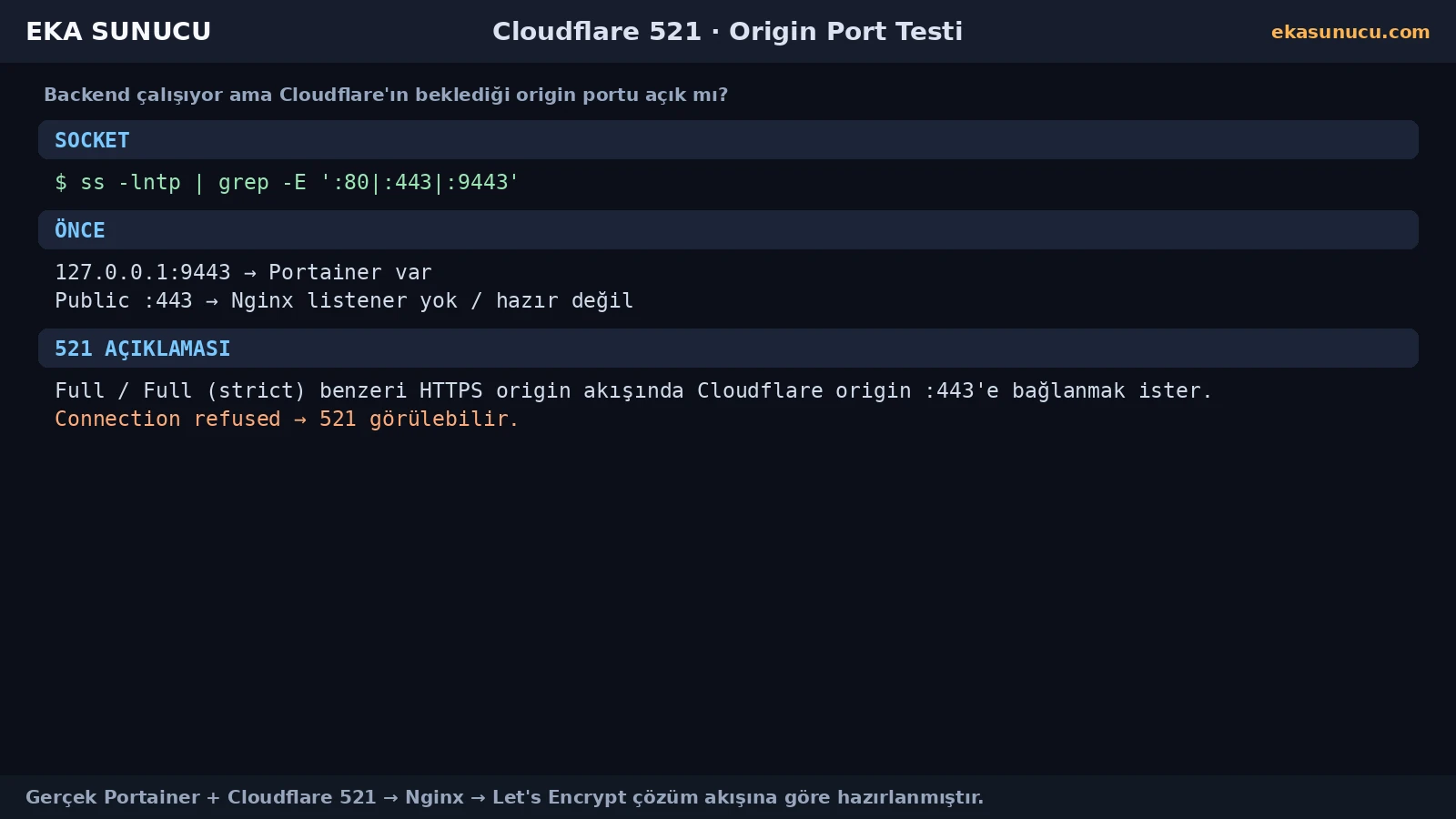
Instead of making the Portainer application port public, we used Nginx as the origin web server. Requests for portainer.ekasunucu.com are proxied to https://127.0.0.1:9443.
Because the local Portainer upstream uses a self-signed certificate, proxy_ssl_verify off is limited to that localhost hop. Public origin TLS is terminated by Nginx with a Let's Encrypt certificate.
apt-get update && apt-get install -y nginxproxy_pass https://127.0.0.1:9443;proxy_ssl_verify off;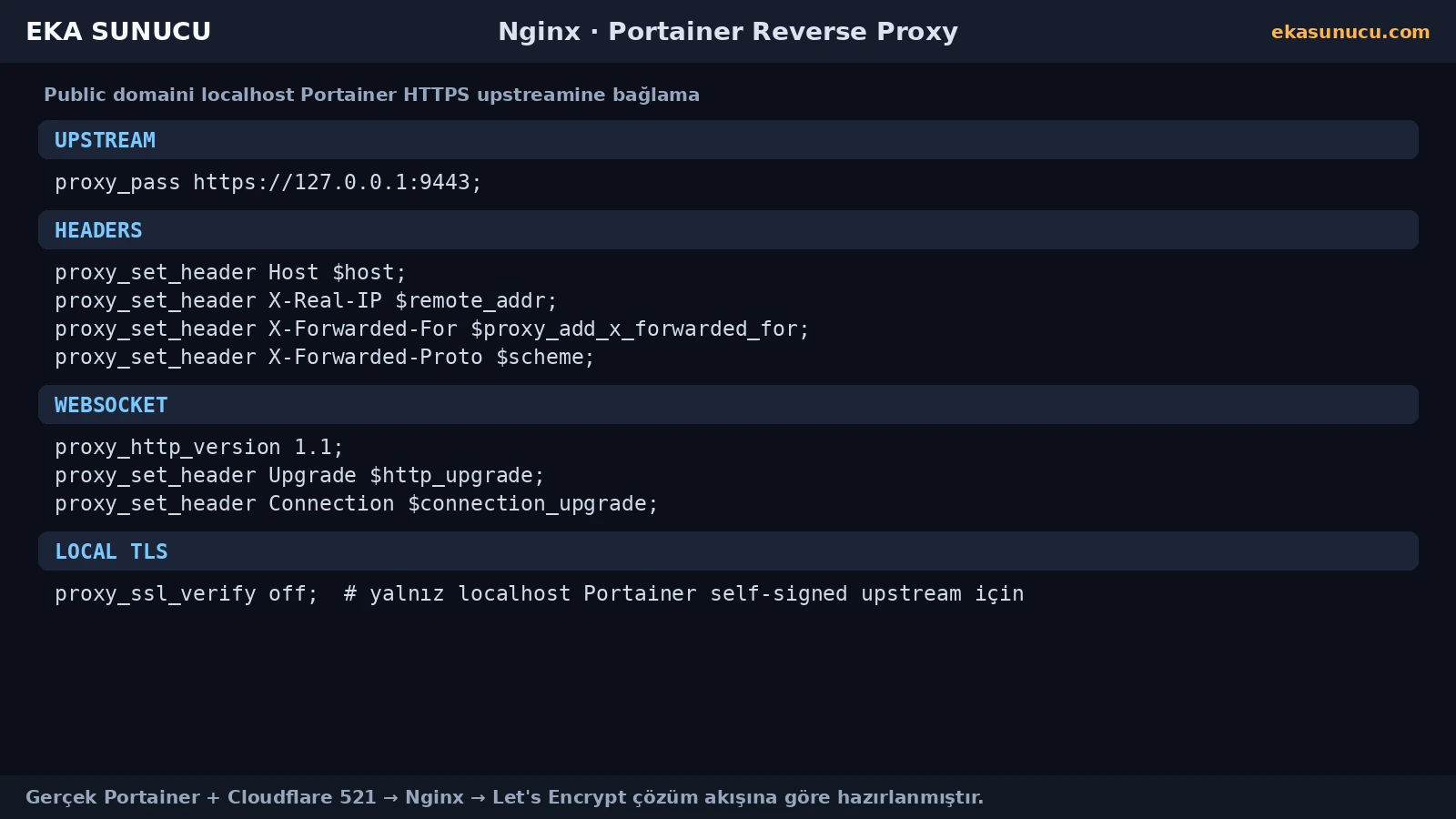
Portainer's web UI benefits from preserving standard proxy and WebSocket upgrade headers. We forwarded HTTP/1.1, Upgrade and Connection along with Host and X-Forwarded headers.
This is separate from the basic 521 connection refusal. If 521 disappears but the UI has live-connection problems, review the reverse-proxy headers.
proxy_http_version 1.1;proxy_set_header Host $host;proxy_set_header X-Forwarded-For $proxy_add_x_forwarded_for;proxy_set_header Upgrade $http_upgrade;proxy_set_header Connection $connection_upgrade;Testing the origin locally before re-enabling Cloudflare shortens troubleshooting. nginx -t, service status and a local Host-header request validate separate layers.
After our reverse proxy was installed, the local Nginx request returned 200, proving the Portainer backend and Nginx proxy chain worked independently of Cloudflare.
nginx -tsystemctl is-active nginxcurl -sS -o /dev/null -w '%{http_code}\n' -H 'Host: portainer.ekasunucu.com' http://127.0.0.1/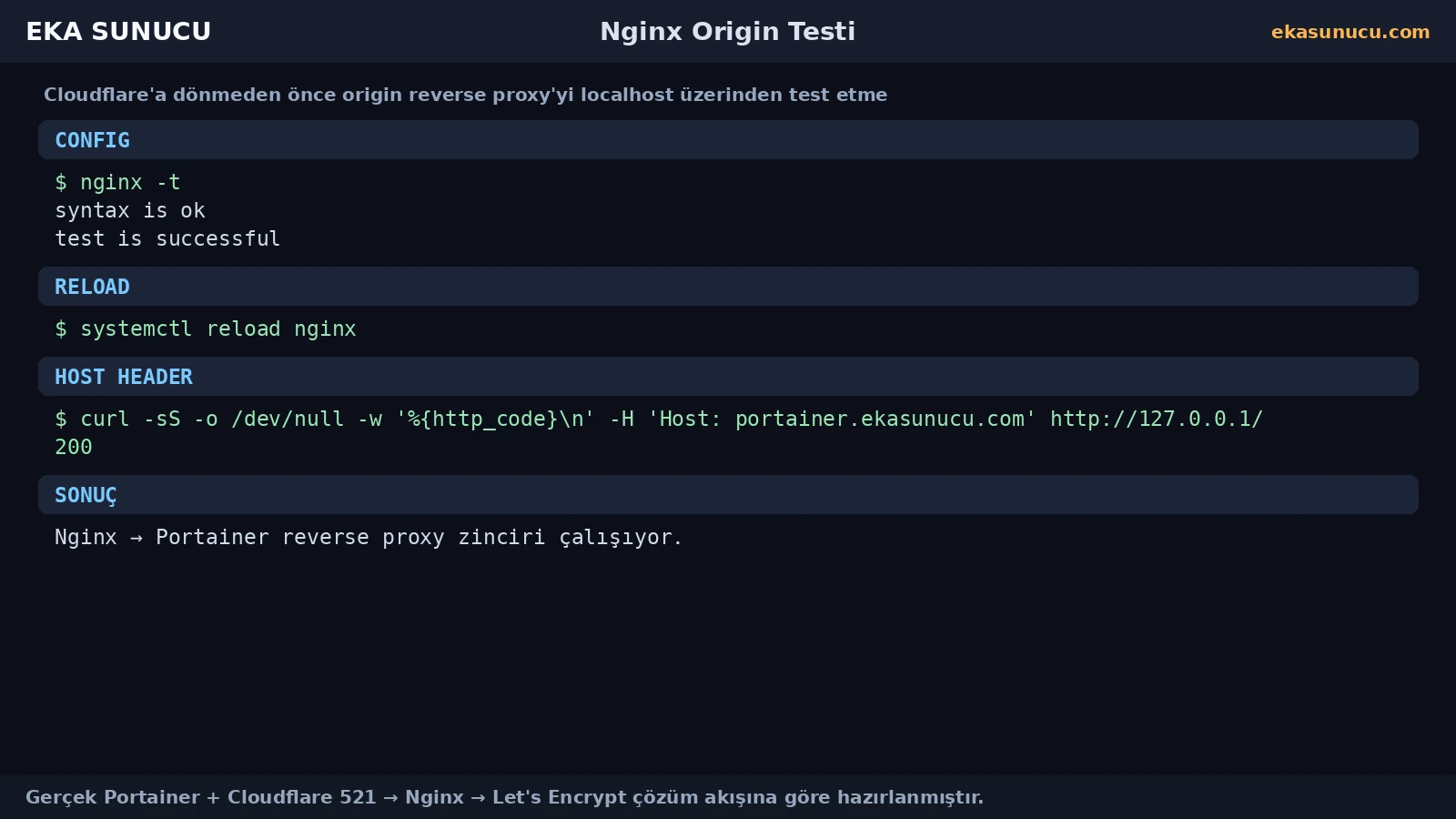
During Let's Encrypt setup, our real Certbot snap installation timed out while downloading core24. That was not a continuation of the Cloudflare 521 problem; it was a separate outbound network timeout from the VPS to the snap CDN.
After network access recovered, retrying the snap/Certbot process succeeded. Treat simultaneous error messages as separate layers until proven otherwise.
snap install certbot --classicsnap changesjournalctl -u snapd --no-pager -n 100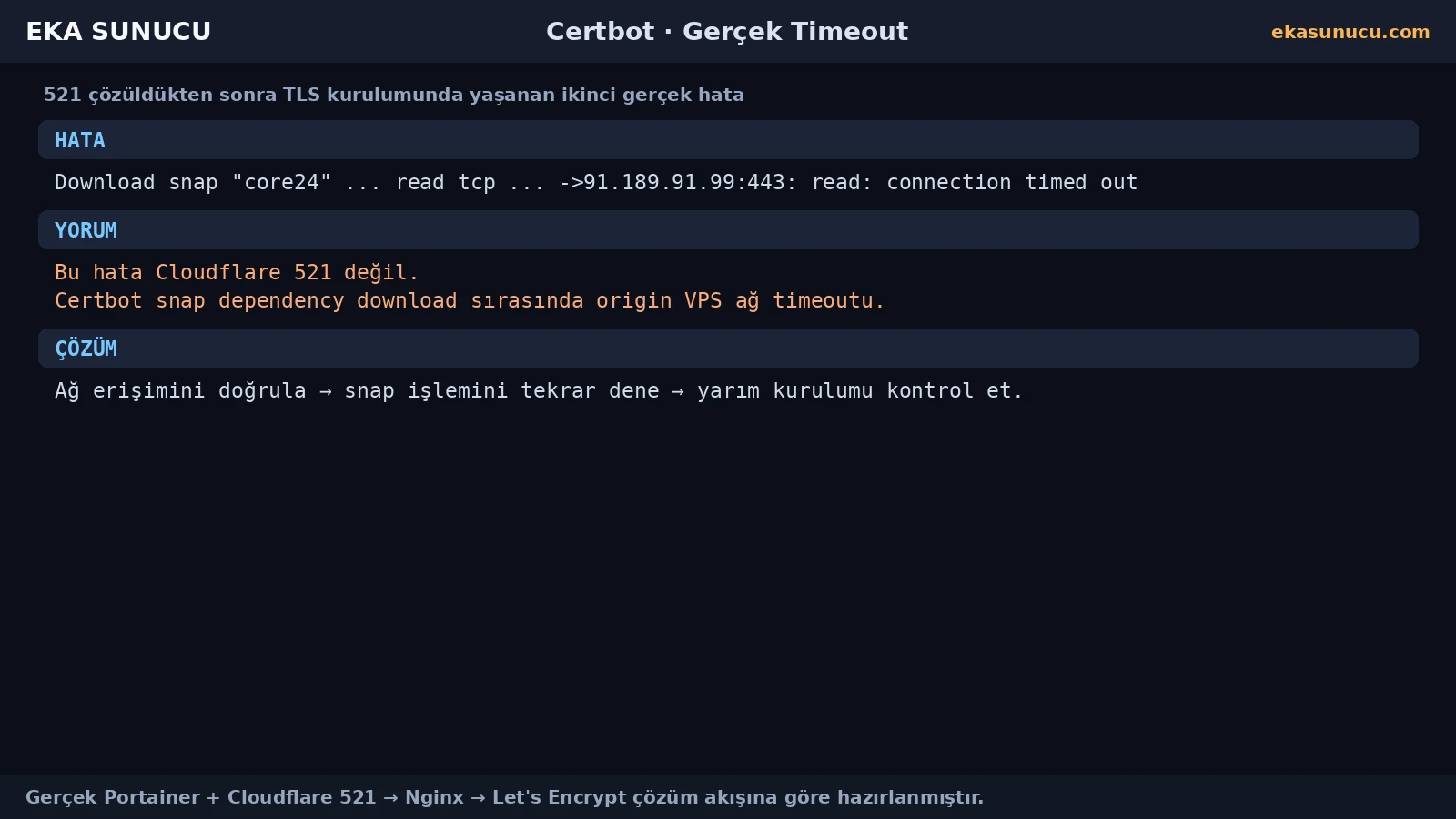
Once the Nginx HTTP vhost worked, Certbot --nginx obtained a certificate for portainer.ekasunucu.com. After deployment the origin could serve a valid certificate on port 443.
That completes the core prerequisites for certificate-validating Cloudflare modes: reachable HTTPS on 443, an unexpired certificate and a hostname match.
certbot --nginx -d portainer.ekasunucu.comcurl -I https://portainer.ekasunucu.comcertbot renew --dry-run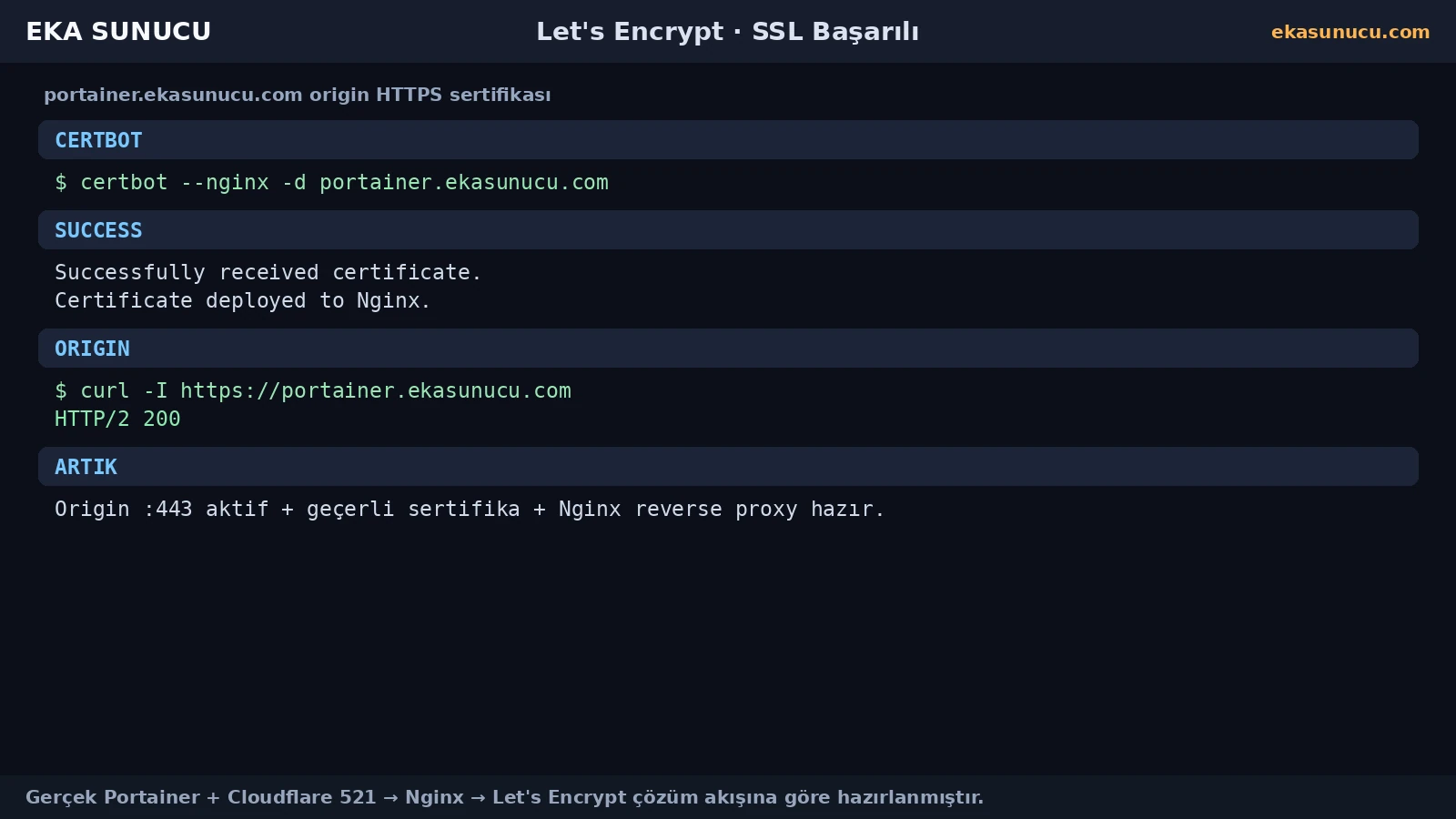
Cloudflare's current guidance recommends Full (strict) whenever possible. It encrypts the edge-to-origin connection and validates the origin certificate, including validity and hostname matching.
A publicly trusted certificate such as Let's Encrypt can satisfy those requirements. Verify origin 443 and the certificate chain before selecting Full (strict), otherwise you may move from a 521 into a different SSL error.
Visitor HTTPS → Cloudflare → HTTPS + certificate validation → Nginx origin :443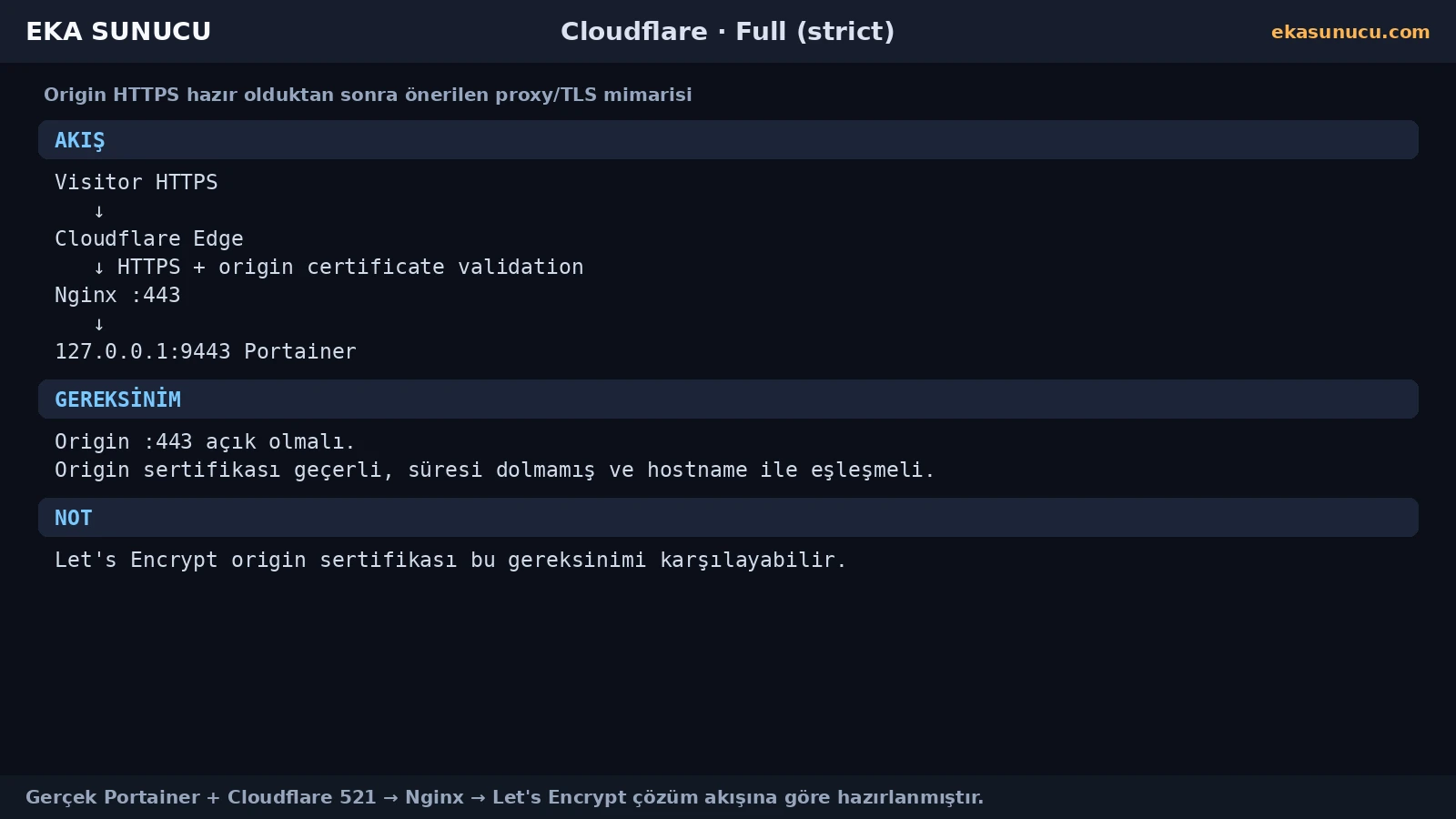
Our real case was an origin reverse-proxy problem, but Cloudflare documents blocked Cloudflare requests as another common 521 cause. Origin firewalls, rate limits or security software can refuse legitimate Cloudflare connections.
If Nginx is healthy on 443 and direct origin tests work but 521 continues, inspect firewall, fail2ban, CSF/LFD, rate limiting or provider security layers. Use Cloudflare's current official IP ranges instead of guessing individual addresses.
tail -n 100 /var/log/nginx/error.logjournalctl -u nginx --no-pager -n 100iptables -Snft list ruleset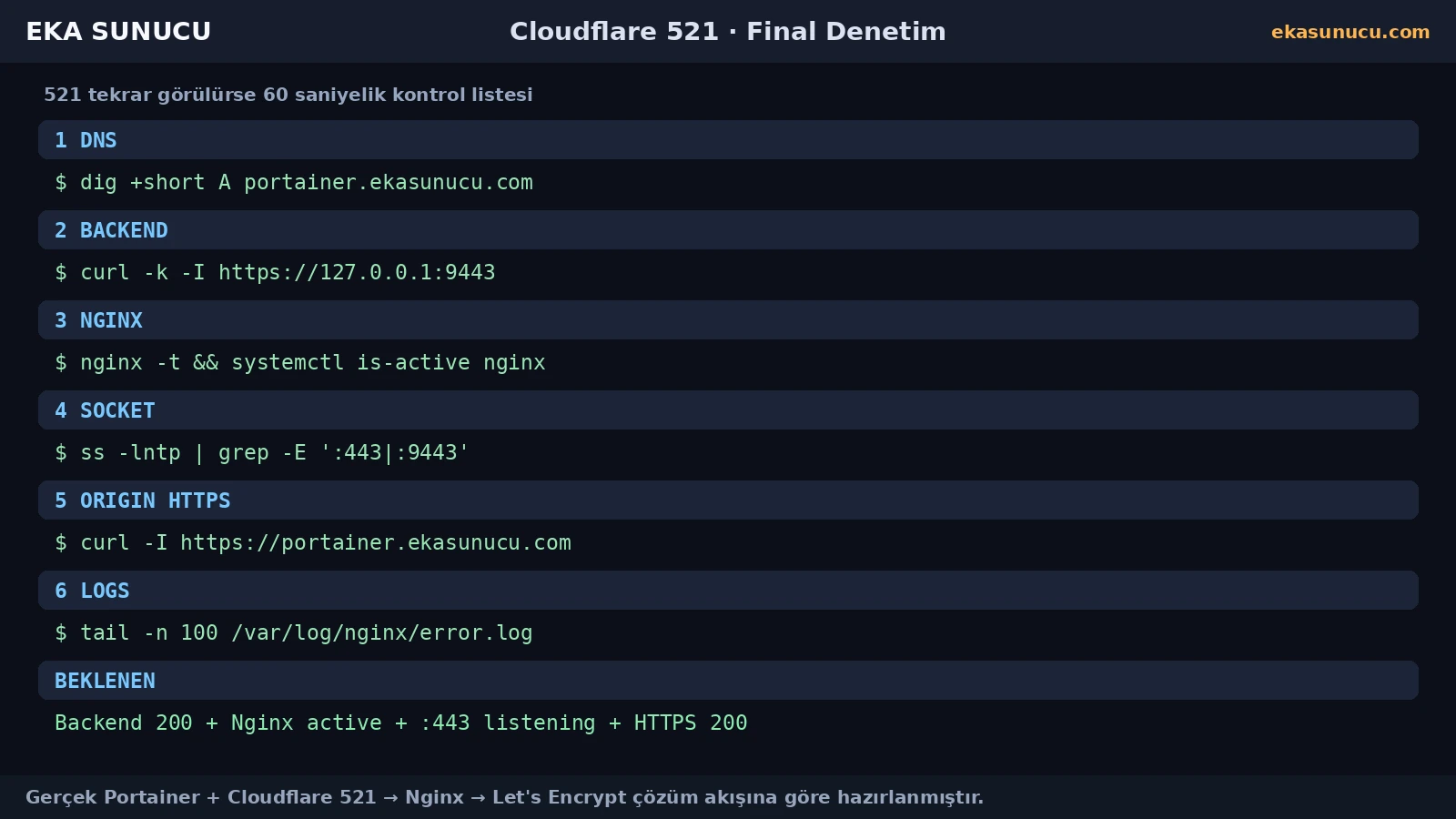
521 means the origin refused the Cloudflare connection. 522 is an origin connection timeout. 525 is an SSL handshake failure, while 526 indicates an invalid origin certificate under certificate validation.
The troubleshooting direction changes with the code: web server/listener/firewall for 521, reachability/timeouts for 522, and TLS handshake/certificate chain for 525/526.
521 → connection refused / origin down522 → origin connection timeout525 → SSL handshake failed526 → invalid SSL certificateThe fastest troubleshooting method is to isolate each layer. Check DNS first, then the localhost backend, then Nginx config/service, the 443 listener and finally the real HTTPS/domain path.
Do not solve 521 by exposing the backend port. Complete the correct origin web-server layer instead.
dig +short A portainer.ekasunucu.comcurl -k -I https://127.0.0.1:9443nginx -t && systemctl is-active nginxss -lntp | grep -E ':443|:9443'curl -I https://portainer.ekasunucu.comtail -n 100 /var/log/nginx/error.logIt means Cloudflare's connection to the origin web server was refused by the origin.
Cloudflare documents an offline origin web server and blocked Cloudflare requests as the two common causes.
The backend can be healthy on localhost 9443 while the public origin web-server layer on 443 is missing or refusing connections.
For standard HTTPS origin traffic, the origin web server must actively accept HTTPS on port 443.
No. We kept 9443 local and published the service through Nginx.
https://127.0.0.1:9443.
Only for the localhost Portainer self-signed upstream; public origin TLS was terminated at Nginx with Let's Encrypt.
No. It can simplify troubleshooting and direct-origin testing, but it is not universally required for certificate issuance.
No. It was a separate outbound TCP timeout to the Snap CDN.
Prefer it when the origin serves a valid, unexpired certificate matching the hostname on HTTPS.
521 is a refused origin connection; 522 is a timeout while contacting the origin.
521 is an origin connection refusal; 526 is an invalid origin certificate under certificate validation.
Inspect firewalls, fail2ban/CSF, rate limits and rules blocking Cloudflare IP ranges.
Check DNS, localhost backend, Nginx config/service, port 443 listener, origin HTTPS and error logs.
Run Portainer, n8n, Open WebUI and other self-hosted services behind Nginx, TLS and Cloudflare on EKA Sunucu Linux VPS.
Updated: 10.08.2026 Turkey (Turkish)
 Germany (German)
 Worldwide (English)

